
Security Camera System
A downloadable asset pack for Windows, macOS, Linux, and Android

📹 Security Camera System
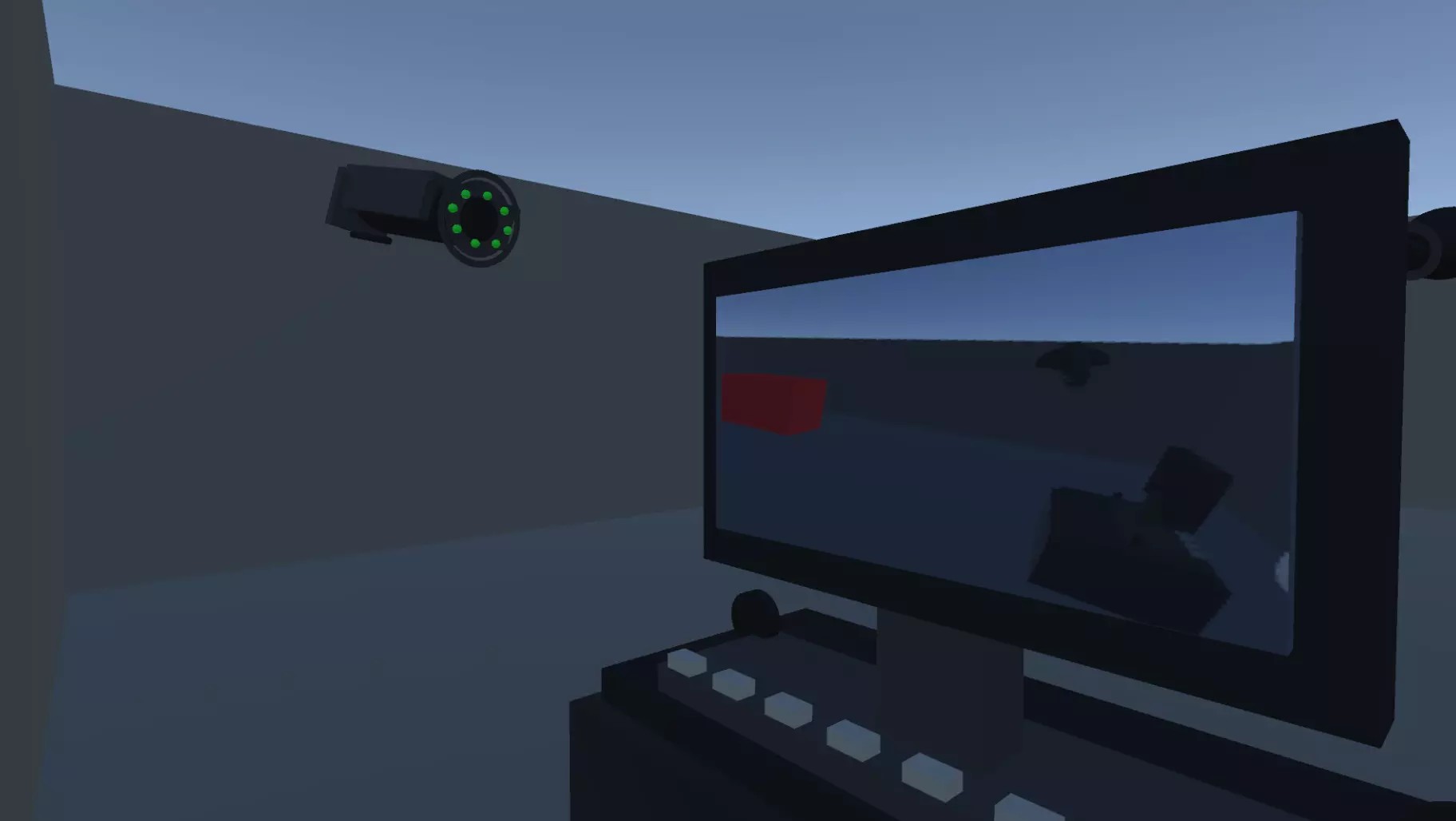
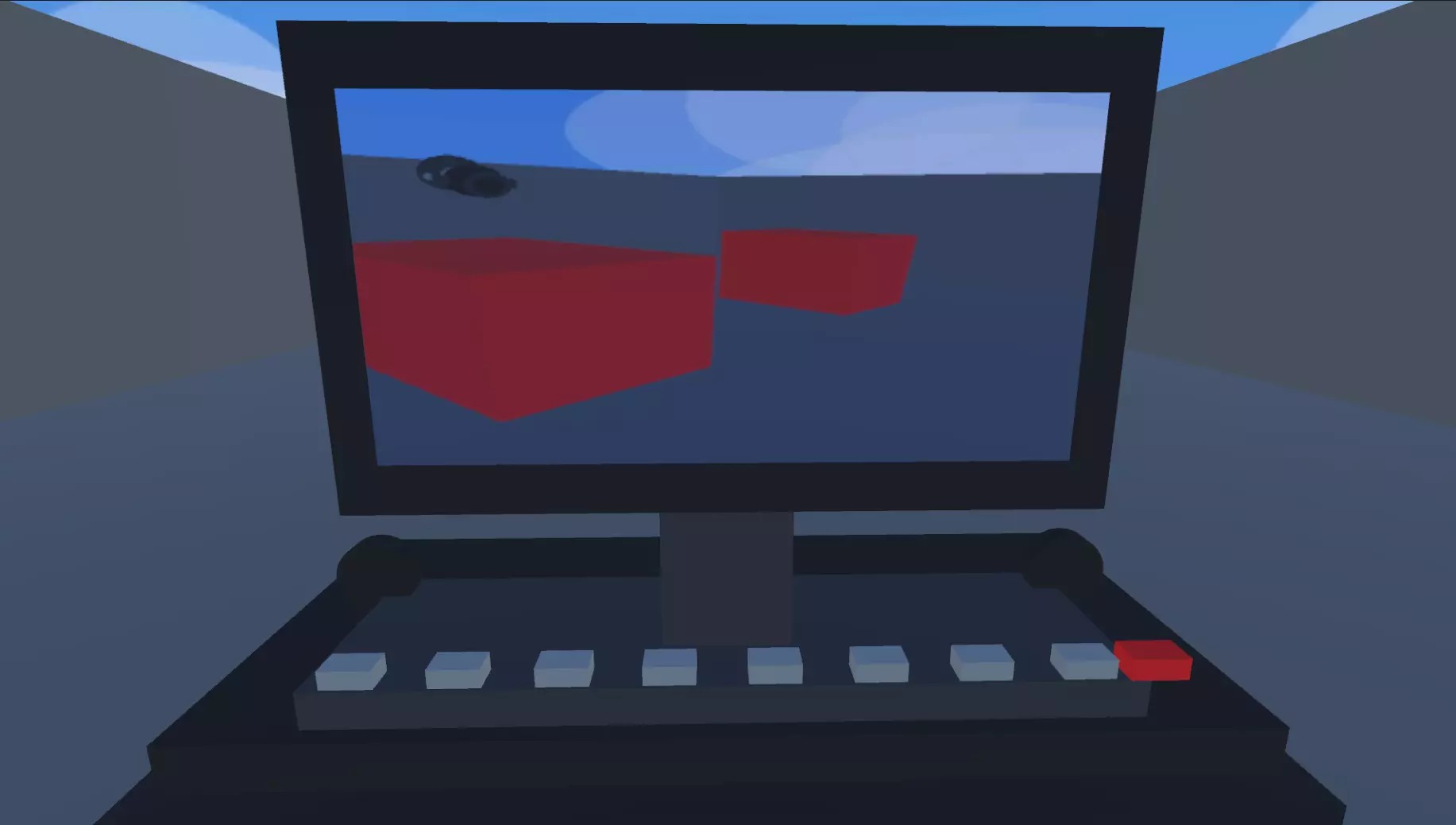
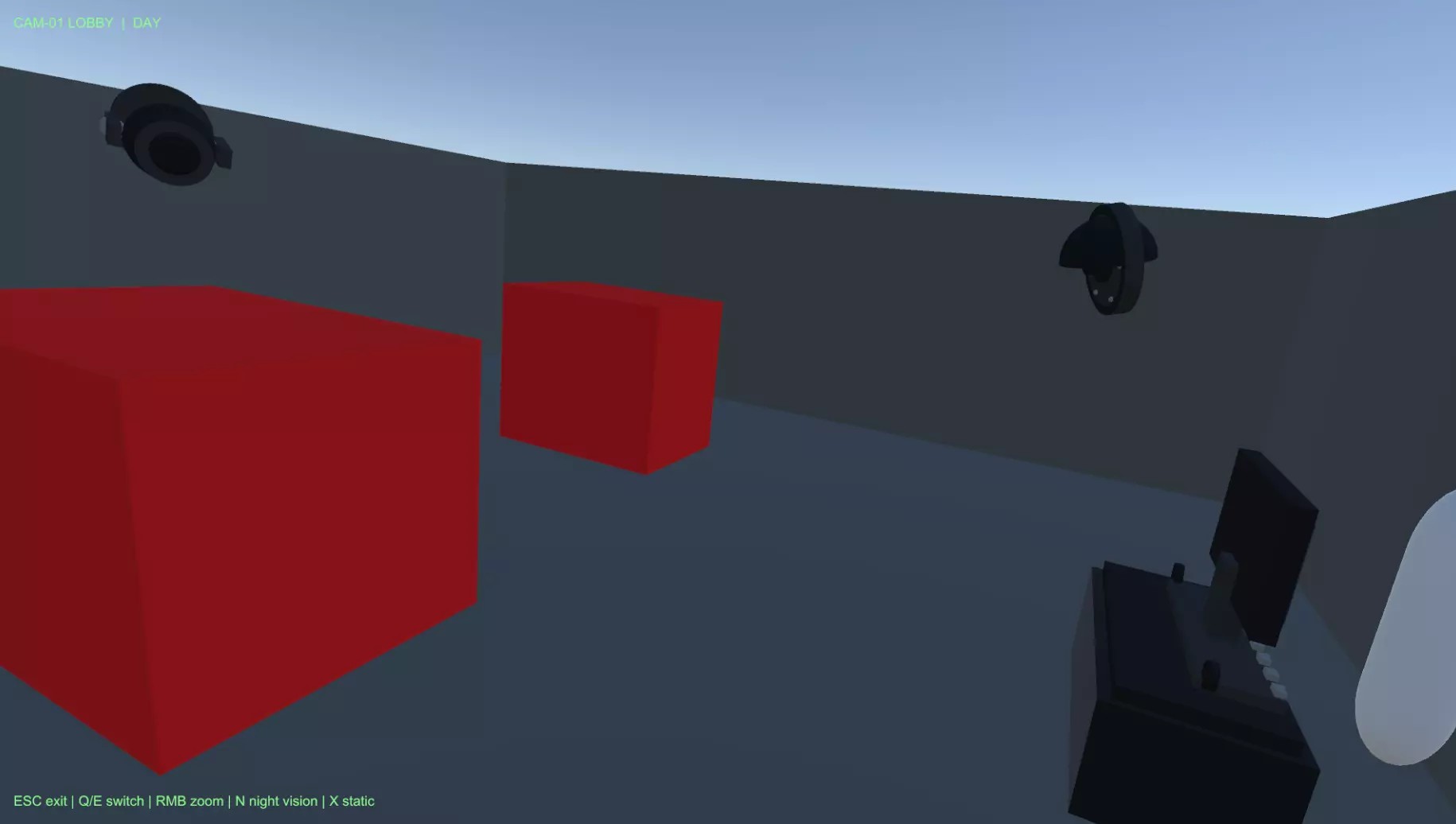
Security Camera System is a complete Unity toolkit for adding CCTV-style surveillance gameplay to your project.
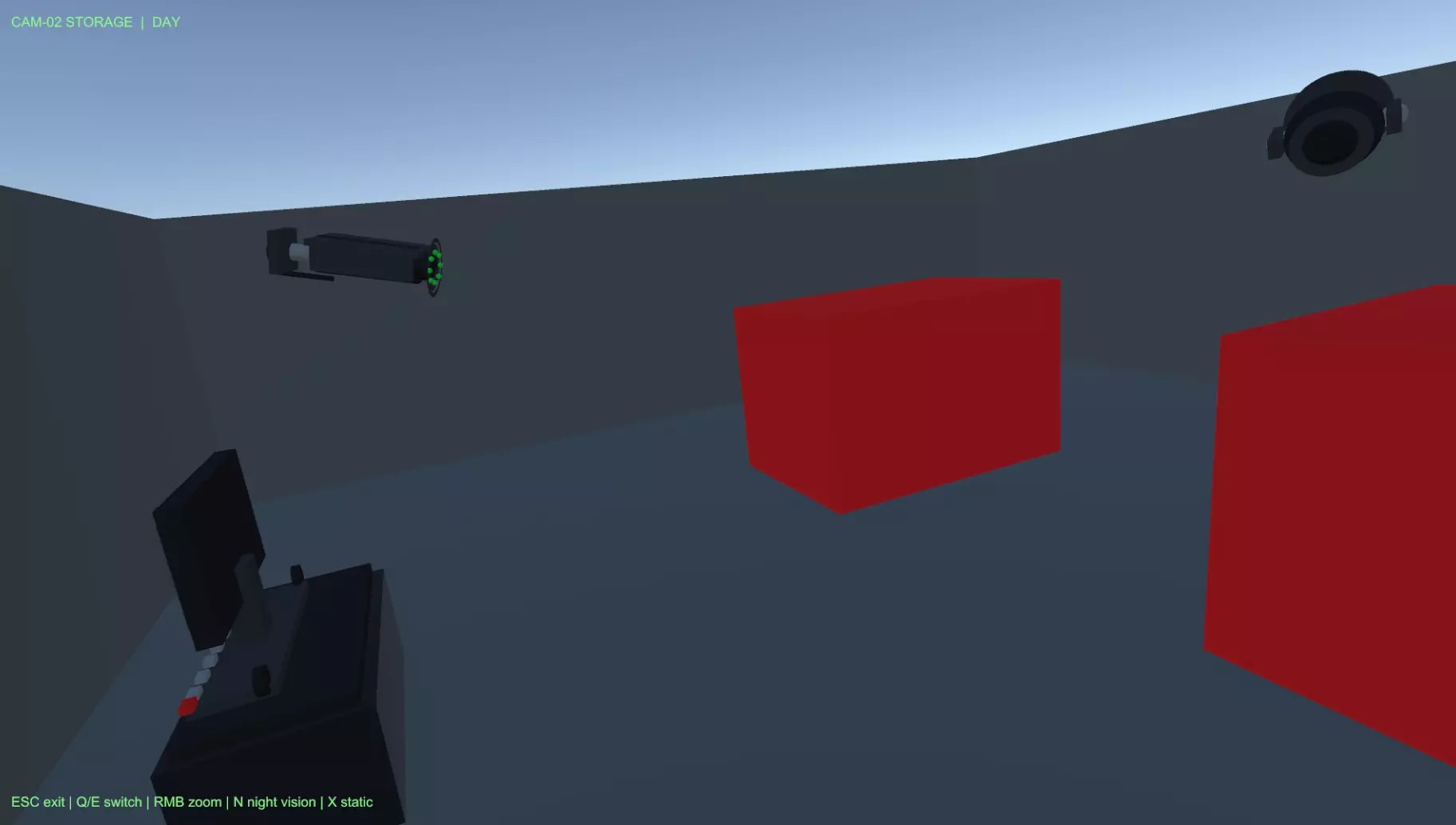
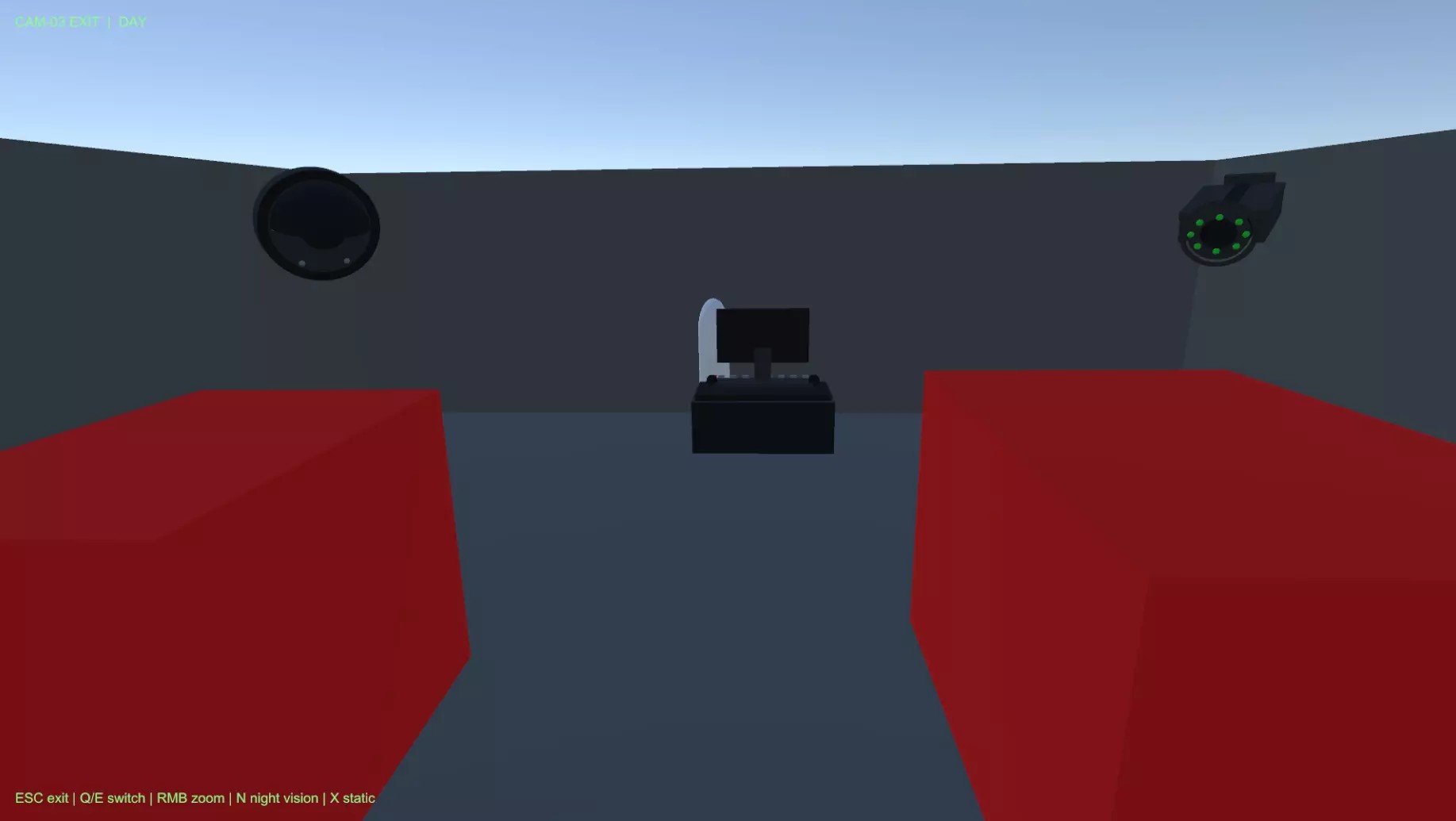
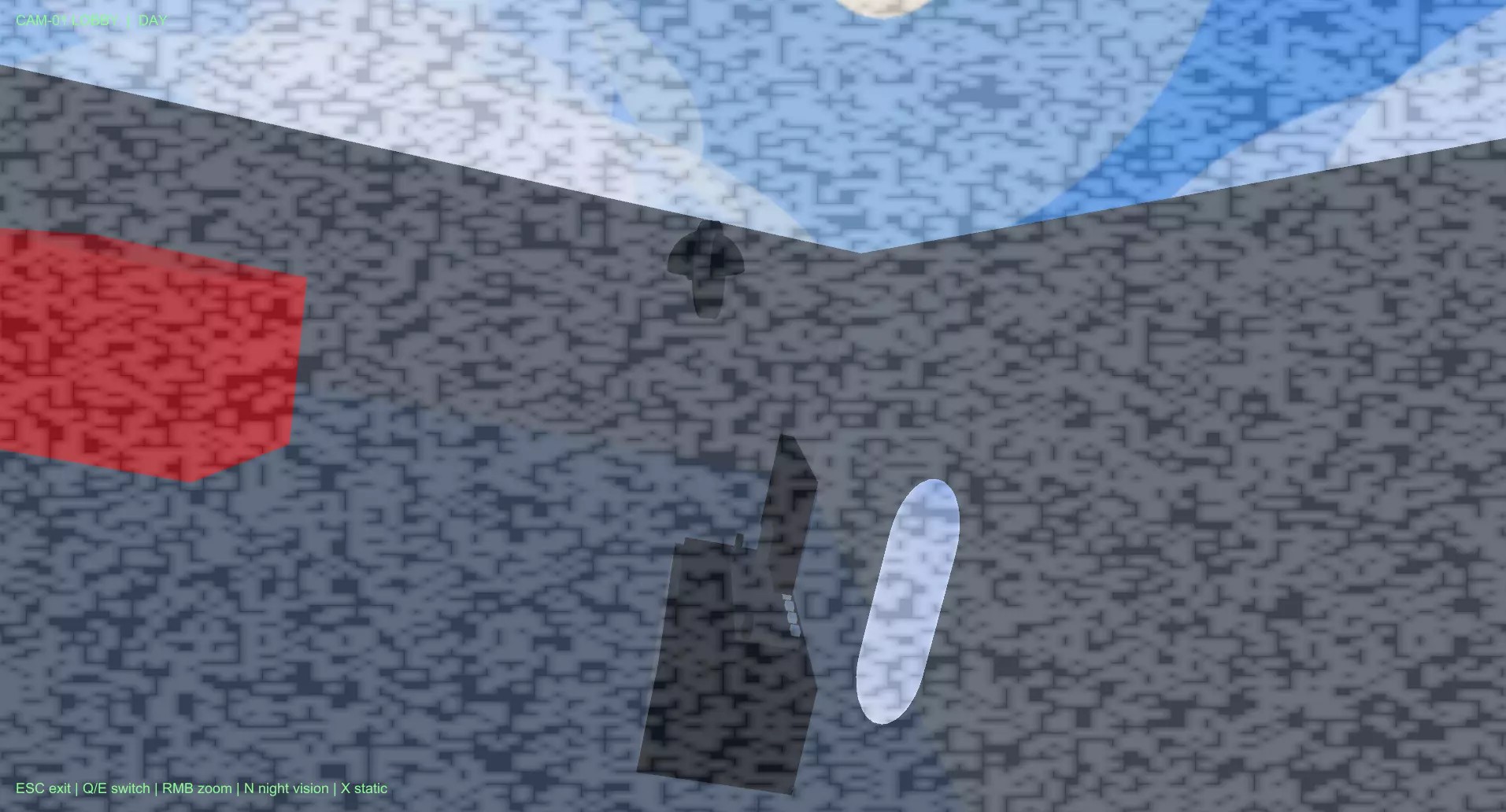
The package includes an interactive in-world computer terminal, multiple switchable security cameras, zoom controls, screen-space night vision, static signal noise, offline camera feedback, and configurable camera dead zones.
Build security rooms, surveillance puzzles, horror monitoring gameplay, stealth detection systems, and facility observation mechanics without creating the entire camera infrastructure from scratch.
⚡ Main Features
-
Interactive Security Terminal
Open the surveillance monitor through an in-world computer terminal. -
Multiple Security Cameras
Switch between several cameras from one central monitor interface. -
Camera Zoom
Zoom individual cameras for closer observation of important areas. -
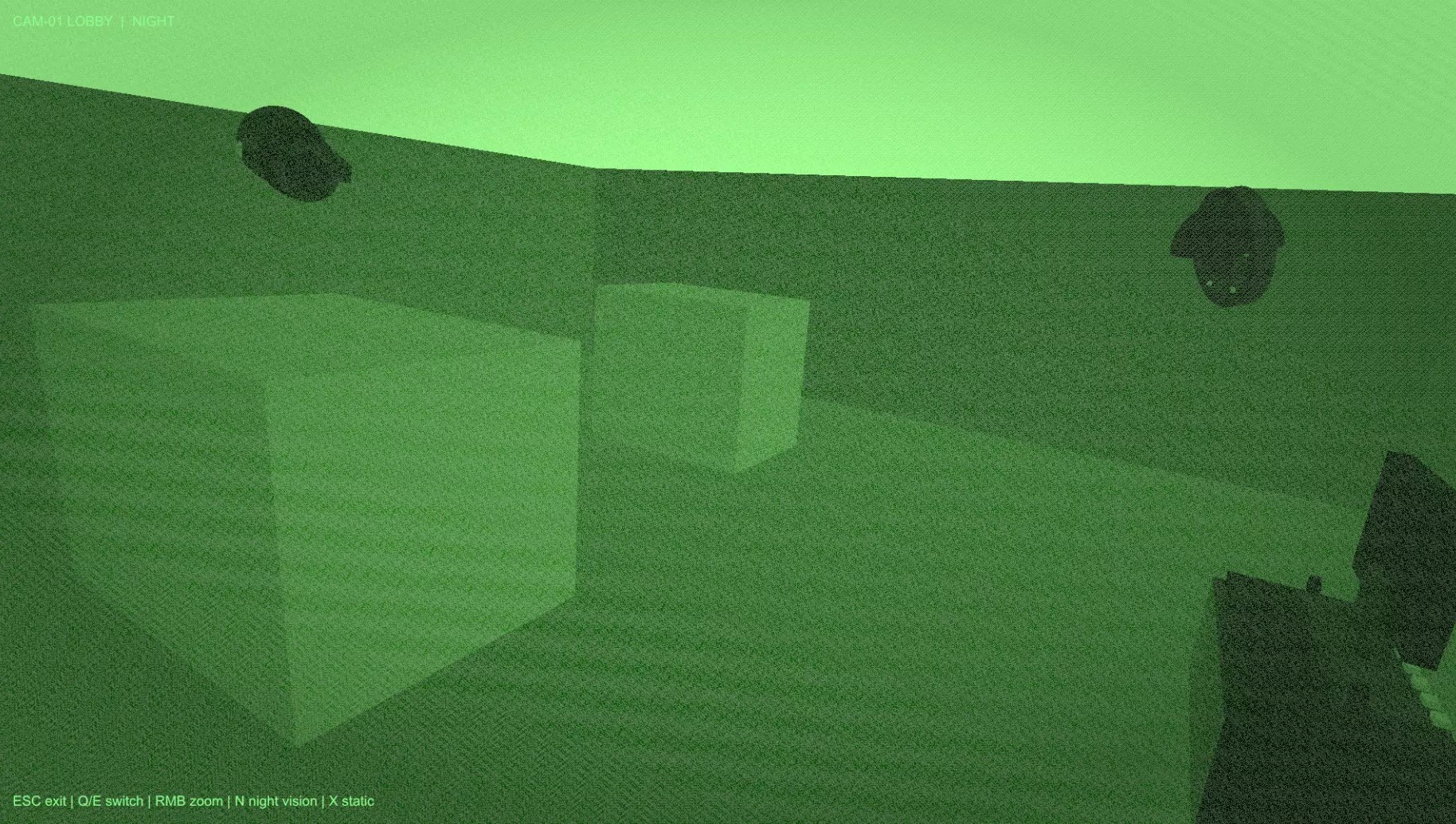
Night Vision
Toggle a screen-space night vision effect for dark environments. -
Static Signal Noise
Add surveillance-style interference and visual signal feedback. -
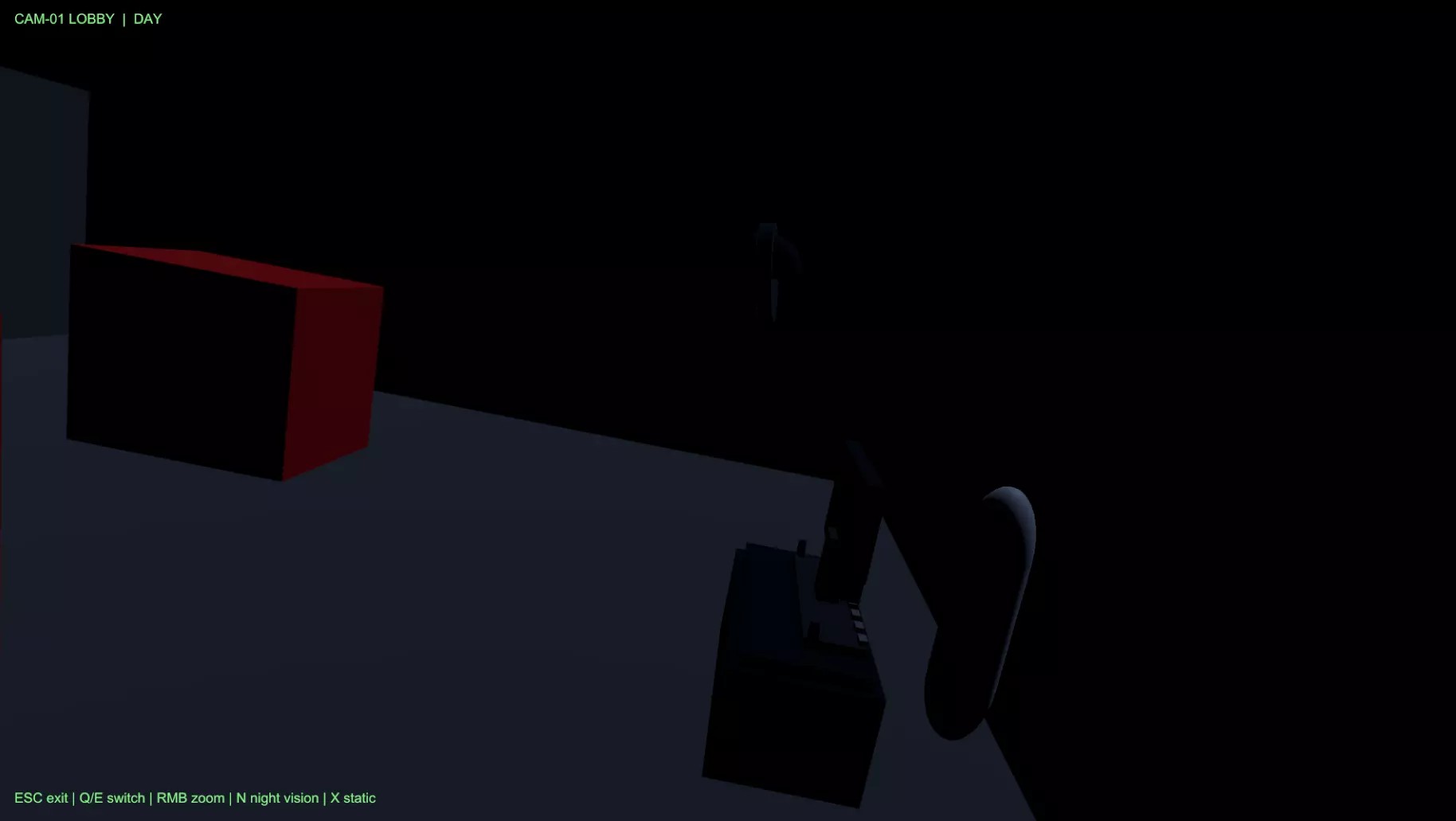
Offline / No Signal State
Cameras can display an unavailable or no-signal screen. -
Camera Dead Zones
Define hidden areas where cameras cannot detect the player. -
Central Monitor Controller
Manages switching, HUD, player lockout, camera state, and monitor input. -
Public API
Control the system through code and connect it to custom gameplay logic. -
Reusable Prefabs
Includes ready prefabs for cameras, terminals, player setup, and dead zones.
🖥️ In-World Security Terminal
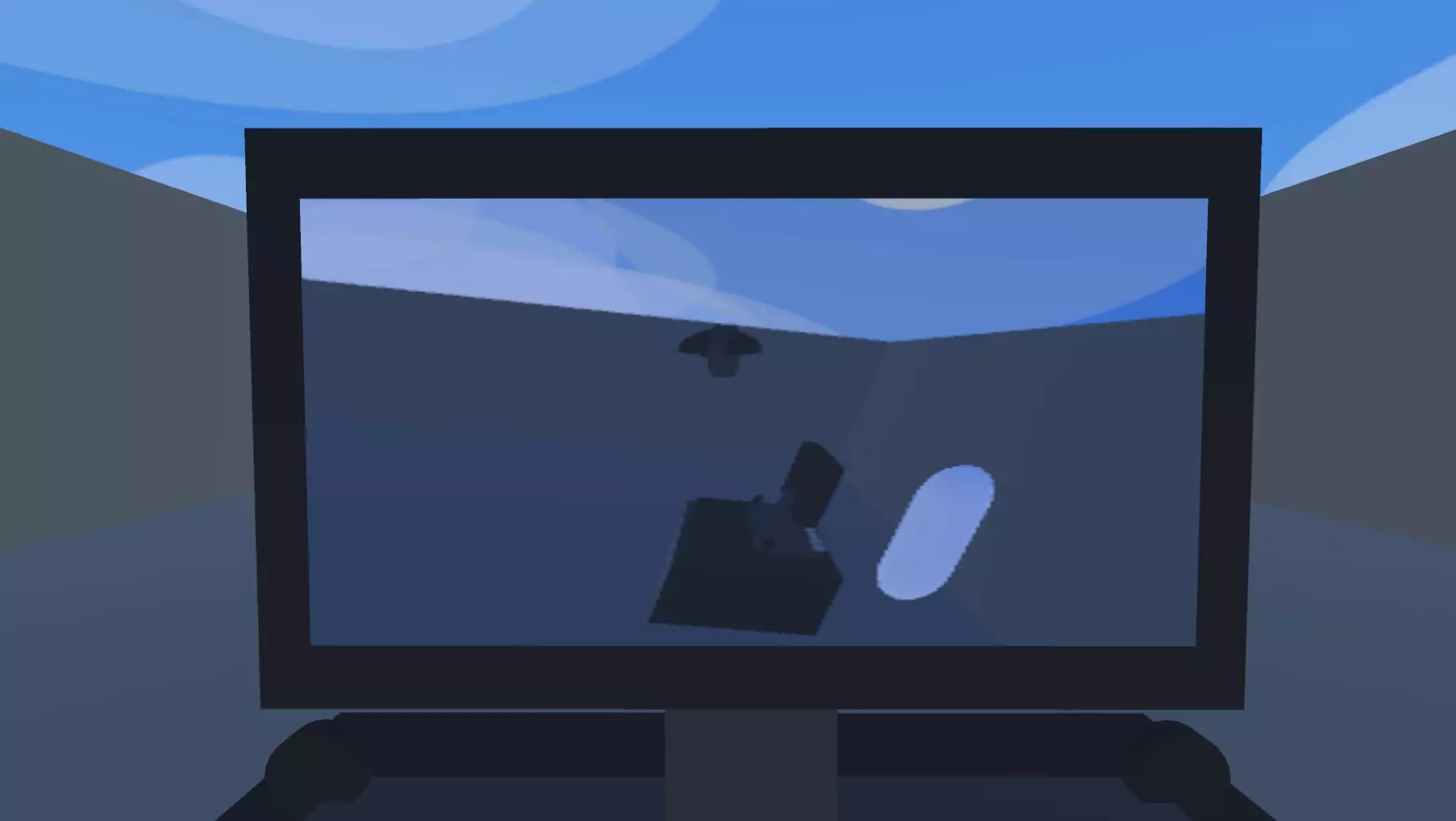
The player can access the surveillance system through an interactive terminal placed directly inside the game world.
When activated, the terminal opens monitor mode, switches control to the security camera interface, and temporarily locks normal player movement if configured.
Terminal Features
- In-world interaction
- Open monitor mode
- Close monitor mode
- Player movement lockout
- Player camera control handling
- Integration with custom interaction systems
🎥 Multiple Security Cameras
Create surveillance networks using multiple independently configured cameras.
Every camera can have its own ID, movement behavior, field of view, zoom settings, visibility configuration, and detection rules.
Camera Configuration
- Custom camera ID
- Configurable sweep angle
- Configurable sweep speed
- Standard FOV
- Zoom FOV
- Visibility LayerMask
- Target visibility checks
- Night vision support
🔄 Camera Switching
The central monitor controller allows the player to move through the available security camera feeds.
This can be used for security-room gameplay, environmental observation, stealth tracking, or puzzle mechanics.
Switching Features
- Next camera
- Previous camera
- Direct camera selection through code
- Camera ID display
- Centralized feed management
- Offline camera handling
🔍 Camera Zoom
Security cameras support configurable zoom behavior for closer observation.
Developers can configure the normal field of view and zoom field of view independently for different camera types.
Zoom Features
- Normal camera FOV
- Zoom camera FOV
- Runtime zoom control
- Public zoom API
- Per-camera configuration
🌙 Night Vision
The package includes a screen-space night vision effect that can be toggled while using the security camera monitor.
This is useful for dark rooms, horror environments, night levels, underground facilities, and limited-visibility gameplay.
Night Vision Support
- Runtime toggle
- Screen-space effect
- Monitor integration
- Public toggle API
- Useful for dark surveillance feeds
📺 Signal Noise & Offline Feedback
Add visual feedback to make the surveillance interface feel more authentic.
Static noise and offline states help create the appearance of real CCTV feeds while also supporting gameplay situations where cameras become unavailable.
Signal Features
- Static noise overlay
- No-signal display
- Offline camera state
- Monitor feedback
- Customizable UI presentation
🚫 Camera Dead Zones
Define areas where security cameras cannot detect the player.
Dead zones use trigger box colliders and can be placed in ventilation shafts, behind cover, inside hidden areas, or anywhere surveillance should be blocked.
Dead Zone Use Cases
- Stealth safe areas
- Blind spots
- Ventilation routes
- Hidden rooms
- Cover-based gameplay
- Security puzzle mechanics
🧠 Central Monitor Controller
The central monitor controller manages the main surveillance gameplay state.
Monitor Responsibilities
- Open monitor mode
- Close monitor mode
- Switch active cameras
- Display camera HUD
- Handle static interference
- Show offline feedback
- Lock player movement
- Manage input
- Control zoom
- Toggle night vision
👁️ Visibility Detection
Cameras can perform configurable target visibility checks.
This makes the system useful not only for visual monitoring, but also as a foundation for stealth detection, security alerts, or camera-triggered gameplay logic.
Detection Configuration
- Visibility LayerMask
- Target visibility checking
- Dead zone support
- Public visibility query API
- Custom gameplay integration
💻 Public Runtime API
Developers can control the surveillance system through code and integrate it with their own project architecture.
API Capabilities
- Open monitor mode
- Close monitor mode
- Select a specific camera
- Move between camera feeds
- Toggle night vision
- Set zoom state
- Check target visibility
Use the included gameplay flow directly or connect the system with alarms, quests, scripted events, enemy AI, doors, lights, or custom security mechanics.
🧩 Easy Integration
The package can be used as a complete demo setup or connected to an existing project.
Developers can link the monitor controller with their own player camera, movement component, and interaction system.
Integration Options
- Use the included FPS controller
- Connect your own player movement script
- Connect your own interaction system
- Connect your own HUD
- Use your own player camera
- Extend with alarms and detection events
🎮 Suitable For
-
👻 Horror Games
Monitor dangerous areas, watch enemy movement, and create tension through limited information. -
🥷 Stealth Games
Use camera visibility, blind spots, and dead zones as part of the stealth gameplay loop. -
🌲 Survival Games
Monitor entrances, facilities, enemies, and dangerous locations. -
🔎 Detective Games
Review rooms, track suspects, inspect events, and observe important locations. -
🏭 Facility Exploration
Create surveillance rooms and monitoring stations inside laboratories, bunkers, offices, or factories. -
🖥️ Security Room Gameplay
Build gameplay focused around switching feeds and observing threats.
📦 Included Prefabs
- Security camera prefab
- Computer terminal prefab
- Demo player prefab
- Camera dead zone prefab
- Reusable monitor setup
⚙️ Technical Details
Security Camera Features
- Multiple switchable cameras
- Configurable camera IDs
- Camera sweep movement
- Adjustable sweep angle
- Adjustable sweep speed
- Configurable FOV
- Configurable zoom FOV
- Visibility mask support
- Target visibility checking
Monitor Features
- Central camera feed controller
- Camera switching
- HUD management
- Player lockout
- Input handling
- Static overlay
- No-signal feedback
- Night vision control
- Zoom control
Interaction
- In-world computer terminal
- Monitor opening and closing
- Built-in Input API
- Simple FPS demo controller
Dead Zones
- Trigger box collider workflow
- Camera visibility blocking
- Reusable hidden-area components
Public API
- Open monitor mode
- Close monitor mode
- Select cameras
- Toggle night vision
- Set zoom
- Check target visibility
Technology
- Built with standard Unity components
- Uses the built-in Input API
- No complex external framework required
📖 Documentation
The package includes detailed offline documentation covering setup, controls, fields, API usage, mistakes, troubleshooting, and release checks.
Included Formats
- Markdown documentation
- TXT documentation
- PDF documentation
Documentation Covers
- Initial setup
- Controls
- Component fields
- Public API usage
- Common mistakes
- Troubleshooting
- Release checks
📹 Build Your Surveillance Gameplay
Add interactive terminals, multiple camera feeds, zoom, night vision, signal interference, offline cameras, visibility checks, and surveillance dead zones to your Unity project.
Security Camera System provides a modular foundation for CCTV gameplay, security-room mechanics, stealth detection, and surveillance-focused experiences.
Purchase
In order to download this asset pack you must purchase it at or above the minimum price of $3.04 USD. You will get access to the following files:

Leave a comment
Log in with itch.io to leave a comment.