
Runtime Terrain Deformation
A downloadable asset pack for Windows, macOS, Linux, and Android

⛏️ Runtime Terrain Deformation
Runtime Terrain Deformation is a gameplay system for Unity Terrain that allows projects to modify terrain heightmaps directly during gameplay.
The package provides a central deformation component that can be called by gameplay tools, excavators, construction vehicles, attachments, wheels, crawler tracks, projectiles, impacts, and custom controllers.
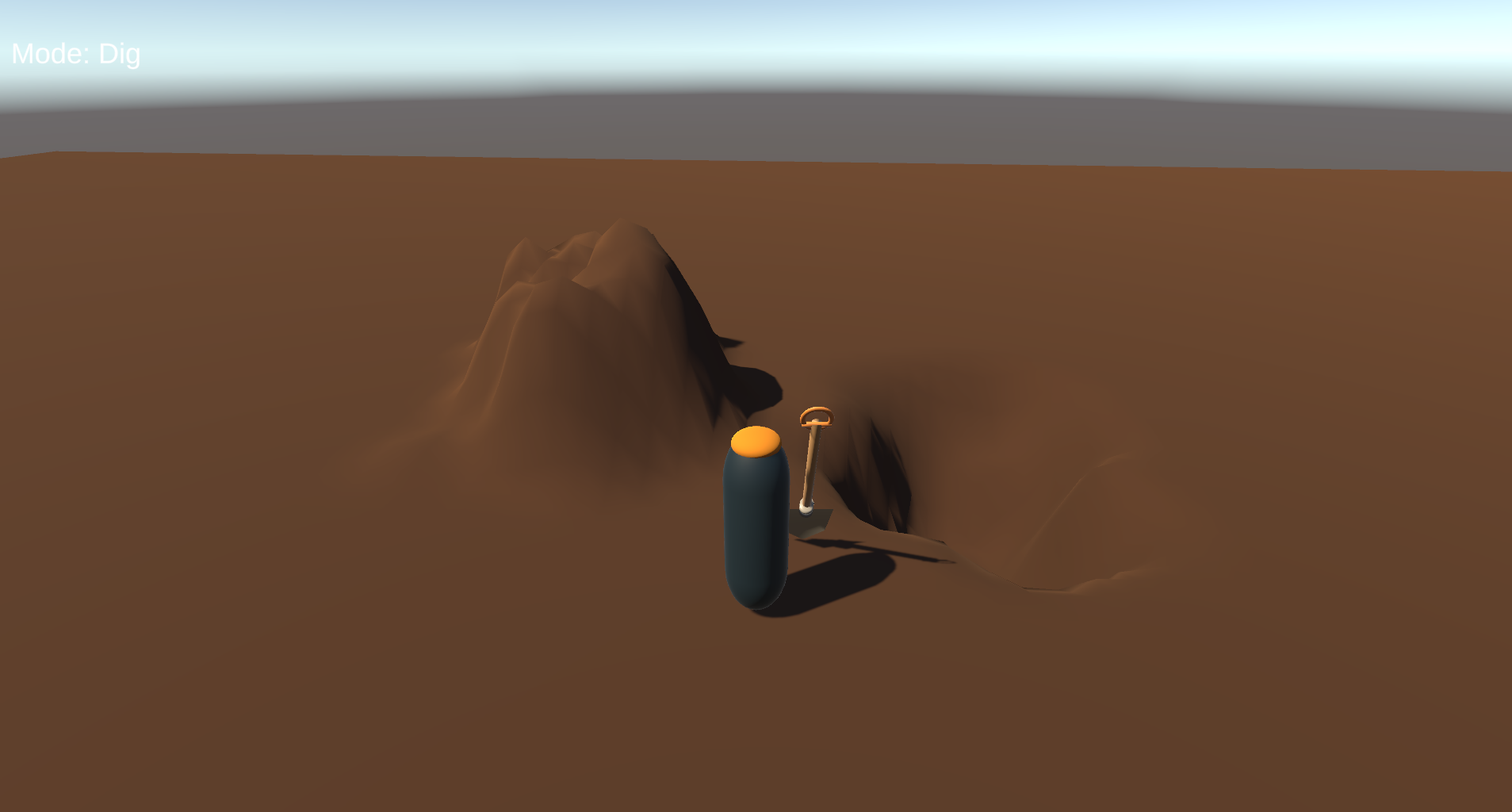
Dig trenches, raise soil, flatten construction areas, create wheel tracks, deform terrain with excavator buckets, and generate impact craters at runtime.
⚙️ Main Features
-
Runtime Terrain Digging
Lower Unity Terrain heightmaps during gameplay using configurable deformation brushes. -
Soil Raising
Raise terrain for soil dumping, construction work, terrain editing, or gameplay effects. -
Flatten Brush
Level terrain for bulldozer blades, excavator attachments, construction machinery, or custom tools. -
Smooth Terrain
Reduce sharp height differences and create smoother deformation transitions. -
Crater Deformation
Create impact-style terrain deformation for explosions, artillery, projectiles, or destruction systems. -
Excavator Bucket Integration
Call the terrain deformation API from bucket tips, attachment points, or custom machine logic. -
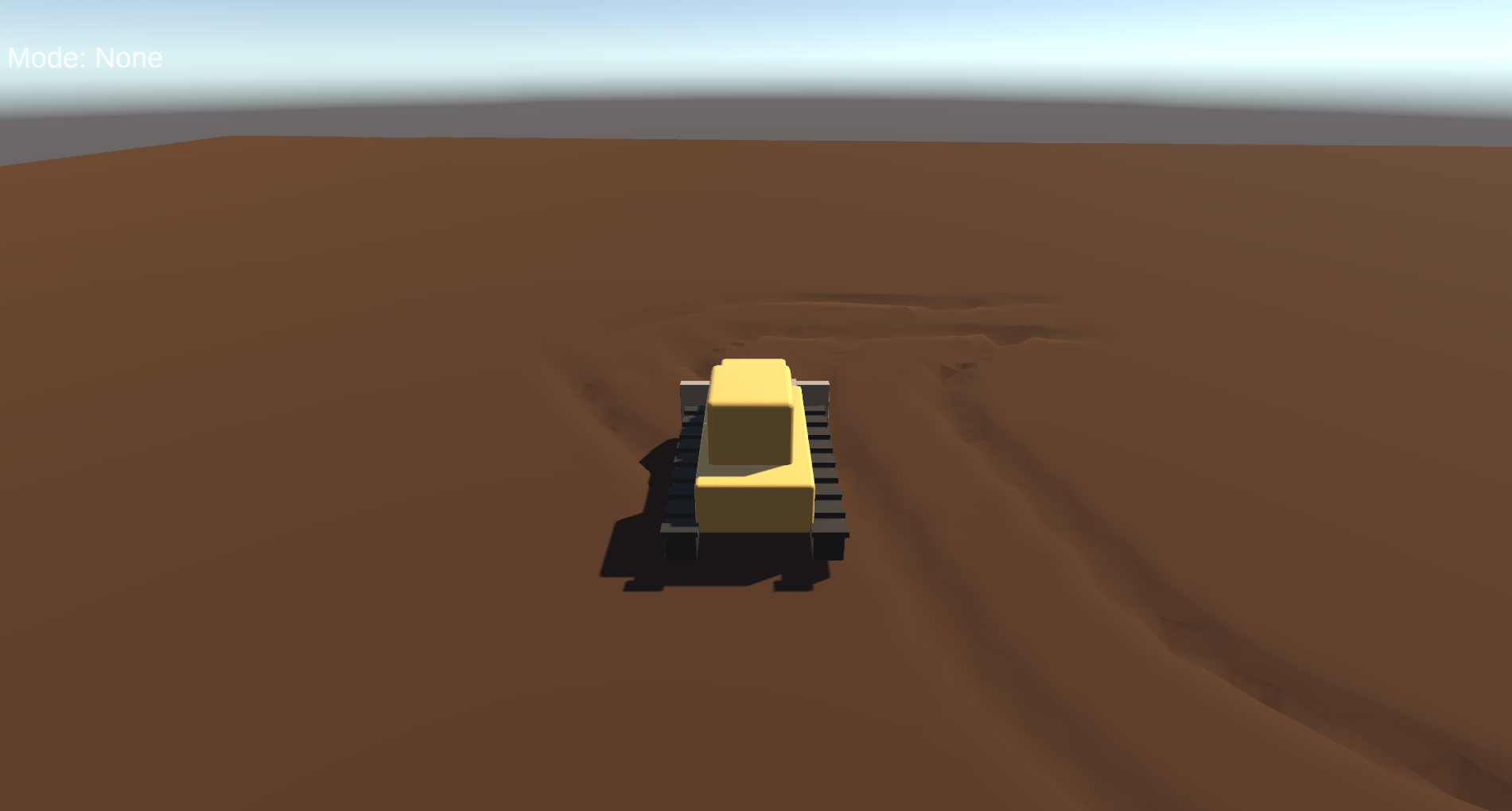
Wheel Track Deformation
Modify terrain under vehicle wheels and create visible terrain interaction during movement. -
Crawler Track Support
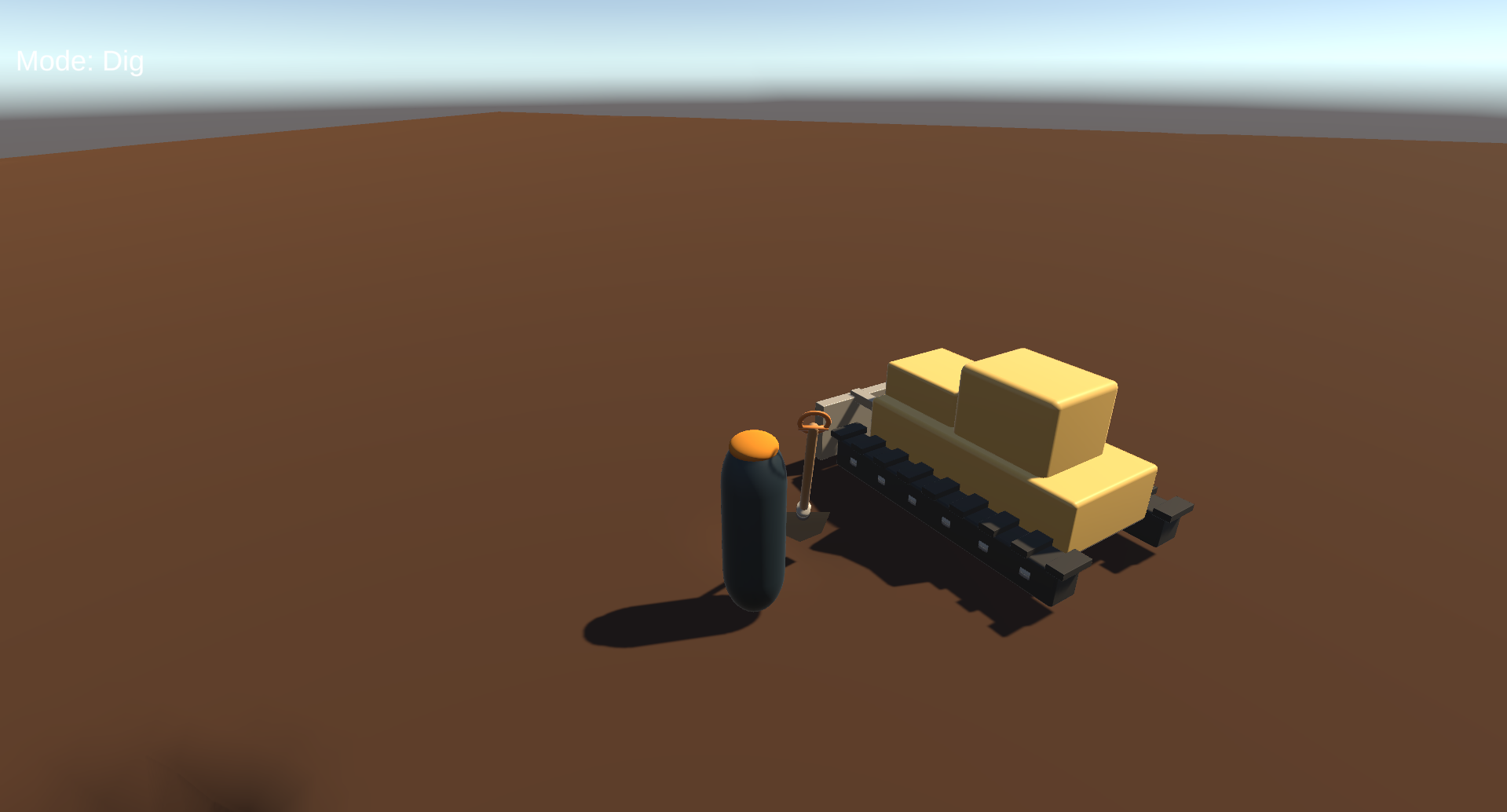
Create deformation paths for tanks, bulldozers, excavators, and tracked vehicles. -
Adjustable Brush Settings
Configure radius, strength, falloff, depth, and stamp spacing. -
Runtime Terrain Reset
Restore terrain to its original heightmap state during gameplay.
🧠 Central Deformation System
The package is built around the central RuntimeTerrainDeformer component.
Other gameplay systems can call the deformation API using world positions and deformation settings.
Can Be Controlled By
- Excavator buckets
- Bulldozer blades
- Shovels
- Construction tools
- Vehicle wheels
- Crawler tracks
- Projectiles
- Explosions
- Custom player tools
- Custom gameplay scripts
🖌️ Multiple Brush Modes
Different terrain operations can be performed through the same deformation system.
Included Brush Modes
-
Dig
Lower the terrain surface around the brush position. -
Raise
Increase terrain height for soil dumping and terrain building. -
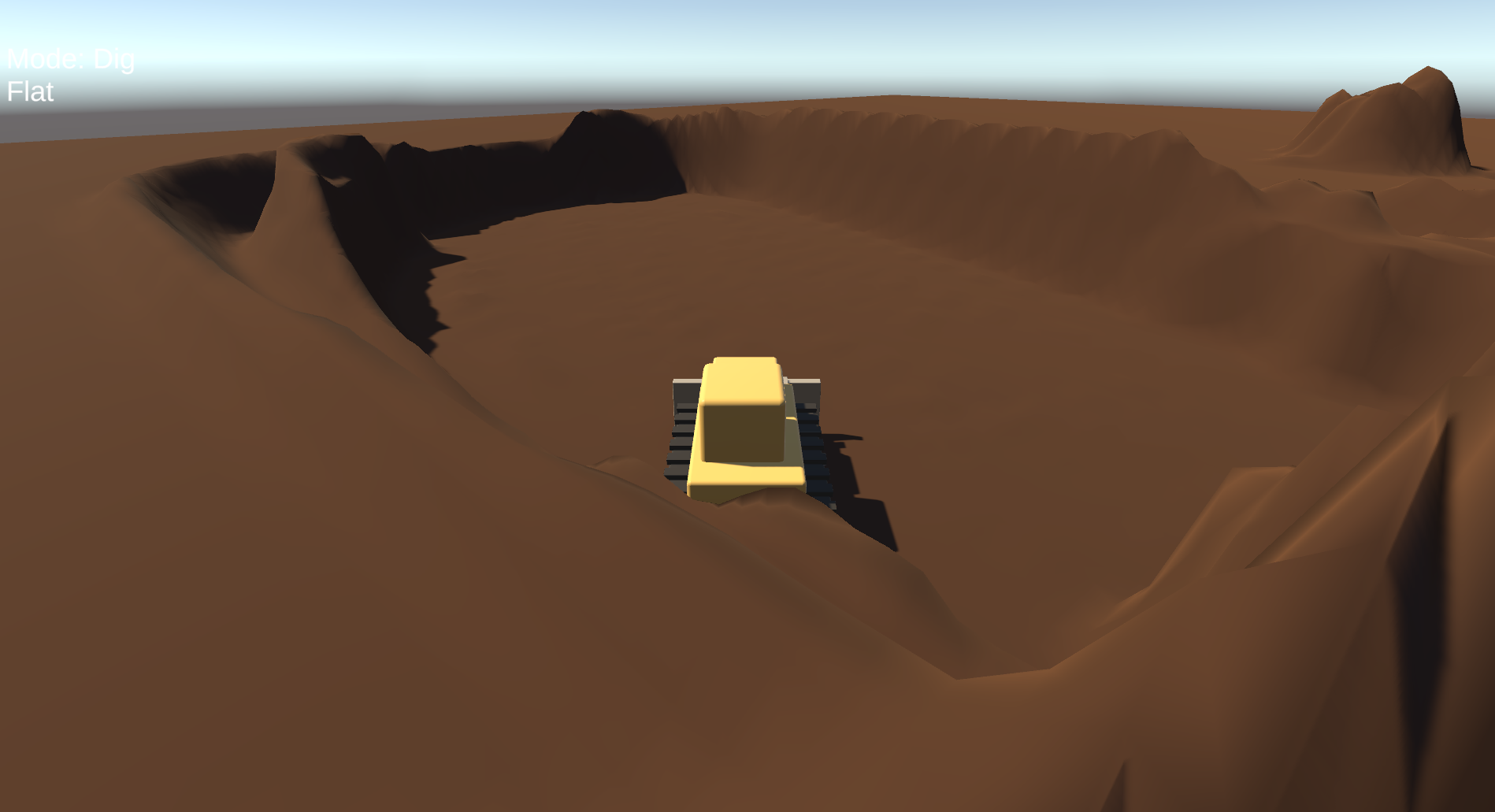
Flatten
Move terrain toward a target level for construction and road-building gameplay. -
Smooth
Blend surrounding height values to reduce sharp transitions. -
Crater
Create impact-style deformation with a depressed center and configurable surrounding shape.
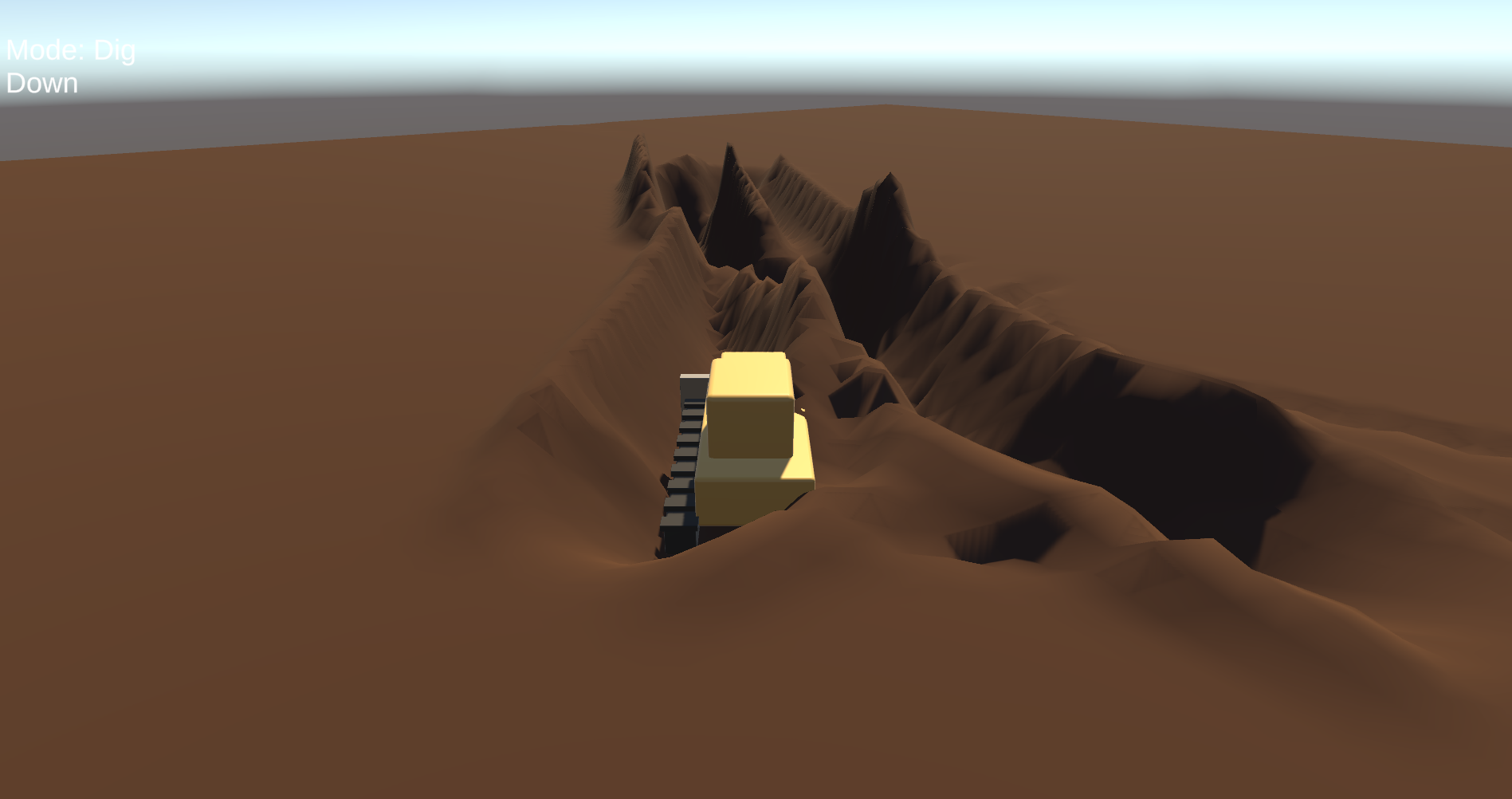
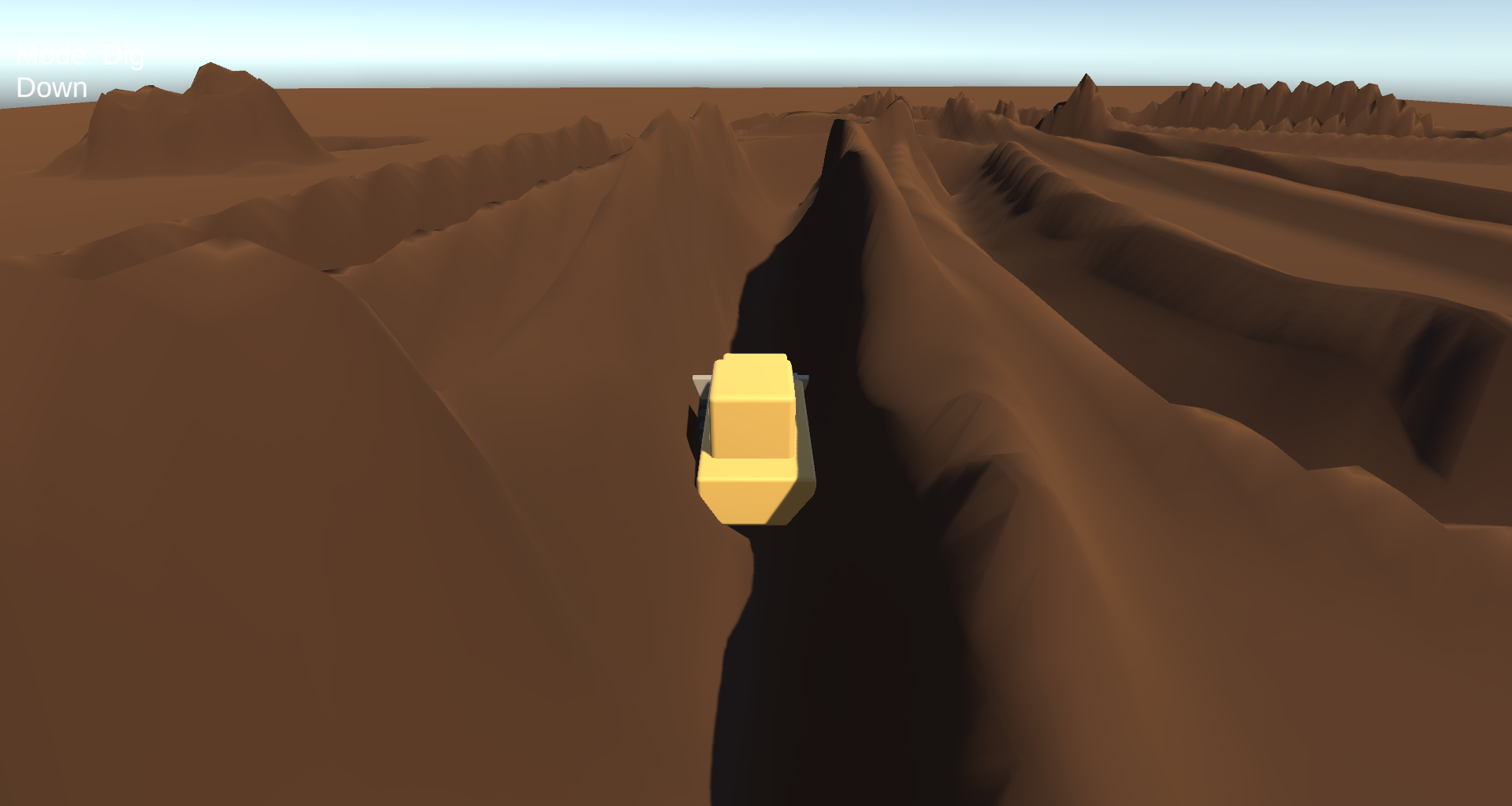
⛏️ Runtime Digging
Dig directly into Unity Terrain while the game is running.
The system can be triggered continuously or through individual deformation stamps, making it suitable for tools, machines, vehicles, and gameplay interactions.
Useful For
- Excavation gameplay
- Trench digging
- Mining areas
- Construction sites
- Player-controlled shovels
- Heavy equipment simulators
🚜 Soil Raising & Dumping
Terrain can also be raised during gameplay.
This can be used for soil dumping, construction work, embankments, road building, terrain restoration, or sandbox editing.
Example Use Cases
- Dump truck unloading
- Excavator soil placement
- Terrain building tools
- Road construction
- Sandbox terrain editing
📏 Terrain Flattening
Flatten terrain toward a target height during runtime.
This is useful for construction machinery, bulldozer blades, road tools, base building, or preparing terrain for structures.
Suitable For
- Bulldozers
- Grader vehicles
- Construction attachments
- Road building
- Base placement systems
- Settlement construction
🏗️ Excavator & Attachment Integration
The deformation system can be connected to excavator buckets and other construction attachments through world-position API calls.
Your own machine script can detect bucket movement or contact and send deformation commands to the central terrain deformer.
Possible Attachments
- Excavator buckets
- Backhoe buckets
- Bulldozer blades
- Grading tools
- Drilling tools
- Custom digging attachments
The system does not require a specific vehicle controller. Connect your own gameplay logic to the terrain deformation API.
🛞 Wheel Track Deformation
Vehicle wheels can deform the terrain surface while moving.
This allows off-road vehicles, trucks, construction machines, and heavy equipment to leave visible terrain deformation behind them.
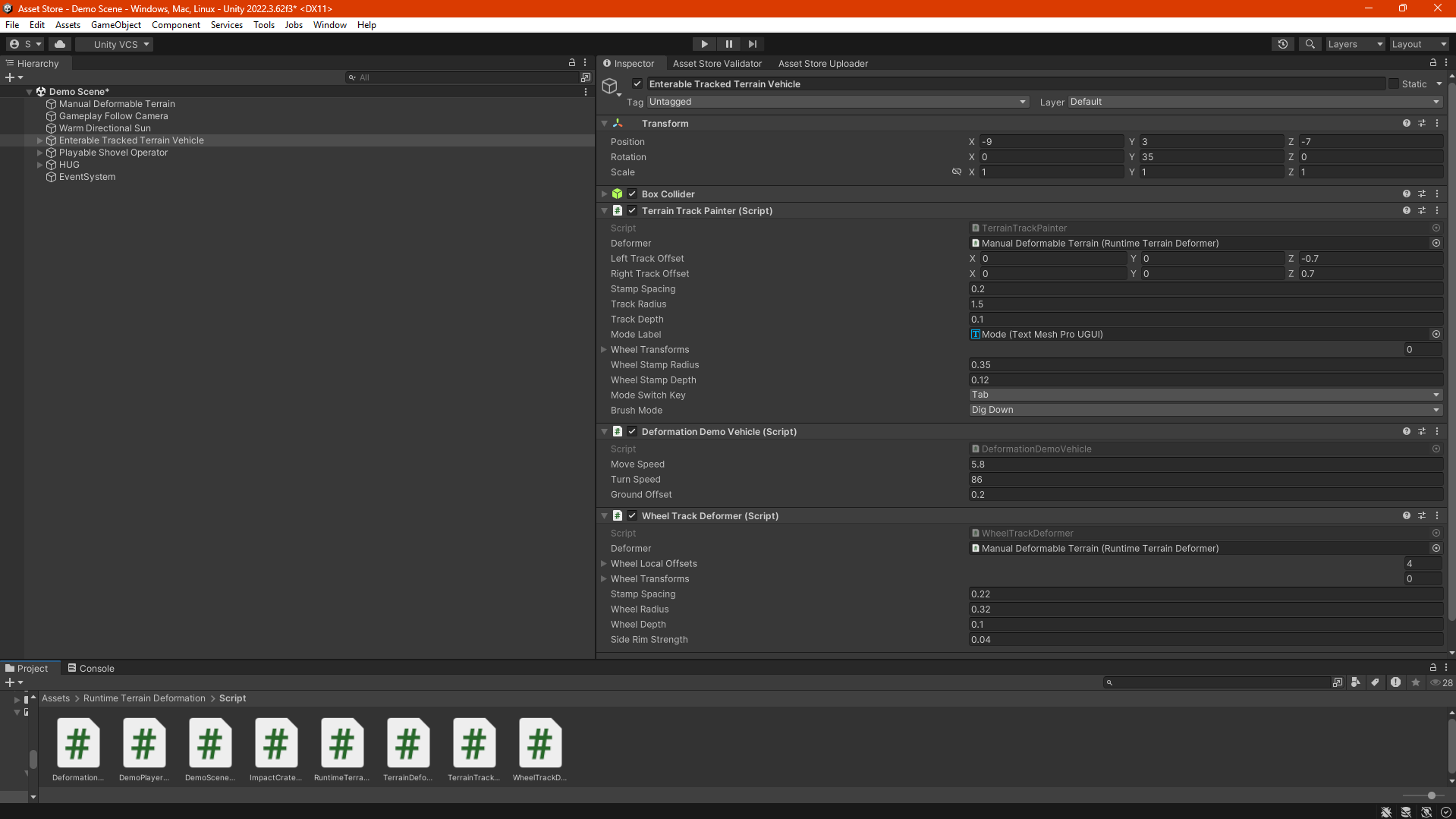
Track Configuration
- Track brush radius
- Track depth
- Stamp spacing
- Deformation strength
- Falloff configuration
🔗 Crawler / Tracked Vehicle Deformation
The system supports continuous deformation for tracked vehicles.
Suitable Vehicles
- Tanks
- Bulldozers
- Tracked excavators
- Military vehicles
- Construction machines
- Heavy sandbox vehicles
Multiple deformation points can be used to create continuous track interaction with the terrain surface.
💥 Crater & Impact Deformation
Projectiles and explosions can create runtime terrain craters.
The deformation API can be called from projectile collision logic, explosion scripts, artillery systems, or destruction mechanics.
Useful For
- Artillery impacts
- Tank shells
- Bomb explosions
- Missile impacts
- Destruction gameplay
- Military simulation
🎛️ Adjustable Deformation Settings
Deformation behavior can be customized for different tools, vehicles, weapons, and gameplay situations.
Configurable Parameters
-
Brush Radius
Controls the size of the affected terrain area. -
Strength
Controls how strongly the terrain changes with each deformation call. -
Falloff
Controls how deformation strength decreases from the center of the brush. -
Depth
Controls digging, track, or crater deformation depth. -
Stamp Spacing
Controls the distance between repeated deformation calls for moving tools and vehicles.
♻️ Runtime Terrain Reset
Terrain can be restored to its original state during gameplay.
This is useful for testing, level restart systems, construction challenges, sandbox reset buttons, and repeatable demo scenes.
Reset Use Cases
- Level restart
- Sandbox reset
- Construction challenge restart
- Demo scene testing
- Terrain recovery mechanics
🚙 Example Vehicle Flow
The package includes example scripts demonstrating vehicle interaction and a basic enter / exit gameplay flow.
Example Content
- Vehicle interaction examples
- Enter vehicle flow
- Exit vehicle flow
- Input testing scripts
- Terrain tool examples
- Impact deformation examples
💻 Deformation API
The system is designed to be connected to your own gameplay logic.
Your scripts can call the central deformation system from world positions and apply the required deformation mode and parameters.
Integration Examples
- Call Dig from a shovel script
- Call Raise from a soil dumping system
- Call Flatten from a bulldozer blade
- Call Smooth from a terrain finishing tool
- Call Crater after projectile impact
- Call deformation continuously from wheels or tracks
🎮 Suitable For
-
🚧 Construction Games
Build excavation, grading, road construction, and earthmoving gameplay. -
🏗️ Excavator Simulators
Connect bucket movement directly to terrain digging and soil placement. -
🌲 Survival Games
Add trenches, digging tools, shelters, terrain editing, or defensive construction. -
💥 Destruction Systems
Create terrain damage from explosions, projectiles, and impacts. -
🪖 Military Vehicle Games
Add tank tracks, artillery craters, and battlefield terrain deformation. -
🚙 Off-Road Driving Projects
Add wheel ruts and terrain interaction from heavy vehicles. -
🧱 Sandbox Games
Allow players to modify terrain through tools, machines, or custom editing mechanics.
📦 Included
- RuntimeTerrainDeformer component
- Dig brush mode
- Raise brush mode
- Flatten brush mode
- Smooth brush mode
- Crater brush mode
- Wheel track examples
- Crawler track examples
- Excavator integration examples
- Impact deformation scripts
- Vehicle example scripts
- Input testing scripts
- Terrain tool examples
- Runtime terrain reset support
- TXT documentation
- Markdown documentation
- PDF documentation
⚙️ Technical Details
Core Terrain System
- Runtime Unity Terrain heightmap deformation
- Central RuntimeTerrainDeformer component
- World-position brush calls
- Runtime heightmap modification
Brush Modes
- Dig
- Raise
- Flatten
- Smooth
- Crater
Vehicle & Tool Support
- Excavator bucket integration
- Attachment integration
- Wheel track deformation
- Crawler track deformation
- Projectile impact deformation
- Custom gameplay tool integration
Adjustable Parameters
- Brush radius
- Brush strength
- Falloff
- Depth
- Stamp spacing
Examples
- Vehicle scripts
- Impact scripts
- Input test scripts
- Terrain tool examples
Platform Support
- Windows
- macOS
- Linux
Requirements
- Unity Terrain system
- Unity 2022.3 LTS or newer recommended
- Built-in Render Pipeline compatible
- No third-party runtime dependencies required
📖 Documentation
Documentation is included in multiple offline formats and covers setup, integration, terrain tools, deformation calls, and example systems.
Included Documentation
- Runtime Terrain Deformation Guide.md
- Runtime Terrain Deformation Guide.txt
- Runtime Terrain Deformation Guide.pdf
🌍 Make Terrain React to Gameplay
Add digging, soil raising, terrain flattening, smoothing, wheel tracks, crawler deformation, excavation tools, and impact craters directly to Unity Terrain at runtime.
Runtime Terrain Deformation provides a flexible foundation for construction, excavation, destruction, vehicle, survival, and sandbox gameplay systems.
Purchase
In order to download this asset pack you must purchase it at or above the minimum price of $3.04 USD. You will get access to the following files:
Leave a comment
Log in with itch.io to leave a comment.