
Pixel Particle Generator
Pixel Particle Generator
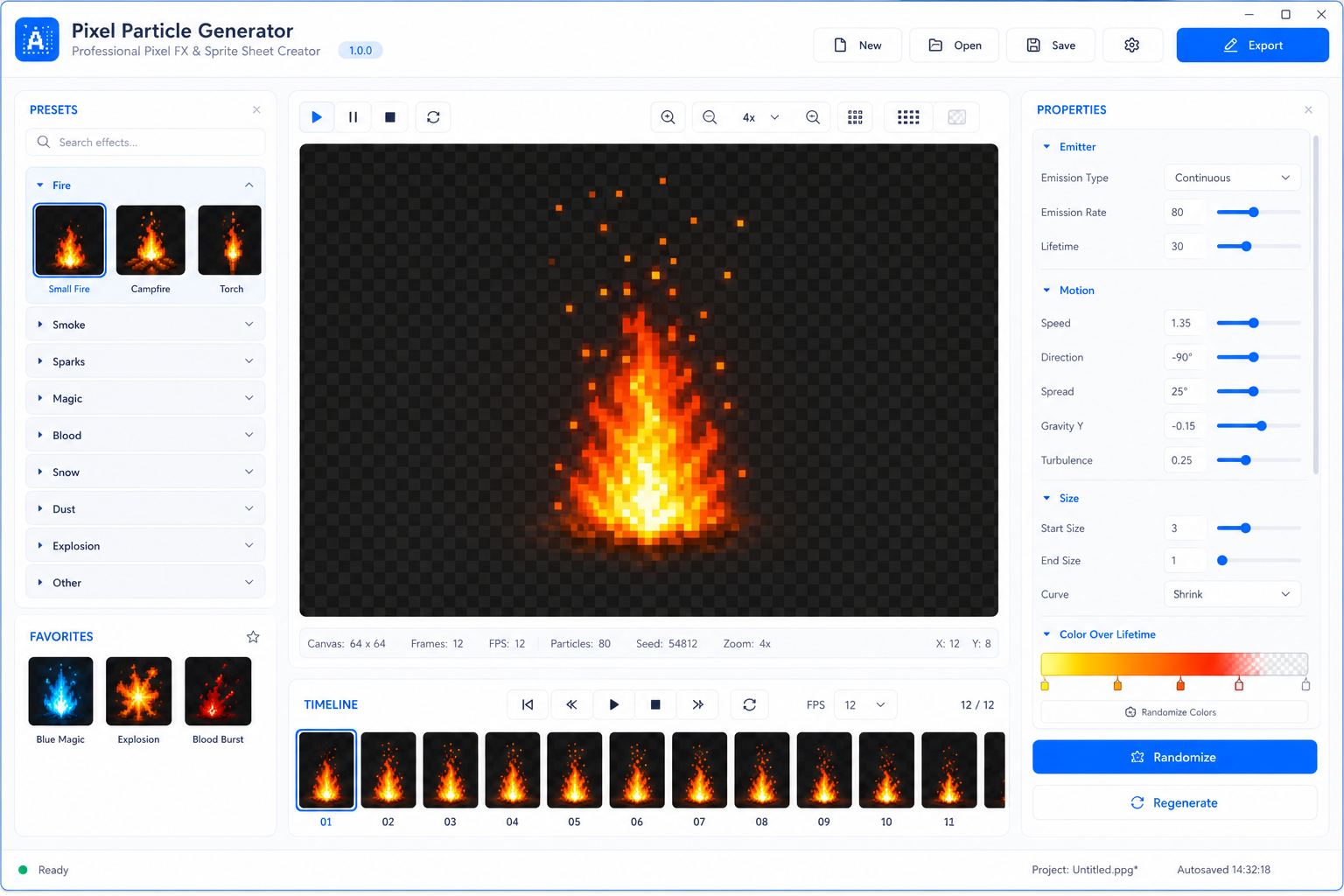
Pixel Particle Generator is a professional Windows desktop tool for creating animated pixel-art particle effects and exporting them as production-ready sprite sheets for games.
It is designed for indie developers, pixel artists, 2D game creators, and anyone who needs fast, clean, transparent pixel FX without drawing every frame from scratch.
Create Game-Ready Pixel Effects
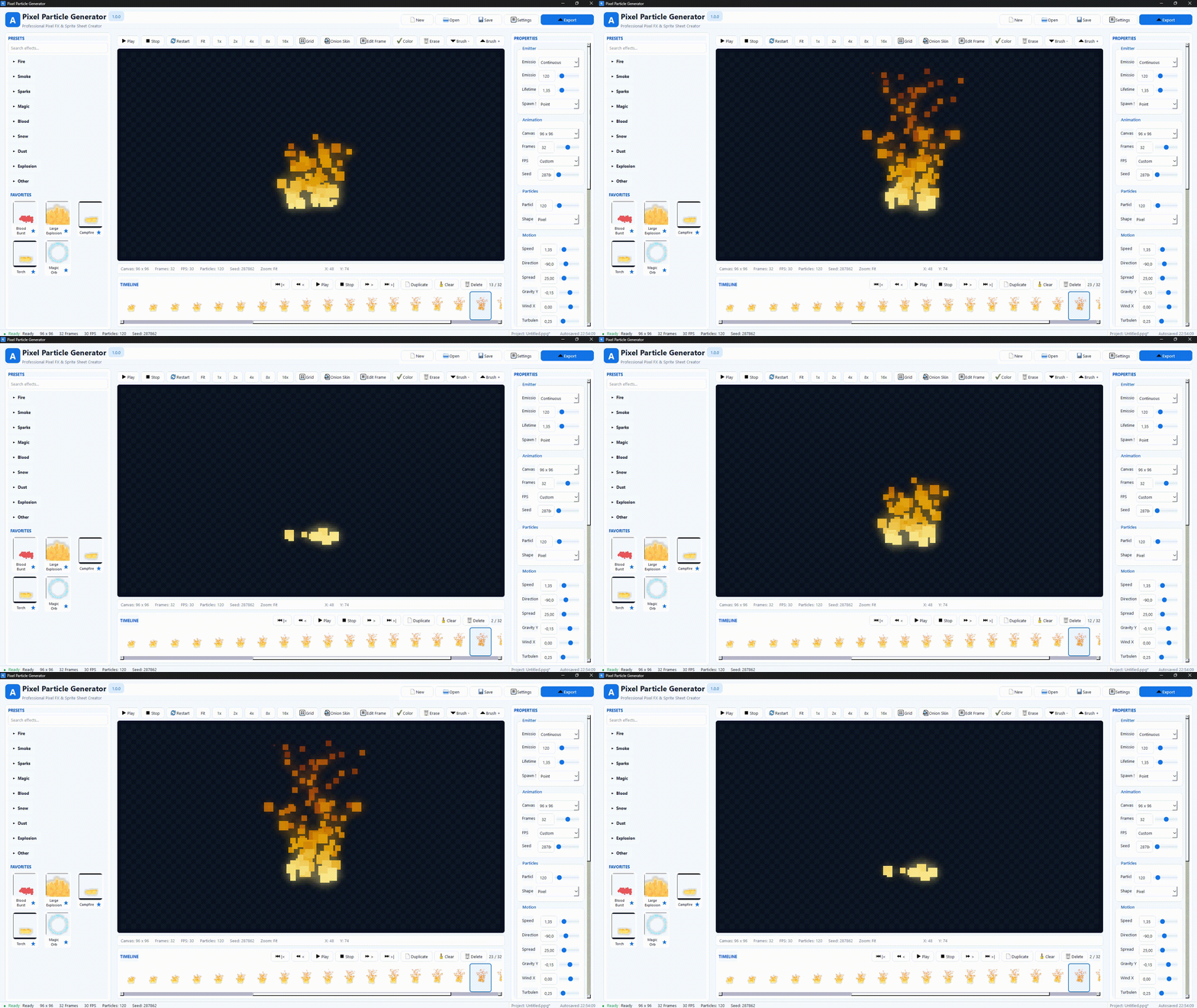
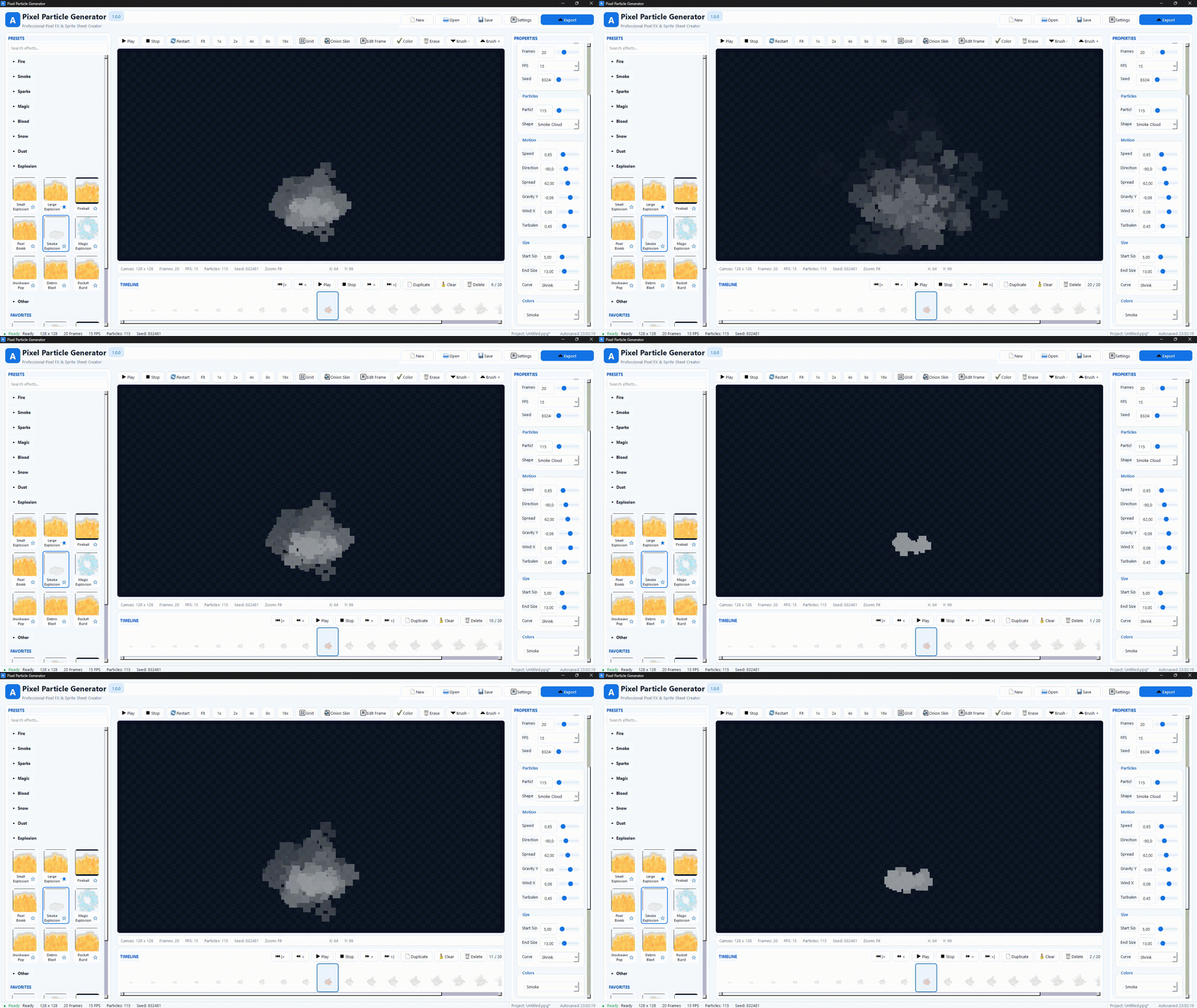
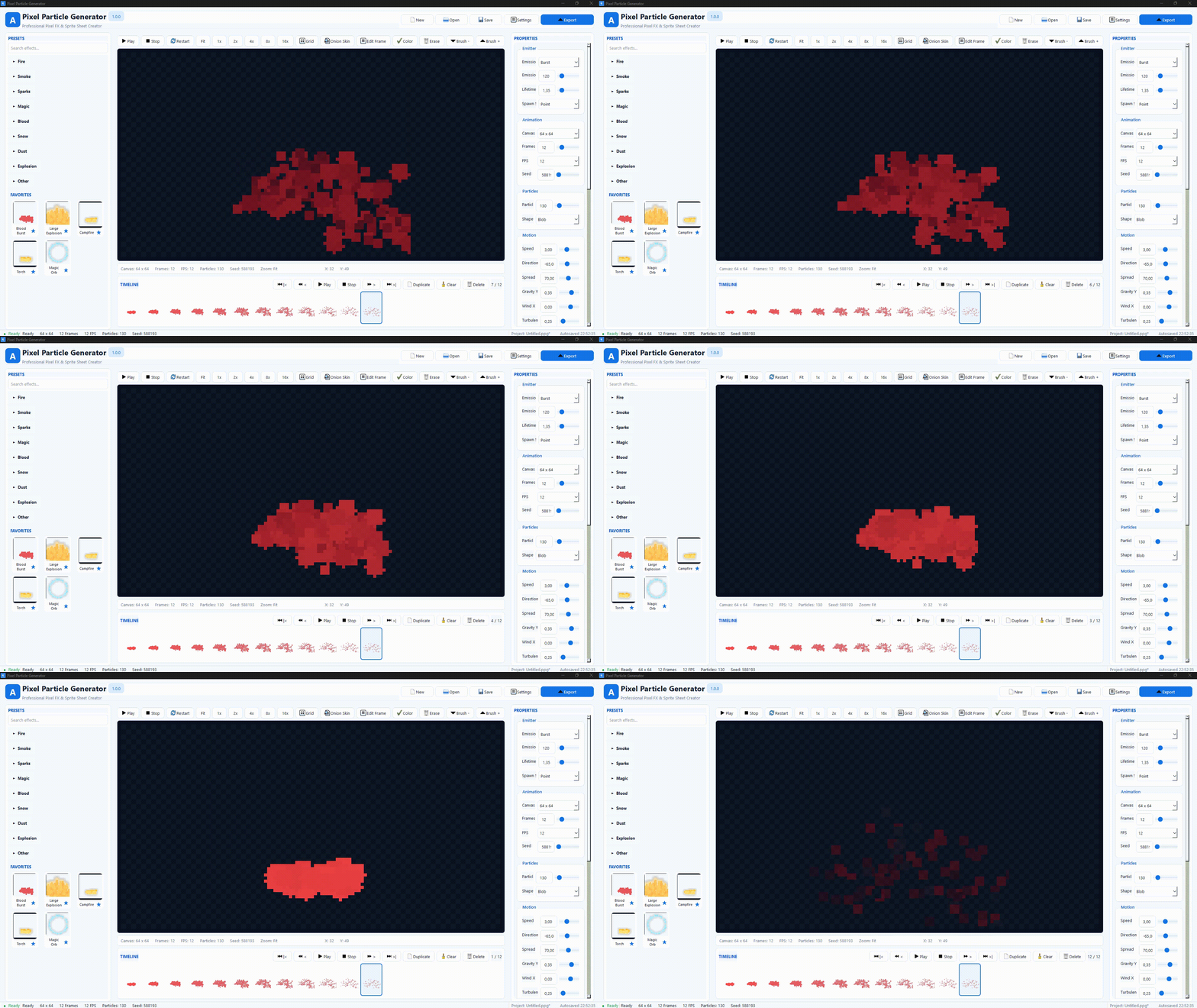
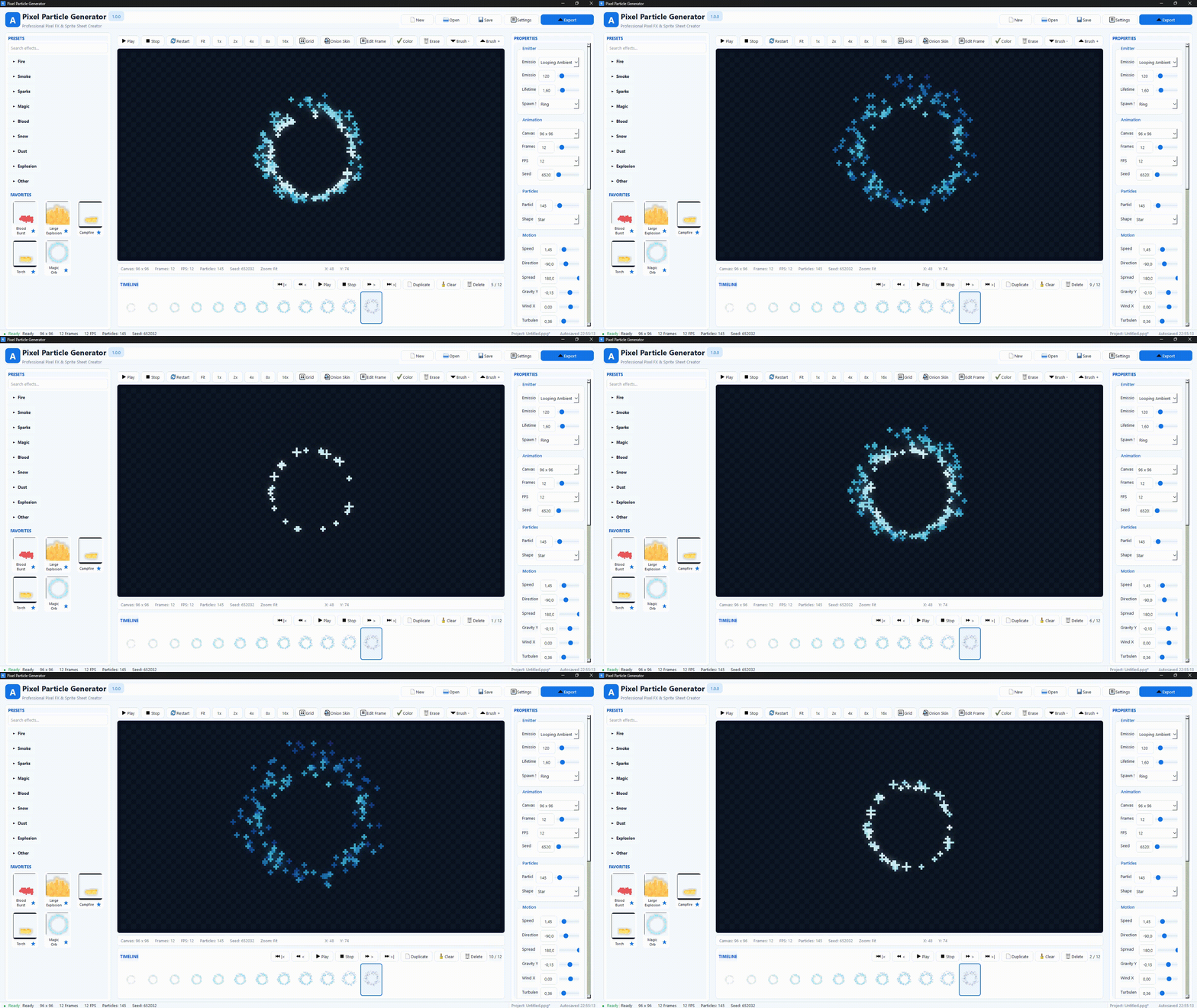
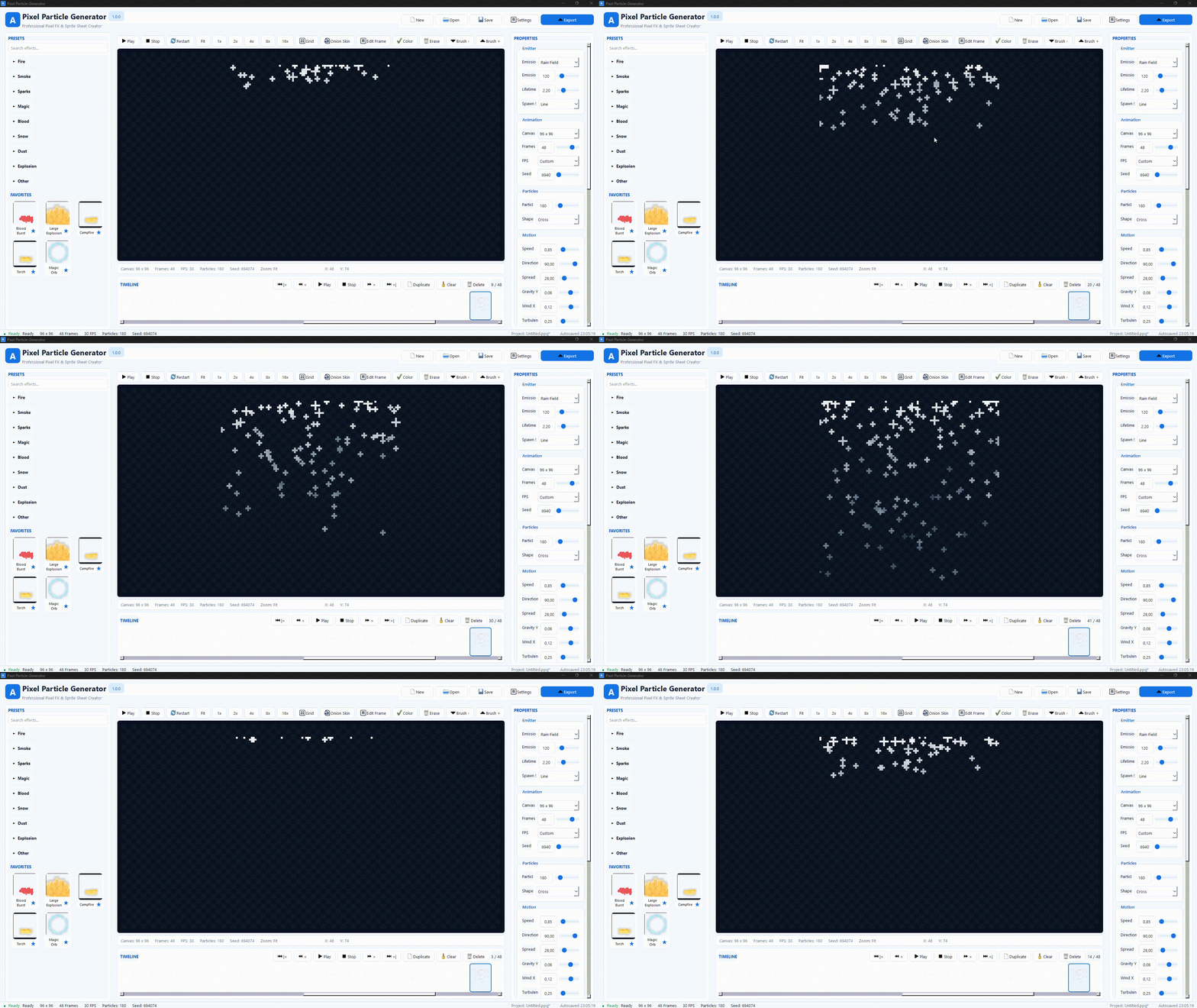
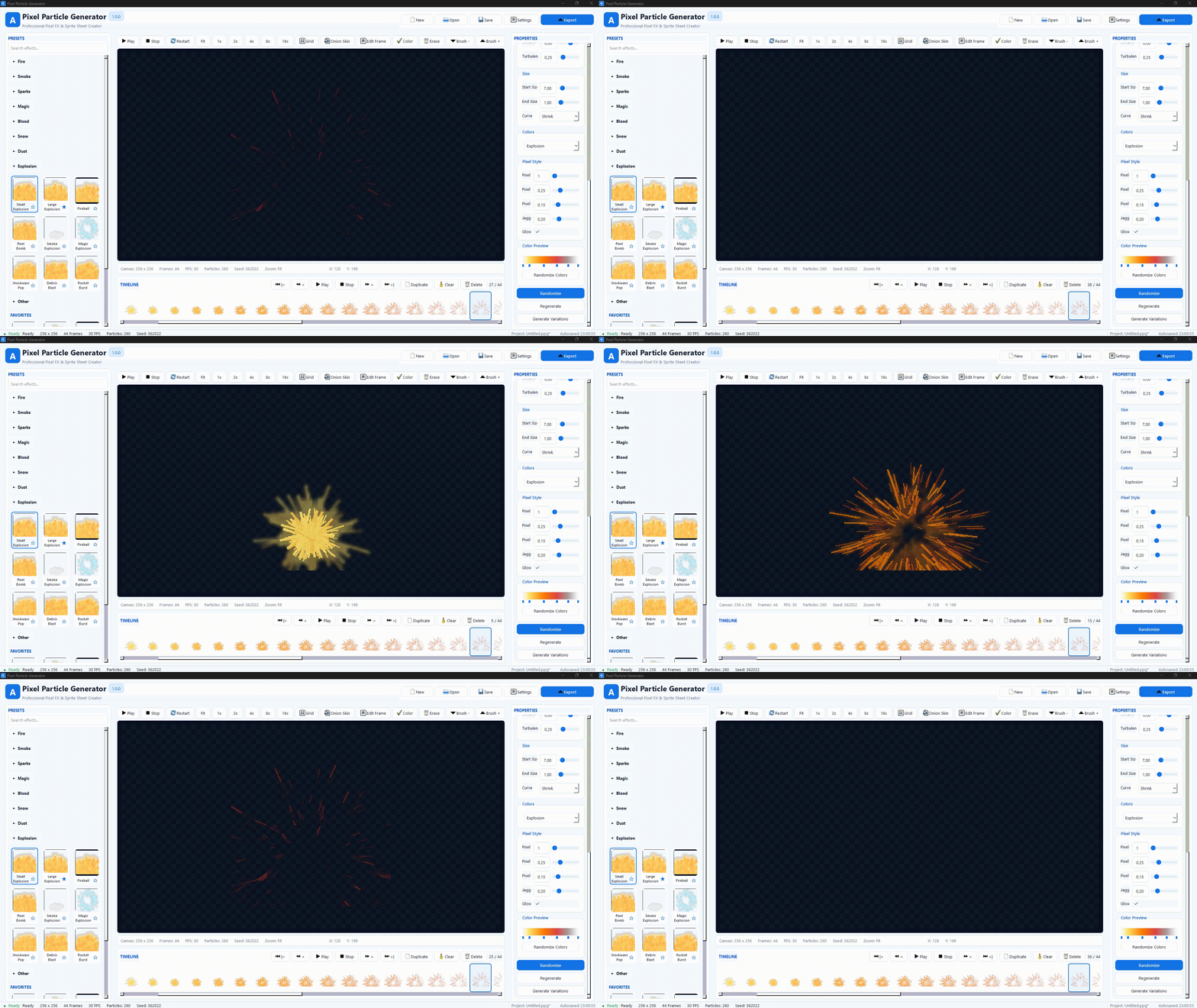
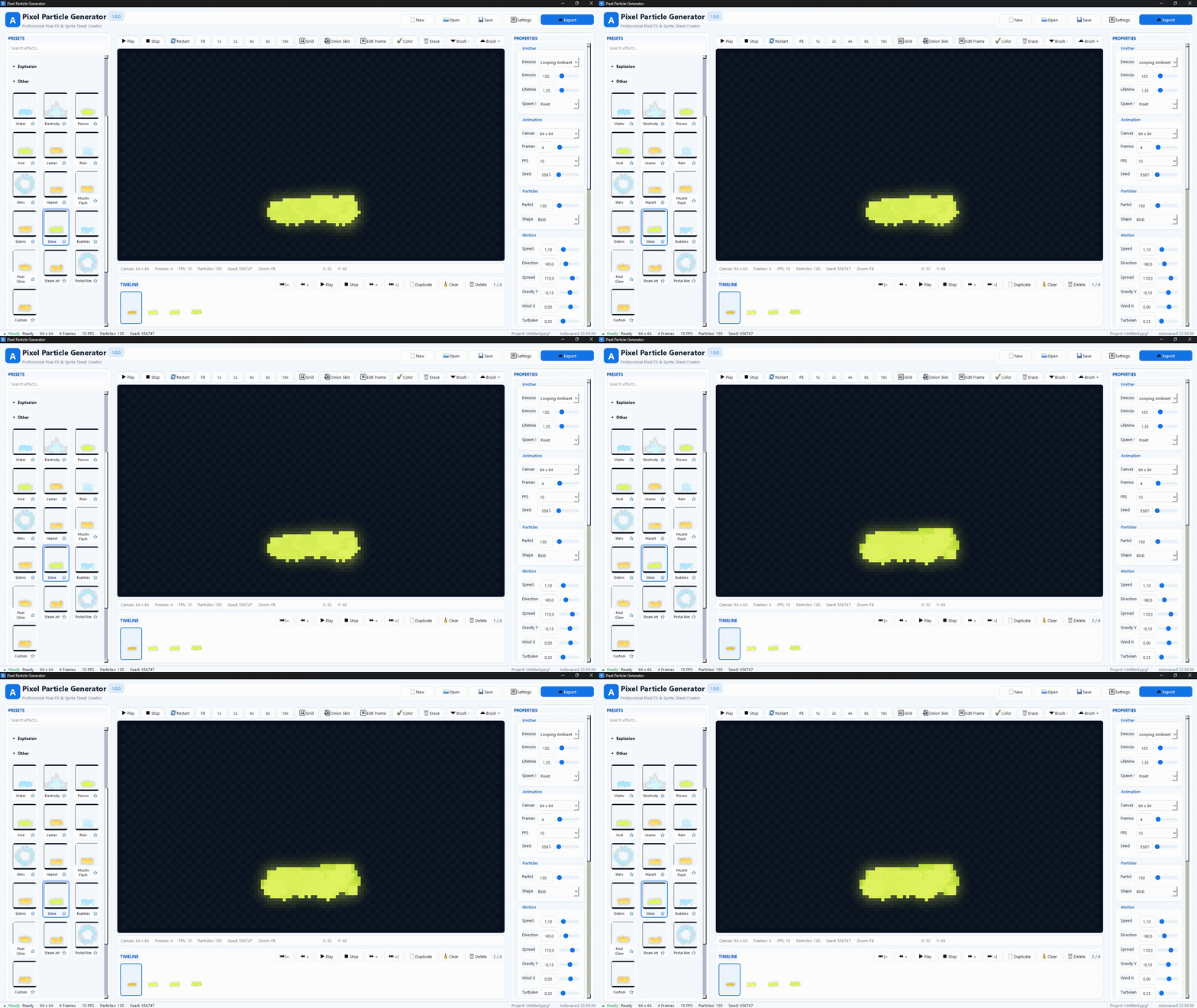
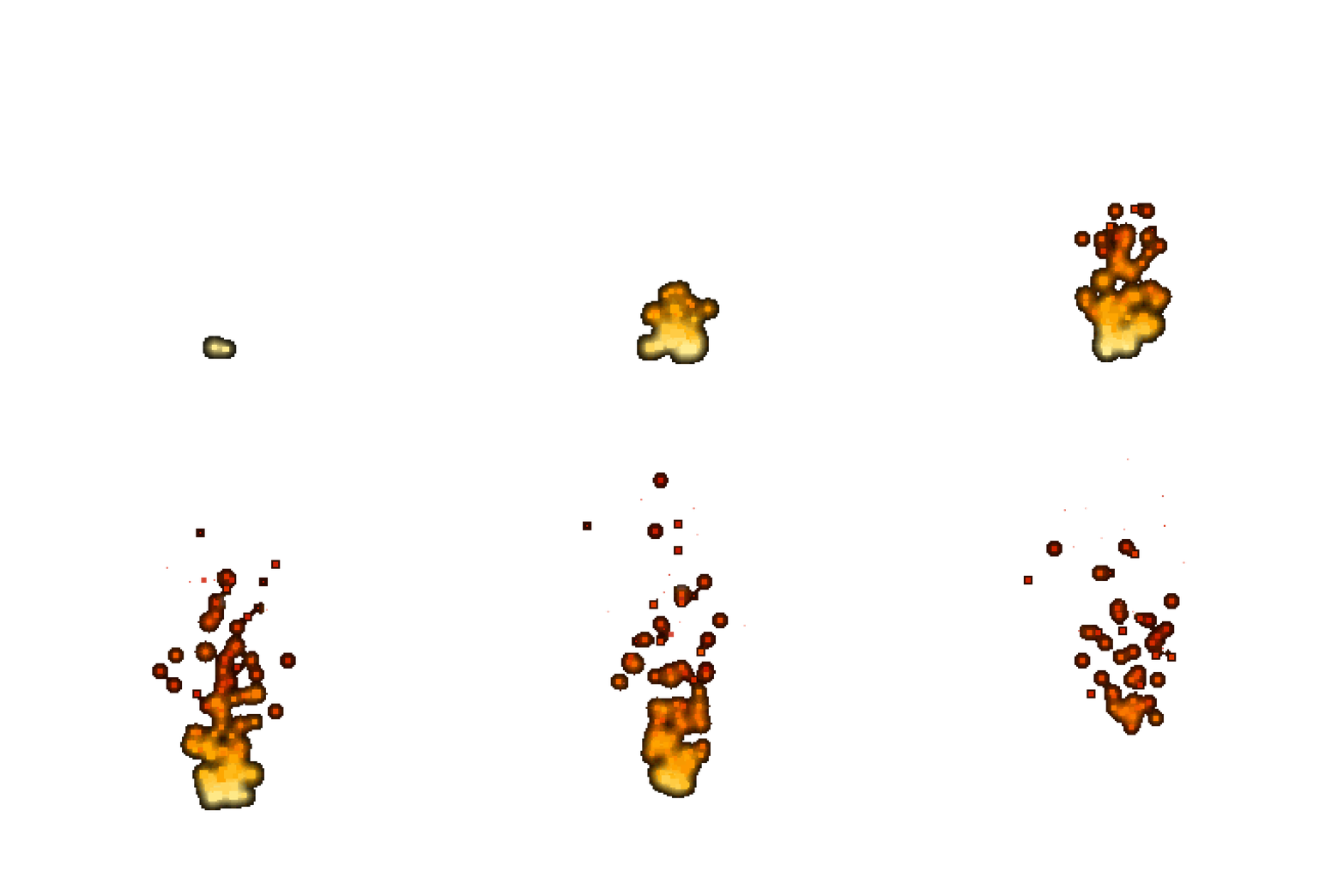
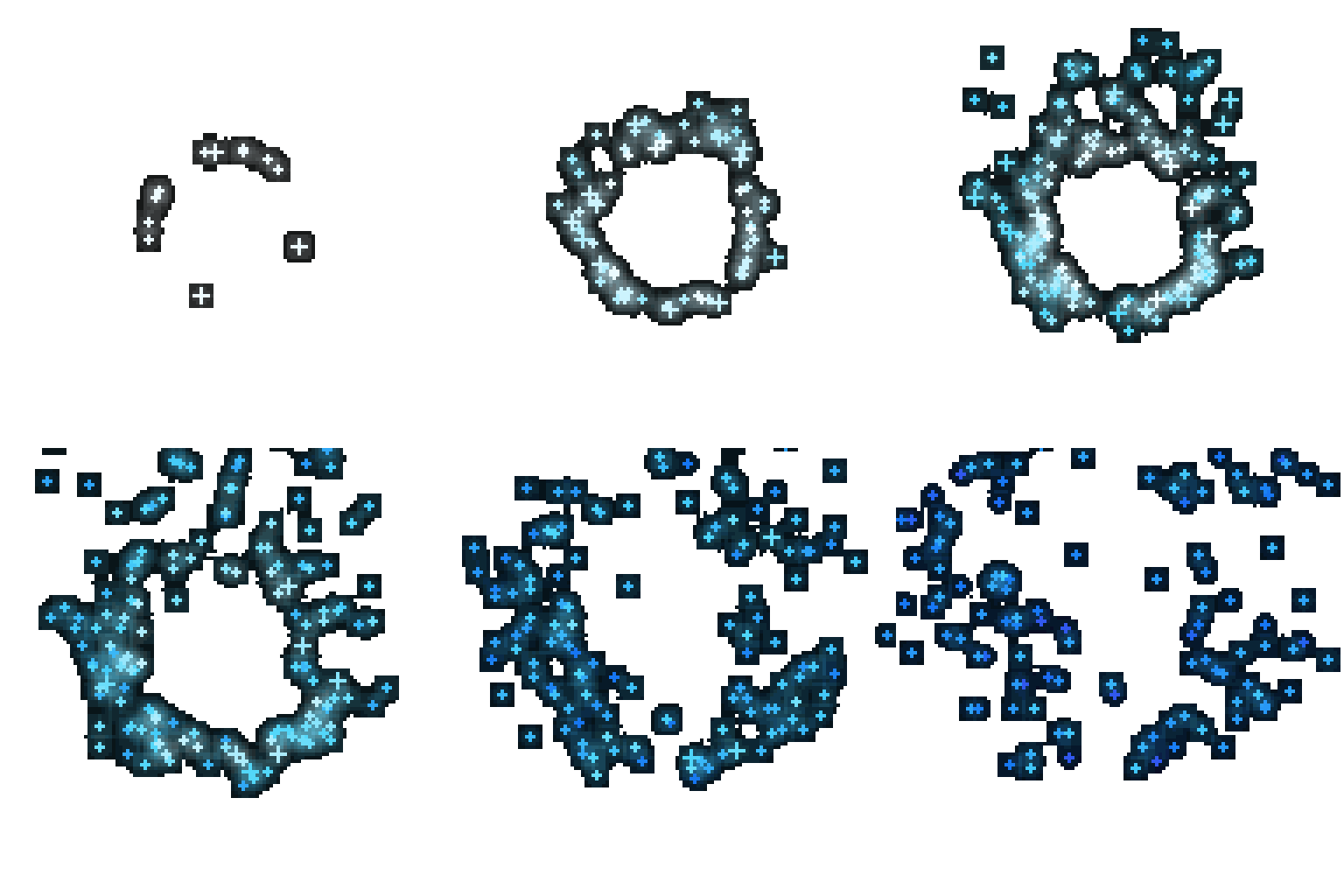
Quickly generate animated effects such as fire, smoke, sparks, magic, blood, snow, dust, explosions, electricity, water splashes, poison clouds, rain, embers, debris, portals, healing effects, muzzle flashes, bubbles, slime, and more.
Every effect is generated procedurally, so you can adjust settings, randomize variations, change colors, preview the animation, and export the final result directly into your game engine.
Built For Pixel Art
Pixel Particle Generator keeps your effects sharp and clean. The preview and export system uses pixel-perfect rendering with nearest-neighbor scaling, hard pixel edges, transparent backgrounds, and exact frame sizes.
This makes the exported sprite sheets easy to use in Unity, Godot, GameMaker, RPG Maker, custom engines, and other 2D workflows.
Main Features
- Professional modern Windows desktop interface
- Procedural animated pixel particle generation
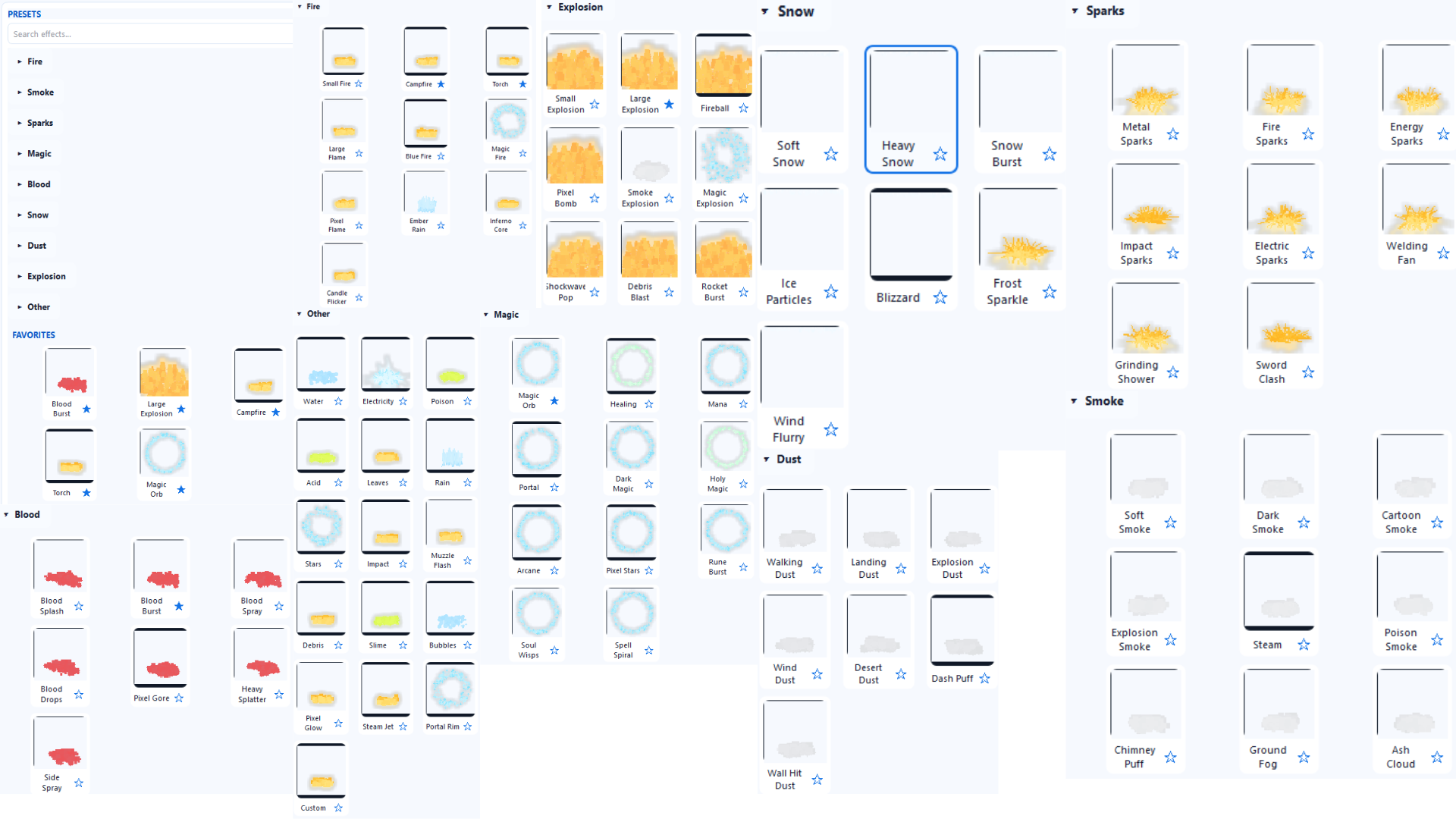
- Fire, smoke, sparks, magic, blood, snow, dust, explosion, and many other presets
- Deterministic seed system for repeatable results
- Real-time preview with timeline playback
- Dark checkerboard preview background for clear visibility
- Manual frame editing mode
- Draw on individual frames
- Erase pixels with right mouse button
- Color picker for manual edits
- Editable color ramp
- Move color stops directly in the ramp editor
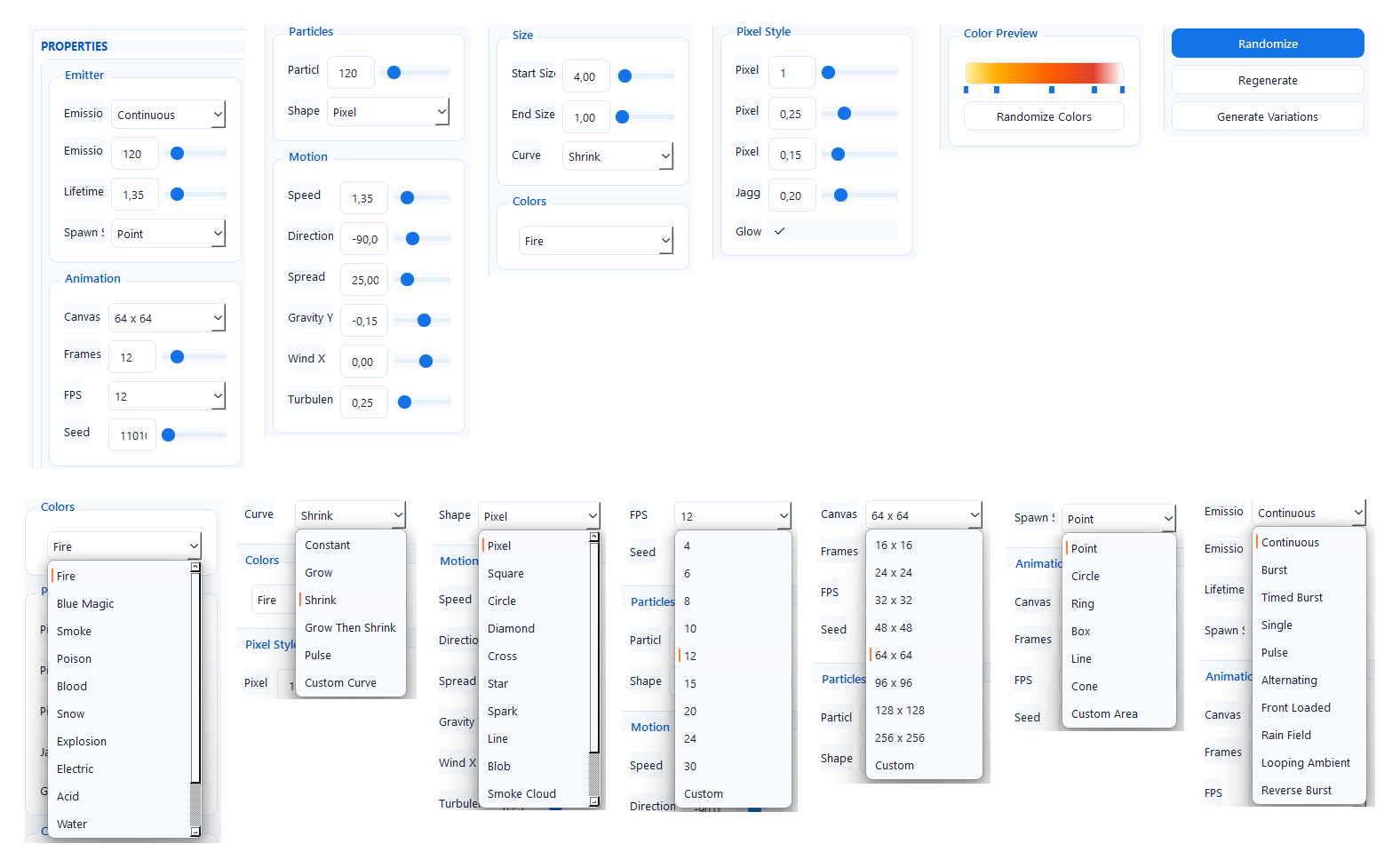
- Adjust emission, motion, gravity, wind, turbulence, size, glow, and pixel style
- Randomize effects and generate variations
- Favorite presets for quick access
- Export transparent PNG sprite sheets
- Export individual PNG frames
- Export animated GIF
- Export animated WebP
- Export JSON animation metadata
- Unity-friendly export metadata
- Godot-friendly export metadata
- Offline generation with no accounts, no API keys, and no internet requirement
Manual Frame Editing
Generated effects can be edited frame by frame. Select a frame in the timeline, enable Edit Frame mode, and paint directly on the preview.
- Left mouse button draws pixels
- Right mouse button erases pixels
- Brush size can be adjusted
- Brush color can be changed
- Frames can be duplicated, cleared, or deleted
- Undo and redo are supported for frame edits
This gives you the speed of procedural generation while still allowing final artistic control.
Export Formats
- PNG sprite sheet with transparency
- Individual PNG frames
- Animated GIF
- Animated WebP
- JSON metadata
- Unity export preset
- Godot export preset
- GameMaker-friendly output
Perfect For
- 2D action games
- Platformers
- RPGs
- Roguelikes
- Bullet hell games
- Metroidvanias
- Top-down shooters
- Survival games
- Fantasy games
- Retro pixel-art projects
- Game jams
- Prototype effects
- Indie asset creation
Example Workflow
- Open Pixel Particle Generator
- Select an effect preset, such as Fire, Magic, Smoke, Sparks, or Explosion
- Adjust the canvas size, frame count, FPS, particle count, and seed
- Change motion, turbulence, gravity, color ramp, glow, and pixel style
- Preview the animation in the timeline
- Randomize or generate variations until the effect feels right
- Edit individual frames if needed
- Export a transparent sprite sheet
- Import it into your game engine
Offline And Fast
Pixel Particle Generator works fully offline. It does not use AI image services, cloud rendering, online accounts, or external APIs. All particle effects are generated locally on your computer.
Recommended Engine Import Settings
Unity:
- Texture Type: Sprite
- Sprite Mode: Multiple
- Filter Mode: Point
- Compression: None
Godot:
- Filter: Off
- Use nearest-neighbor / pixel-perfect texture settings
System Requirements
- Windows desktop PC
- No internet connection required after download
- No login required
- No additional game engine installation required
What You Get
- Pixel Particle Generator for Windows
- Procedural pixel FX creation workflow
- Sprite sheet export tools
- Frame editing tools
- Preset browser and favorite effects
- Game-engine-friendly output
Pixel Particle Generator is made to help game developers create polished pixel effects faster, whether you need a tiny flame, a magic burst, falling snow, impact sparks, or a full sprite-sheet explosion.
Purchase
In order to download this tool you must purchase it at or above the minimum price of $4.26 USD. You will get access to the following files:

Leave a comment
Log in with itch.io to leave a comment.