
Physical Cable System
A downloadable asset pack for Windows, macOS, Linux, and Android
🔌 Physical Cable System
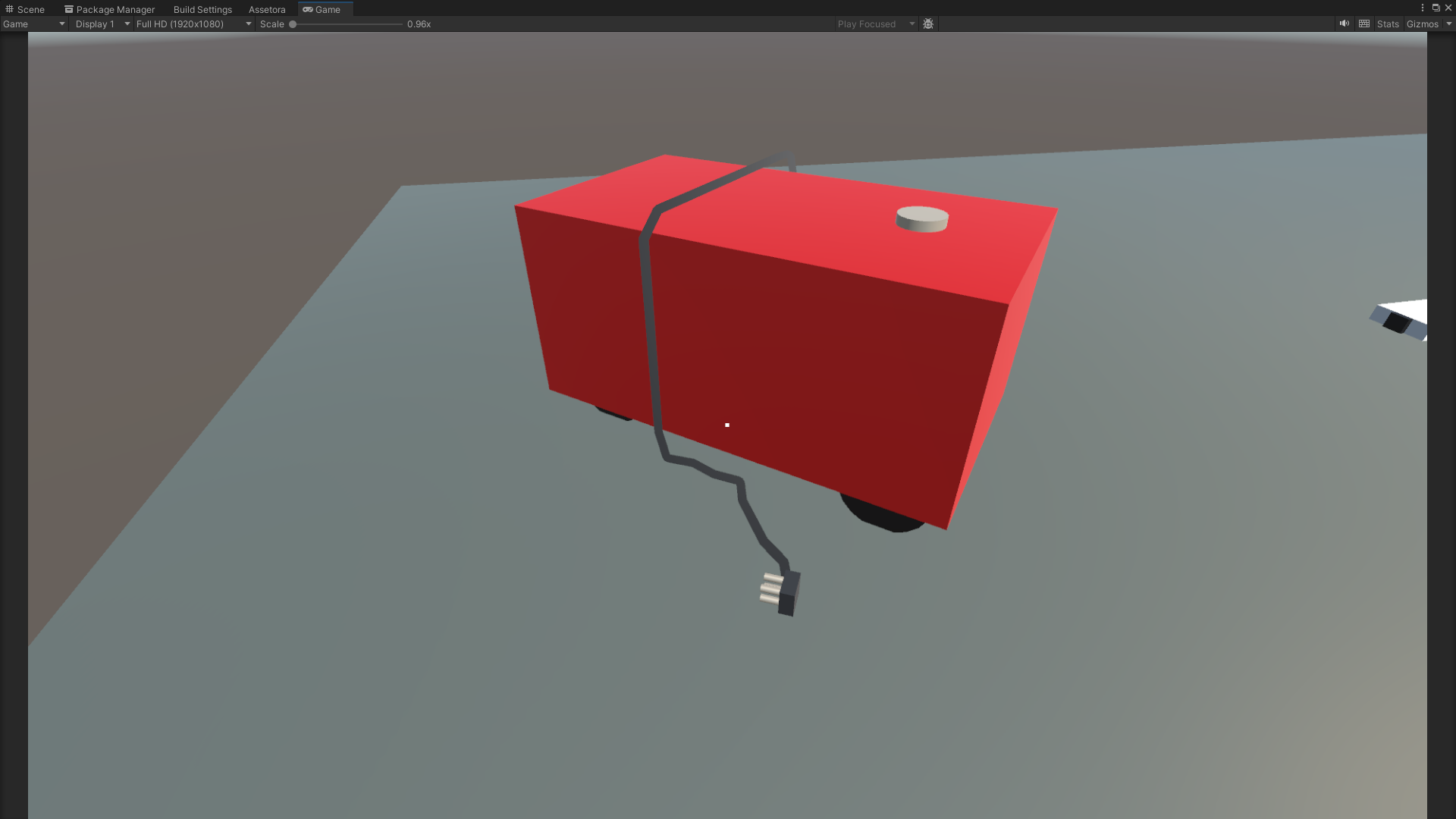
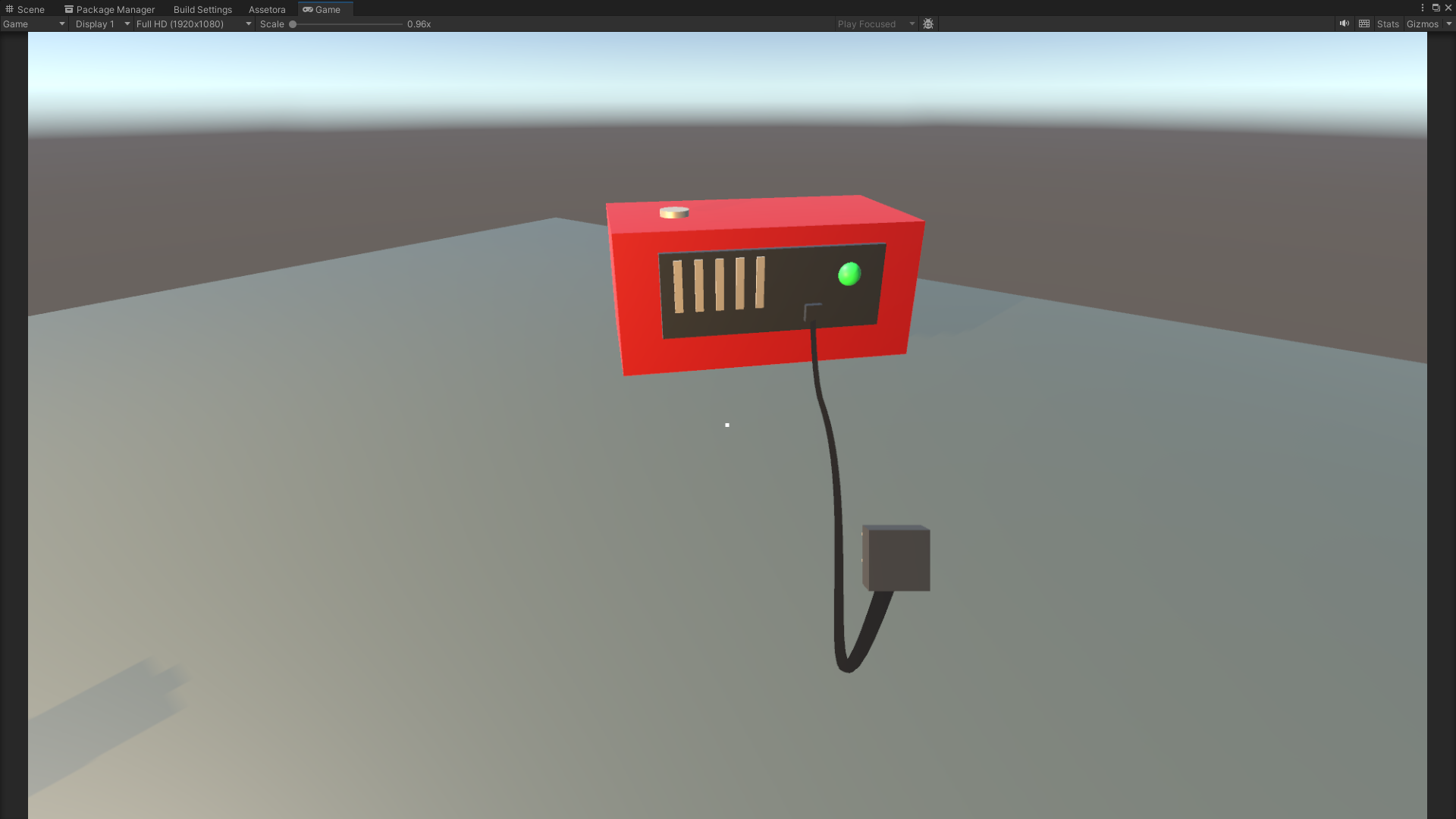
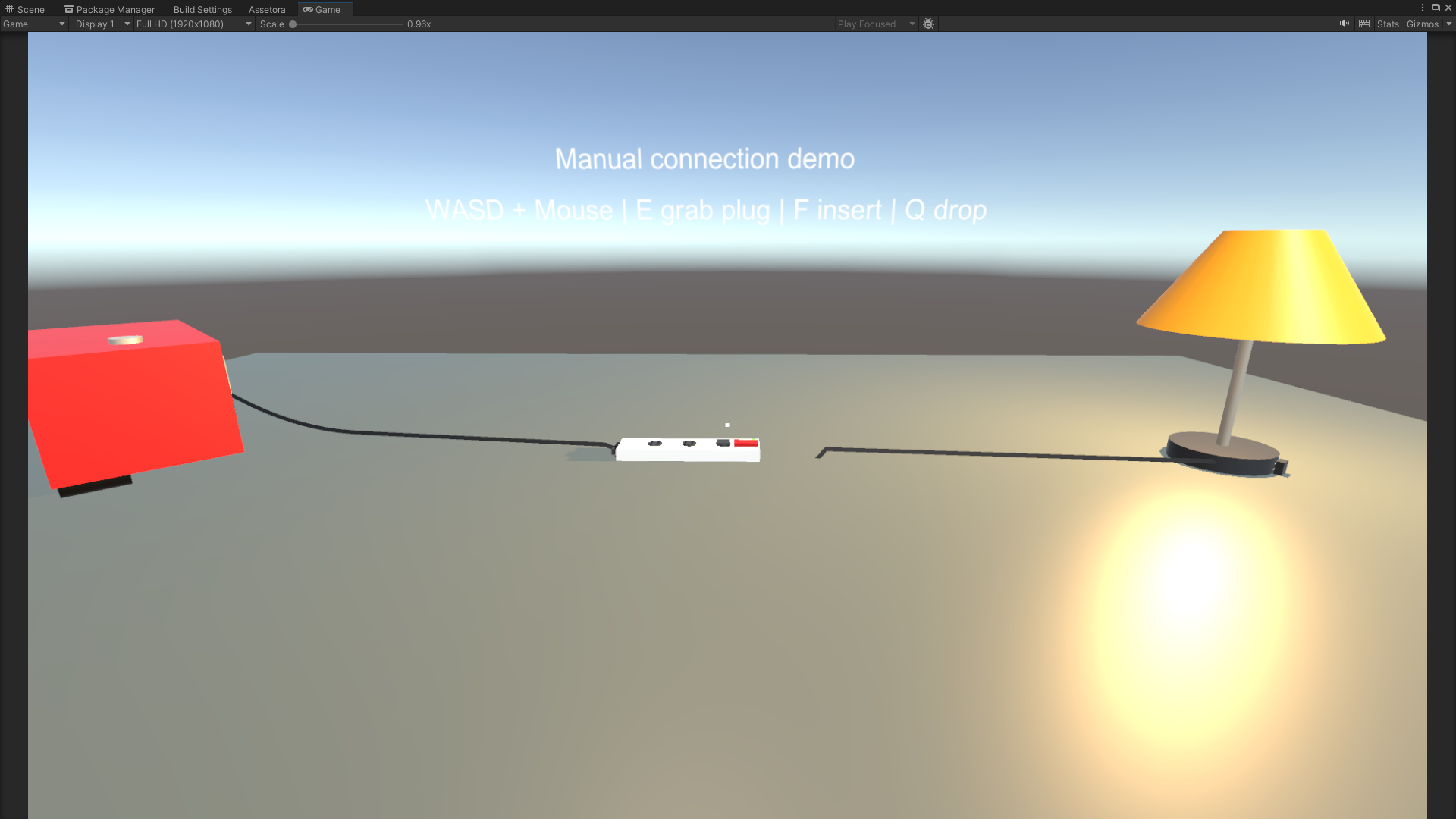
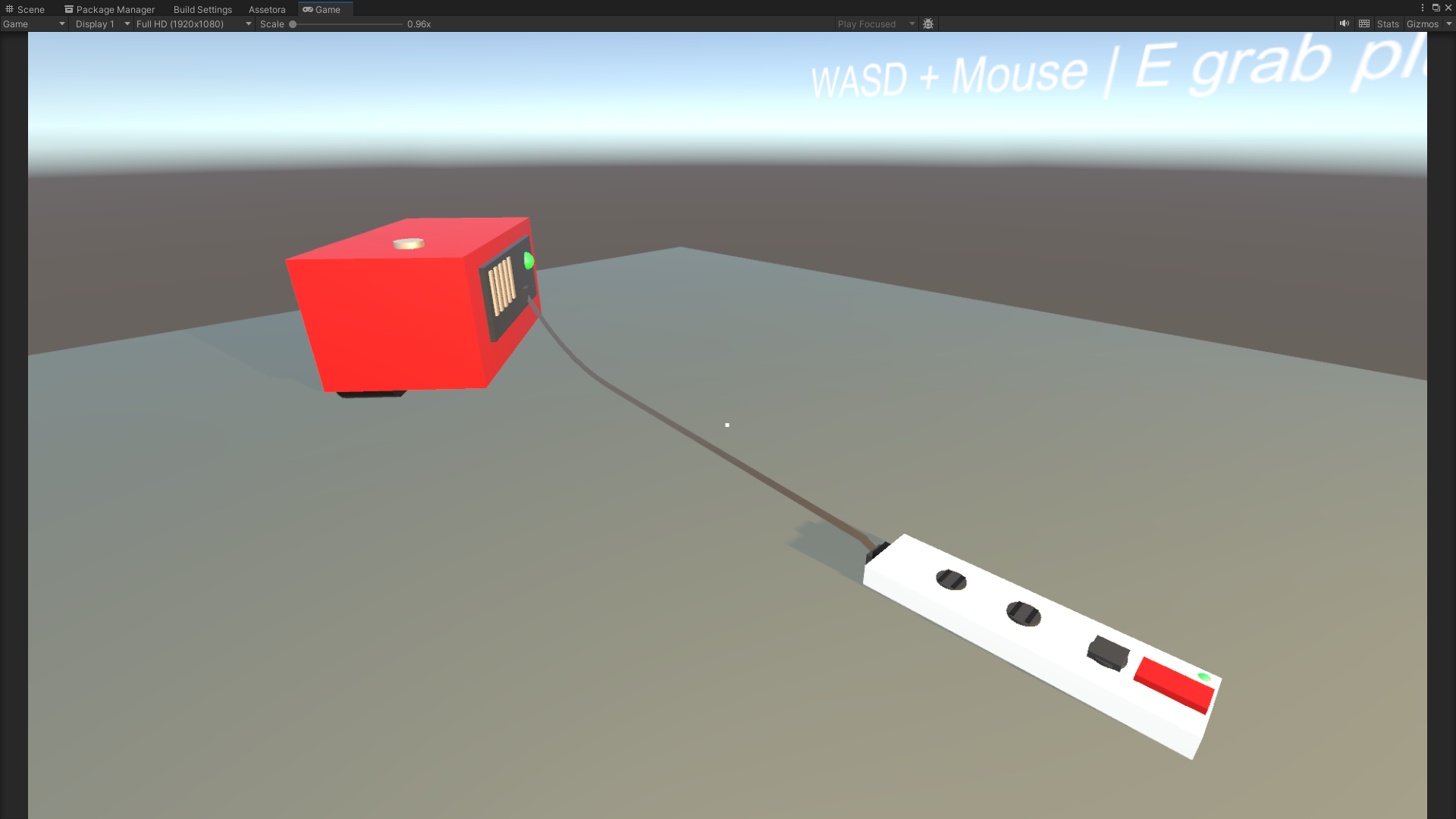
Physical Cable System is a Unity gameplay package for creating interactive cable-based power setups with manual plug handling, physical cable sag, socket endpoints, generators, powered devices, lamps, and extension sockets.
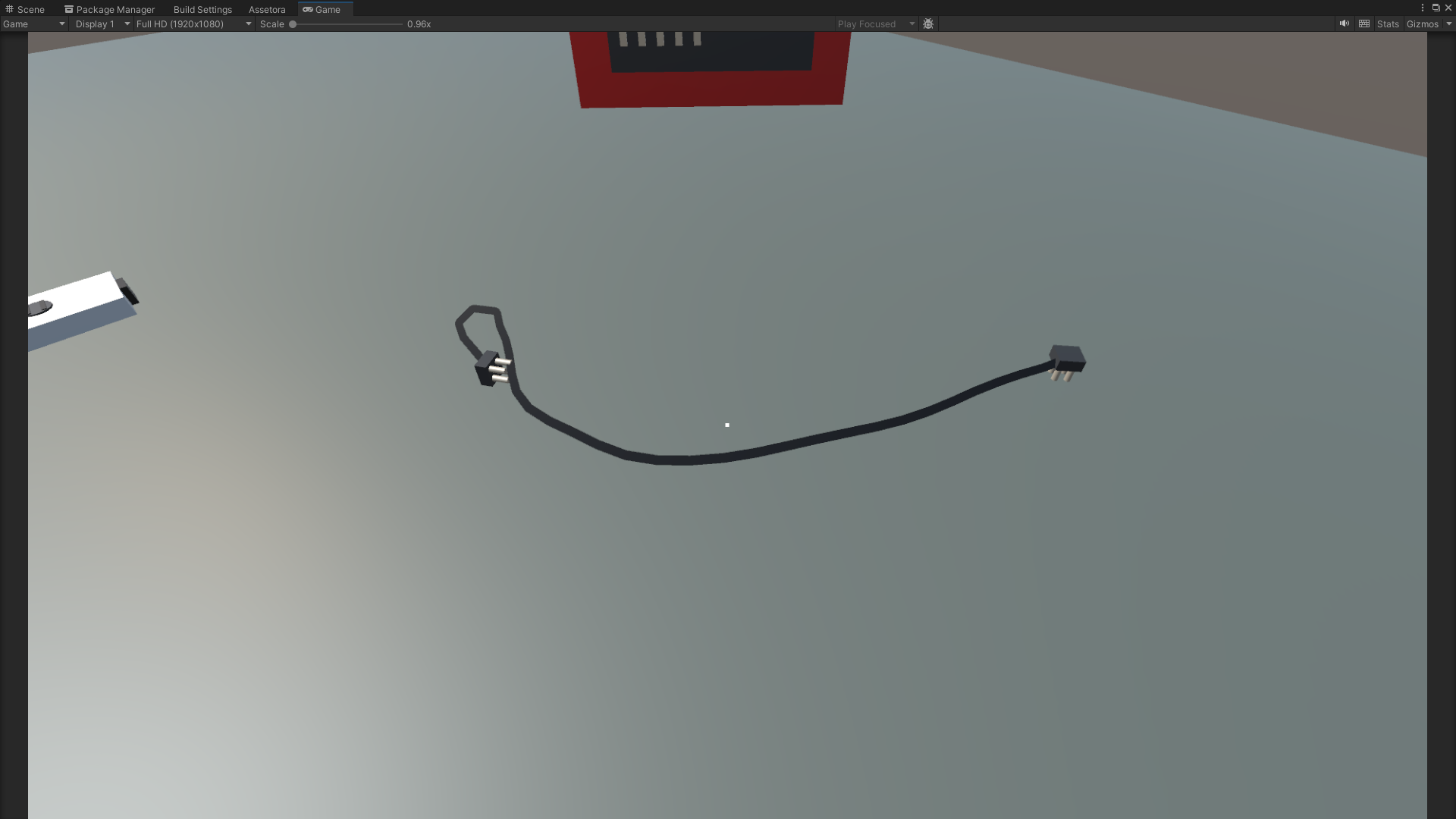
Players can pick up cable plugs in first person, carry them through the scene, and manually insert them into compatible sockets. Connected cables remain visible in the world and can form natural-looking curves between endpoints using adjustable rope points, sag values, collision settings, and solver iterations.
Build physical power puzzles, workshop connections, generator networks, extension systems, industrial machinery, horror objectives, and interactive electrical setups without creating the complete cable framework from scratch.

⚡ System Overview
The package combines physical interaction, visual cable simulation, power transmission, and reusable gameplay components into one configurable system.
A player can approach a loose plug, pick it up, move it through the environment, and connect it to a valid socket. Once connected, the cable can transfer power from a generator or another powered endpoint to lamps, machines, extension sockets, or custom devices.
The core systems are separated into reusable components, allowing developers to use the included demo setup or connect the package to their own player controller, UI, sound effects, puzzles, machinery, objectives, and gameplay logic.
✨ Main Features
-
Manual Plug Interaction
Pick up physical cable plugs, carry them through the scene, and insert them into sockets using first-person interaction. -
Plug and Socket Endpoints
Create compatible cable connections for generators, lamps, machines, wall sockets, extension sockets, and custom powered objects. -
Visible Sagging Cables
Display cables using multiple simulated points between endpoints with configurable sag and visual flexibility. -
Collision-Aware Cable Simulation
Cable points can react to selected scene colliders using adjustable collision radius, masks, and solver iterations. -
Generator Power Sources
Use generators as configurable power-producing endpoints for electrical gameplay setups. -
Powered Devices
Connect lamps, machinery, puzzle objects, doors, terminals, or custom devices to the power network. -
Extension Socket System
Route one powered input into multiple output sockets for larger cable networks and chained power setups. -
Power State Events
Use UnityEvents for connection, disconnection, power activation, power loss, circuit changes, UI feedback, sounds, and visual effects. -
Ready-to-Use Prefabs
Includes prefabs for generators, plugs, cables, lamps, powered devices, sockets, and extension units. -
Demo Scene Included
Test the complete interaction and power workflow immediately in a configured example scene.
🖐 First-Person Cable Interaction
The included interaction controller demonstrates how players can physically handle cable plugs inside a first-person game.
Interaction Workflow
- Approach an available cable plug.
- Pick up the plug using the configured interaction input.
- Carry the plug while the attached cable follows behind.
- Move close to a compatible socket endpoint.
- Insert the plug into the socket.
- Disconnect and move the plug again when needed.
Snap distance, compatible endpoint masks, interaction range, and connection behavior can be configured through the Inspector.
〰️ Physical Cable Simulation
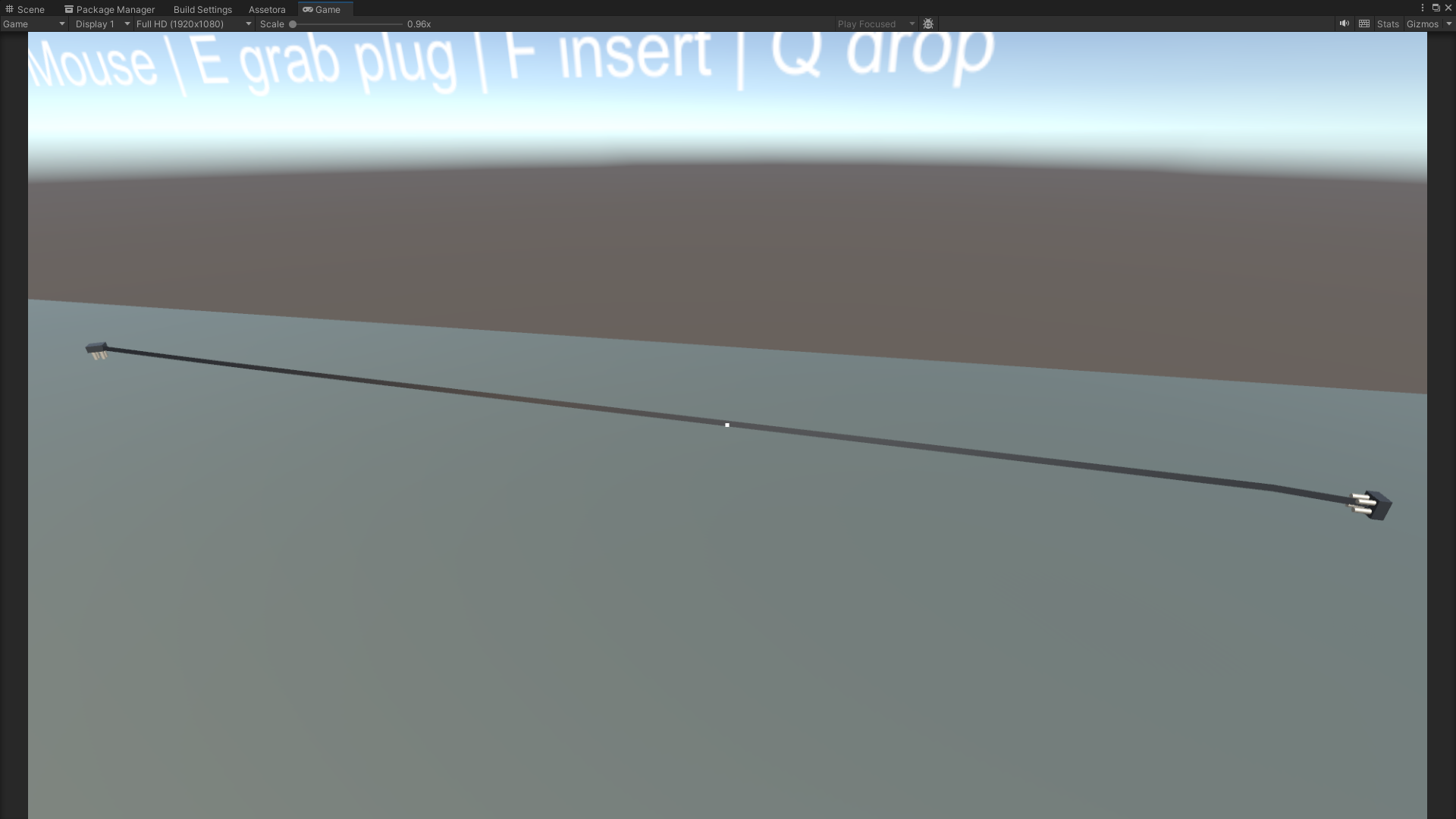
Cables are represented using multiple points between their endpoints, allowing them to form visible sagging curves instead of appearing as rigid straight lines.
Adjustable Cable Settings
- Cable point count
- Sag factor
- Solver iteration count
- Collision radius
- Collision LayerMask
- Endpoint positions
- Cable visual width
- Connection refresh behavior
The collision-aware simulation can help cables react to floors, walls, tables, machinery, and other selected scene objects.
🔗 Endpoint System
Cable endpoints define where plugs can be inserted and how power is transferred through the connected system.
Supported Endpoint Types
-
Generator Output
Supplies power to an attached cable. -
Powered Device Input
Receives power for lamps, machines, doors, terminals, or custom gameplay objects. -
Standard Socket
Provides a reusable connection point for compatible cable plugs. -
Extension Input
Receives power for an extension socket component. -
Extension Outputs
Distributes received power across multiple connected output sockets.
⚙️ Generator Power Source
The included generator component acts as a reusable source of electrical power.
Connect a cable to the generator output and route it to a compatible powered device or extension socket. Generator states can be linked to sounds, lights, particles, fuel systems, switches, objectives, and other custom mechanics.
Generator Uses
- Portable workshop generators
- Emergency power systems
- Survival base electricity
- Industrial machinery power
- Horror restoration objectives
- Temporary construction power
- Sci-fi reactor outputs
- Puzzle power sources
💡 Powered Devices
The powered device component can be used with the included lamp or connected to custom scene objects.
When power becomes available, the device can invoke configured UnityEvents. When power is lost, separate events can disable visuals, sounds, gameplay functions, or other systems.
Possible Powered Objects
- Lamps and work lights
- Doors and gates
- Computer terminals
- Security systems
- Industrial machines
- Elevators
- Pumps
- Fans
- Conveyor systems
- Puzzle mechanisms
- Charging stations
- Custom scripted devices
🔌 Extension Socket
The extension socket component receives power through one input and distributes it to multiple output sockets.
This makes it possible to build branching cable networks, connect multiple lamps to one generator, extend the available connection distance, or create more advanced power-routing puzzles.
Example Setup
- Connect the generator to the extension input.
- The extension becomes powered.
- Connect additional cables to the extension outputs.
- Route those cables to lamps or custom devices.
- Disconnect the main input to disable every connected output.
📡 UnityEvent Integration
The package includes UnityEvent hooks so cable and power changes can be connected to other gameplay systems without modifying the core scripts.
Available Event Uses
- Plug connected
- Plug disconnected
- Socket occupied
- Socket released
- Device powered on
- Device powered off
- Circuit state changed
- Generator activated
- Generator disabled
- Interaction feedback
- UI prompt updates
- Audio playback
- Particle effects
- Quest progression
- Custom gameplay logic
🛠 Customization
Important interaction, cable, endpoint, and power settings can be adjusted directly through the Unity Inspector.
Inspector Settings
- Plug snap distance
- Interaction range
- Endpoint compatibility masks
- Cable point count
- Cable sag factor
- Solver iterations
- Collision radius
- Collision LayerMask
- Generator power state
- Device input settings
- Extension output configuration
- Connection and disconnection events
- Power on and power off events
- Visual cable settings
🎯 Suitable For
-
Puzzle Games
Build cable-routing challenges where players must connect generators and devices correctly. -
Survival Games
Restore power to shelters, lights, machinery, pumps, defenses, or crafting stations. -
Horror Games
Create tense generator objectives, dark environments, broken circuits, and manual power restoration. -
Workshop Simulations
Connect tools, lamps, extension sockets, machinery, and temporary power systems. -
Industrial Projects
Build cable networks around factories, construction sites, maintenance rooms, or warehouses. -
Sci-Fi Games
Connect reactors, terminals, energy cells, doors, consoles, and futuristic devices. -
Educational Simulations
Demonstrate simple connection workflows and interactive power distribution. -
Prototype Projects
Quickly test physical cable gameplay without building the complete framework manually.
📦 Included Content
- First-person cable interaction controller
- Physical cable component
- Pickup plug component
- Socket endpoint component
- Generator power source component
- Powered device component
- Powered lamp example
- Extension socket component
- Collision-aware rope simulation
- Generator prefab
- Cable prefab
- Plug prefab
- Socket prefab
- Lamp prefab
- Extension socket prefab
- Demo scene
- Example setup
- UnityEvent integration
- English documentation
⚙️ Technical Details
Unity Compatibility
- Unity 2022.3 compatible
- Uses standard Unity components
- No external runtime dependencies
Interaction
- First-person plug pickup
- Manual plug carrying
- Manual socket insertion
- Configurable interaction input
- Configurable snap distance
- Endpoint compatibility filtering
Cable Simulation
- Visible cable rendering between endpoints
- Adjustable cable point count
- Configurable sag factor
- Collision-aware cable points
- Adjustable solver iterations
- Adjustable collision radius
- Configurable collision LayerMask
Power Components
- Generator power source
- Powered device input
- Powered lamp example
- Extension socket input
- Multiple extension outputs
- Power propagation through connected endpoints
UnityEvents
- Connection event
- Disconnection event
- Power on event
- Power off event
- Circuit state event
- Interaction feedback event
Prefabs
- Generator
- Cable
- Plug
- Socket
- Lamp
- Extension socket
Documentation
- Markdown documentation
- TXT documentation
- PDF documentation
🔌 Build Interactive Power Networks
Add physical plugs, visible sagging cables, collision-aware cable simulation, generators, powered devices, extension sockets, and manual first-person connection gameplay to your Unity project.
Physical Cable System provides a reusable foundation for electrical puzzles, workshop simulations, survival mechanics, horror objectives, industrial environments, and interactive power networks.
Purchase
In order to download this asset pack you must purchase it at or above the minimum price of $3.04 USD. You will get access to the following files:
Leave a comment
Log in with itch.io to leave a comment.