
Object Inspection System
A downloadable asset pack for Windows, macOS, Linux, and Android
🔍 Object Inspection System
Object Inspection System is a lightweight first-person item inspection package for Unity. It allows players to aim at an object, pick it up with the left mouse button, rotate it, zoom in and out, and read a custom title and description.
The system is designed for games where players need to examine props, clues, story items, puzzle objects, documents, tools, or inventory items up close.
Add close-up object examination, item rotation, zoom, descriptions, and first-person pickup interaction to your Unity project with a simple ready-to-use system.

✨ Main Features
-
First-Person Object Pickup
Aim at an inspectable object and pick it up using the left mouse button. -
Object Rotation
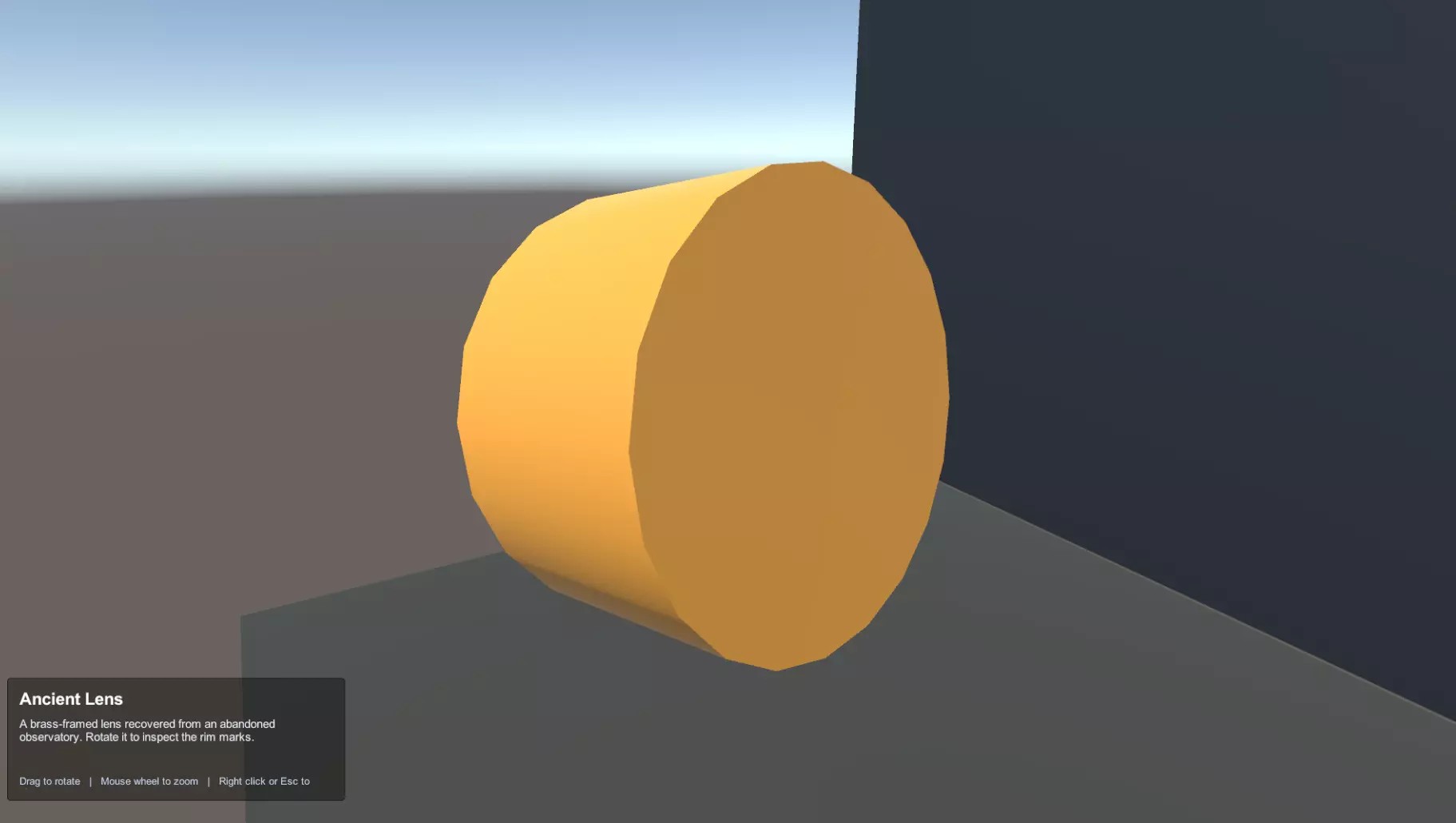
Rotate inspected objects with mouse drag to view them from different angles. -
Mouse Wheel Zoom
Zoom in and out while inspecting items using configurable zoom limits. -
Custom Item Information
Each object can display its own title and description. -
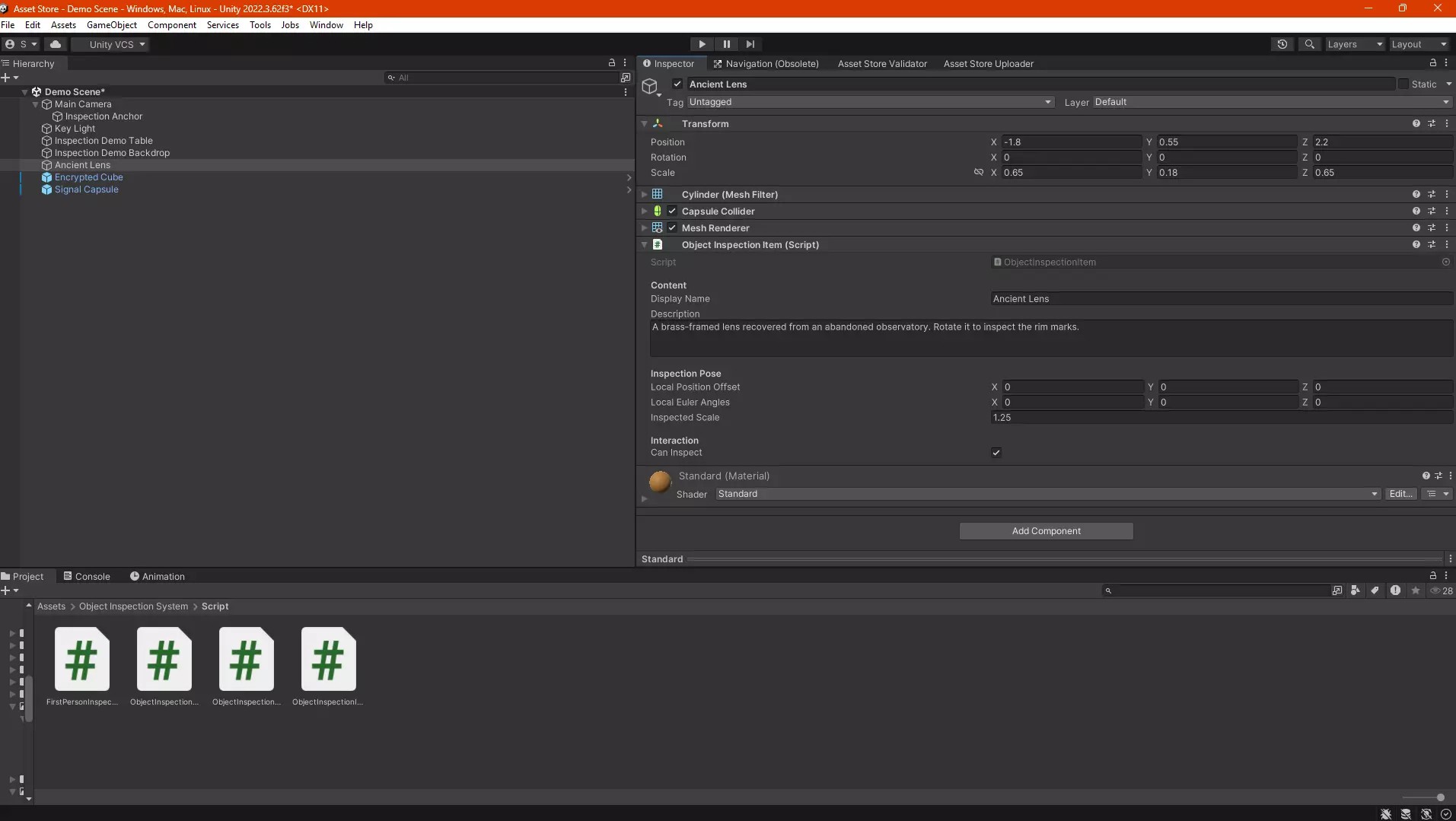
Per-Object Inspection Settings
Configure inspection offset, rotation, and scale individually for each object. -
Built-In Crosshair
Includes a simple crosshair for first-person interaction. -
Description Overlay
Shows item name and description through a simple built-in IMGUI overlay. -
Rigidbody Support
Physics settings are disabled during inspection and restored afterward. -
Ready Demo Scene
Includes a complete demo scene with player movement, pickup logic, rotation, zoom, and demo objects. -
No External Dependencies
Uses Unity built-in input and IMGUI.
🖱️ First-Person Pickup
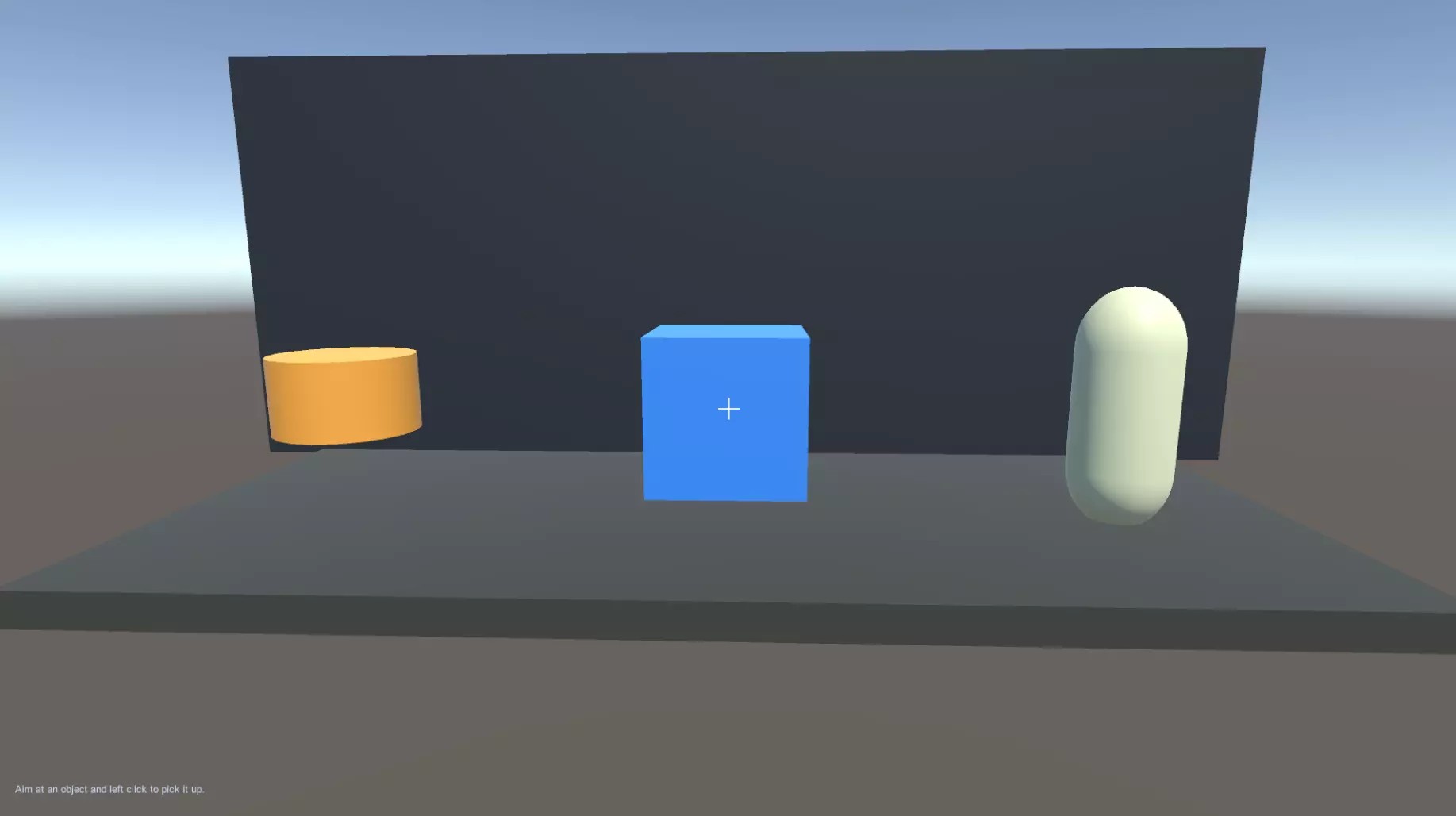
The player can aim at inspectable objects from the center of the screen and pick them up using the left mouse button.
By default, the system does not require an E-key pickup interaction. The workflow is fast and direct for first-person gameplay.
Pickup Features
- Center-screen object detection
- Left mouse button pickup
- No E-key pickup by default
- Configurable pickup distance
- Collider-based interaction
- Layer mask filtering
🔎 Inspection Mode
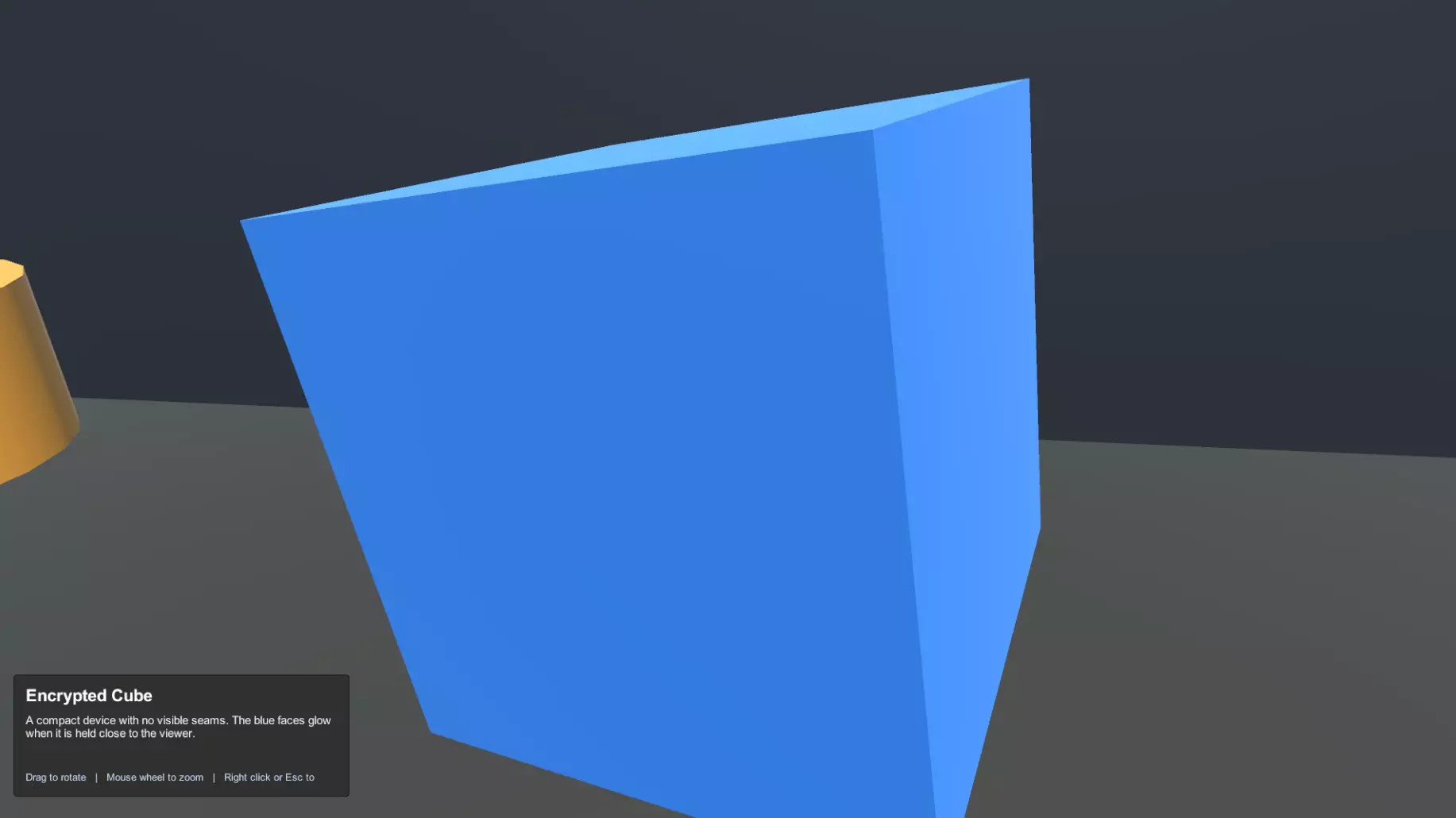
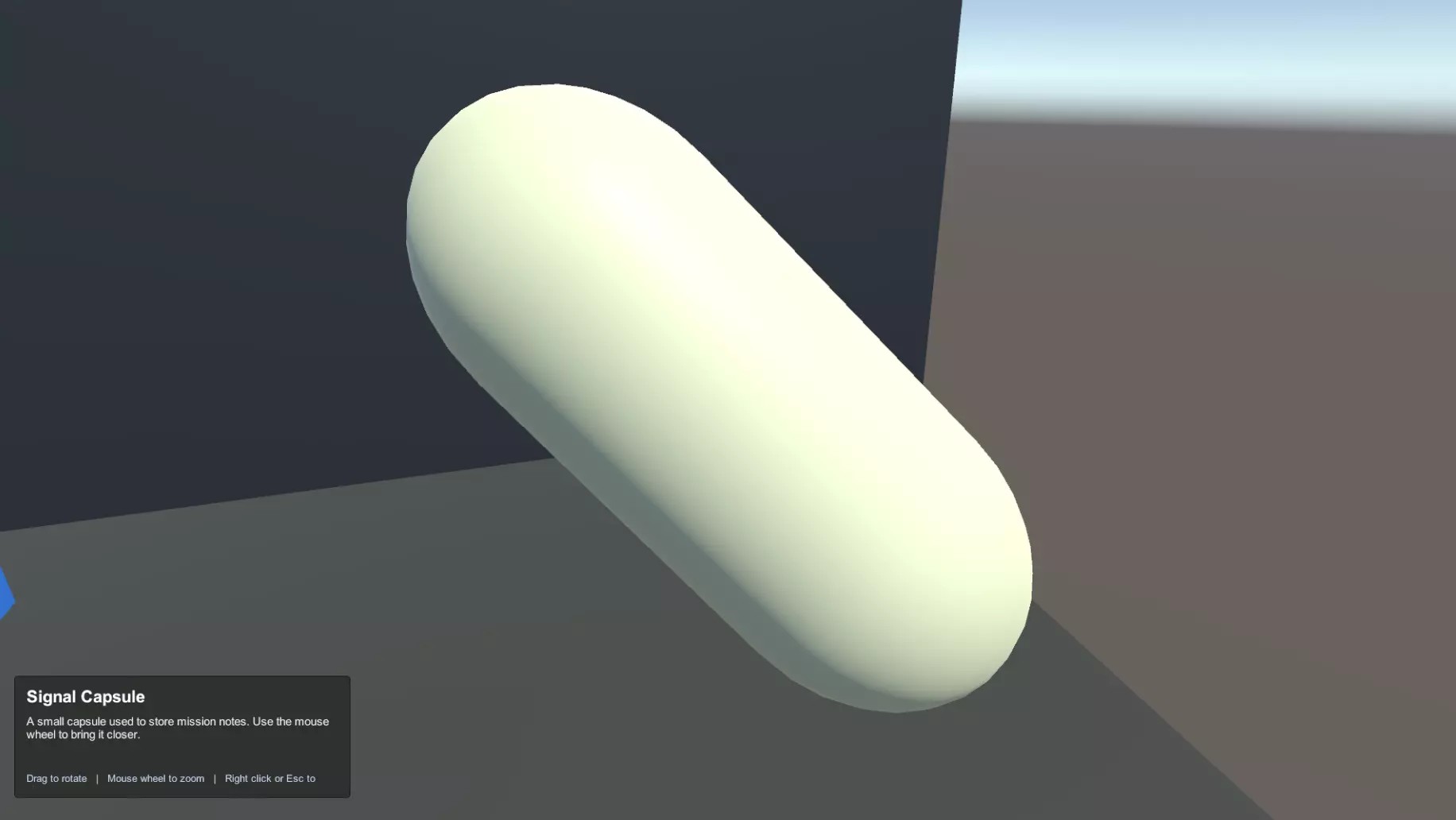
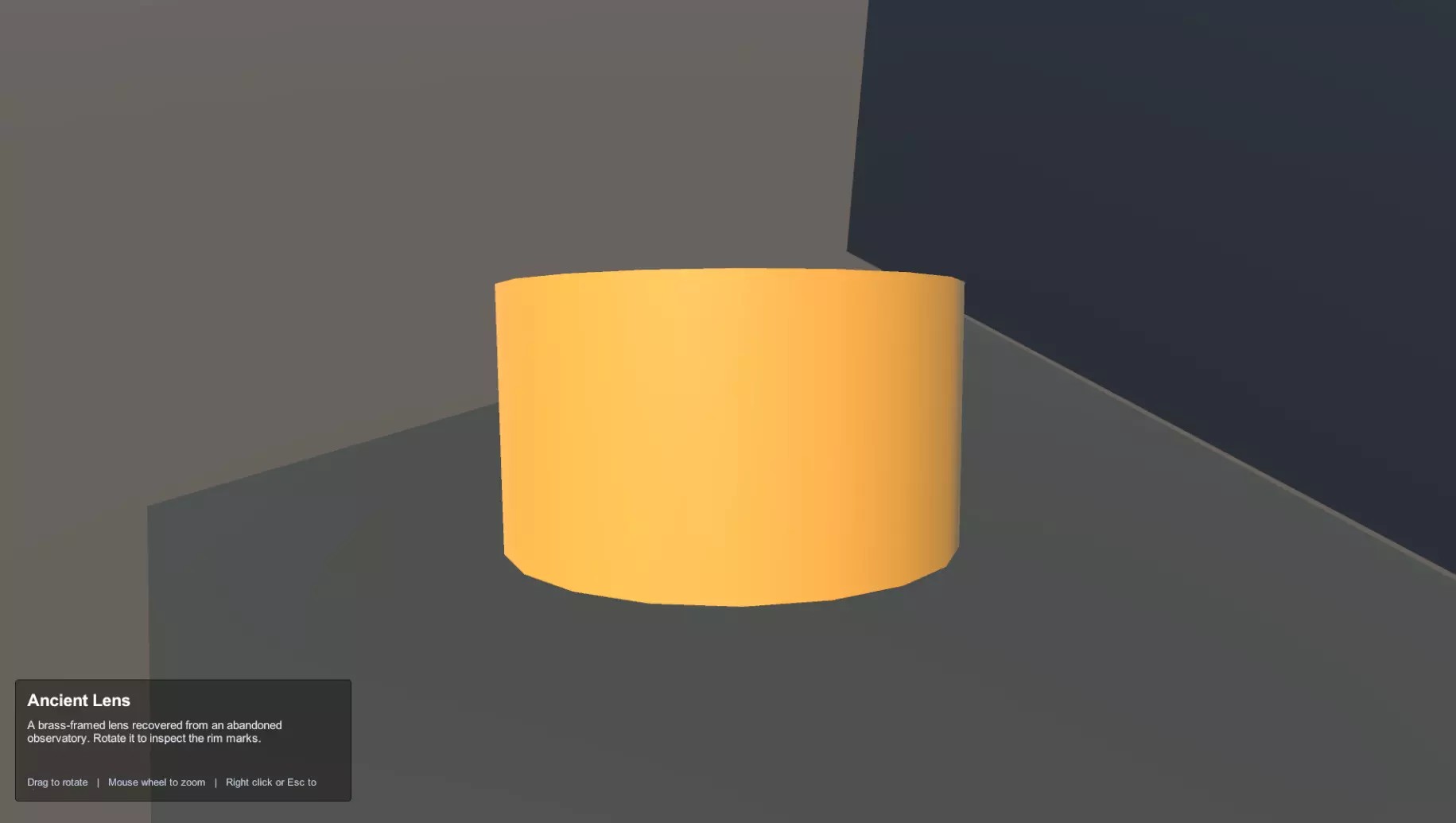
After picking up an object, the player enters inspection mode.
The object is positioned in front of the camera and can be rotated, zoomed, examined, and closed using simple controls.
Inspection Controls
-
Mouse Drag
Rotate the object while inspecting. -
Mouse Wheel
Zoom in and out. -
Right Mouse Button
Close inspection mode. -
Esc
Close inspection mode.
📄 Item Title & Description
Every inspectable object can have its own display name and description.
This makes the system useful for clues, documents, story props, collectibles, inventory previews, quest objects, and puzzle items.
Per-Object Data
- Display name
- Description text
- Inspection offset
- Inspection rotation
- Inspection scale
🛠️ Easy Customization
The package is designed to be simple to customize and adapt to your project.
You Can Customize
- Replace demo models with your own meshes or prefabs
- Edit item names
- Edit item descriptions
- Adjust inspection position
- Adjust inspection rotation
- Adjust inspection scale
- Change pickup distance
- Configure interaction layers
- Replace the IMGUI overlay with your own Canvas UI
📦 Rigidbody Support
The system supports objects with Rigidbody components.
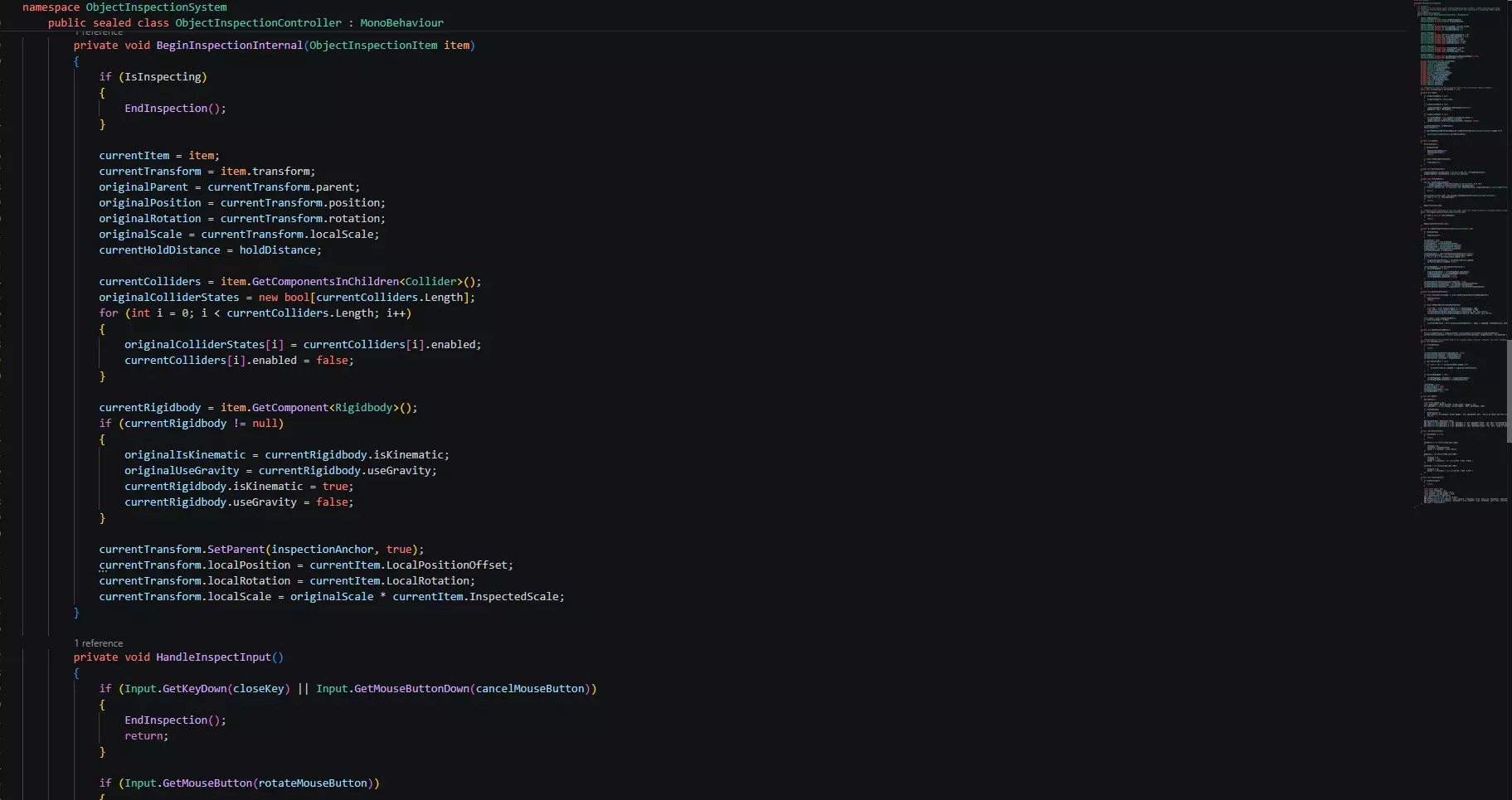
When an object is inspected, physics settings are temporarily disabled so the item can be held and rotated cleanly. After inspection is closed, the original physics settings are restored.
Physics Workflow
- Detects Rigidbody objects
- Disables physics behavior during inspection
- Restores physics settings after closing
- Useful for props, pickups, tools, and physical objects
🖥️ Built-In UI
Object Inspection System includes a simple built-in interface for displaying object information.
Included UI Elements
- Crosshair
- Simple description overlay
- Item title display
- Item description display
- IMGUI-based example UI
The built-in overlay is useful for quick setup, but you can replace it with your own Canvas UI for a custom project interface.
🧪 Demo Scene Included
The included demo scene shows the full object inspection workflow.
Demo Scene Includes
- Simple first-person controller
- Inspectable demo objects
- Crosshair
- Pickup logic
- Object rotation
- Zoom controls
- Description UI
- Primitive example objects
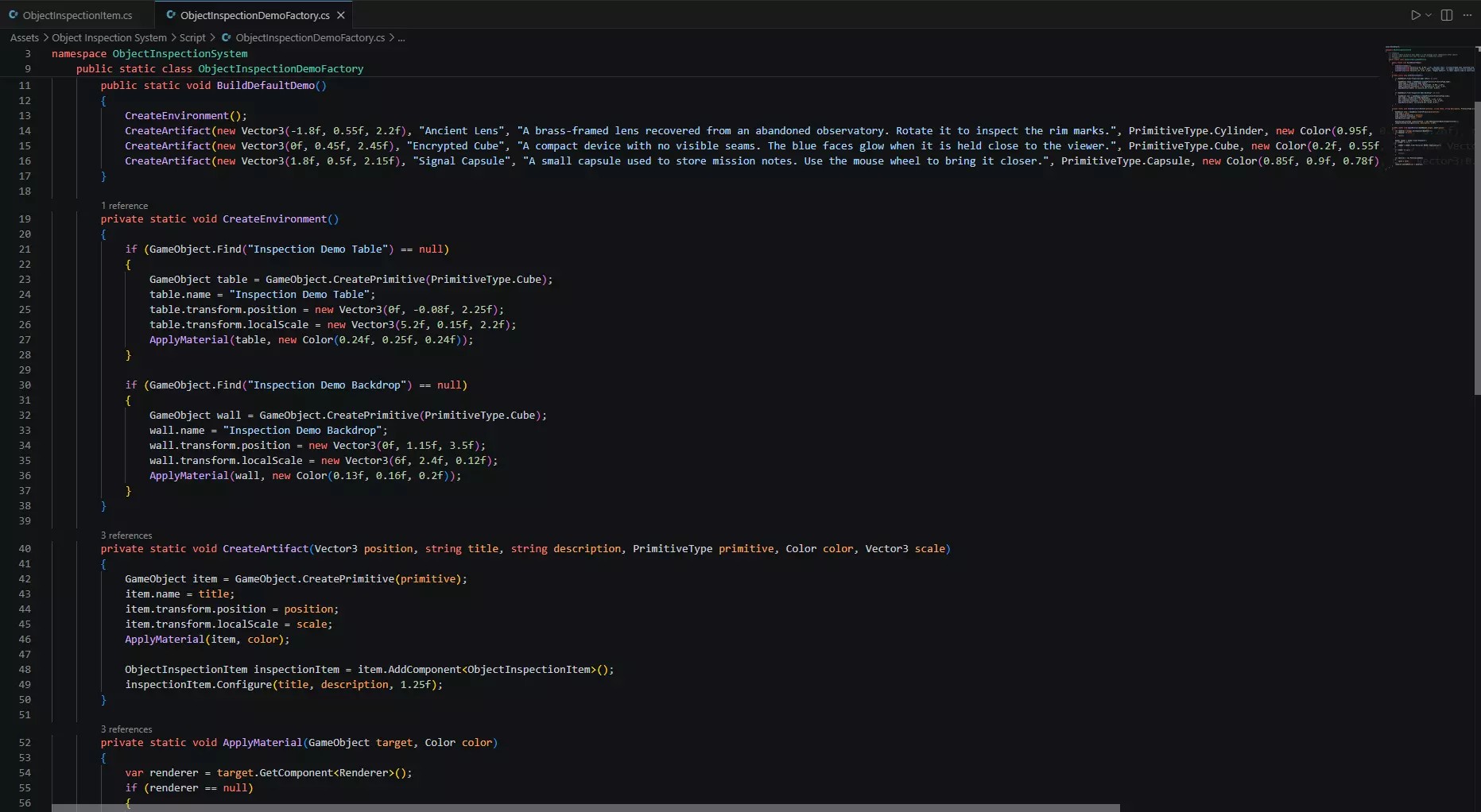
🧰 Editor Menu Tool
The package includes an editor menu tool for rebuilding the demo scene.
This is useful when testing the system, restoring sample content, or quickly creating a clean demo setup.
🎮 Suitable For
-
👻 Horror Games
Let players inspect keys, notes, tools, strange objects, clues, and story props. -
🗺️ Adventure Games
Add close-up examination for puzzle items and interactive props. -
🚪 Escape Rooms
Allow players to inspect clues, locks, codes, documents, and hidden objects. -
🔎 Detective Games
Examine evidence, objects, documents, and important investigation items. -
📖 Narrative Games
Display item descriptions and story details through inspectable props. -
🎒 Inventory Previews
Show objects up close before using, equipping, or collecting them.
📦 Included
- Object inspection controller
- Inspectable object component
- First-person demo controller
- Ready-to-use first-person player prefab
- Standalone object inspection controller prefab
- Crosshair
- Simple description overlay
- Demo scene
- Primitive inspectable objects
- Editor menu tool
- PDF documentation
- Markdown documentation
⚙️ Technical Details
Player Controller
- First-person WASD movement
- Mouse look
- Demo controller included
Pickup
- Left-click pickup from the center of the screen
- No E-key pickup by default
- Collider-based pickup
- Configurable pickup distance
- Configurable layer masks
Inspection
- Mouse-drag object rotation
- Mouse-wheel zoom
- Configurable zoom limits
- Right-click close
- Esc close
- Per-object inspection offset
- Per-object inspection rotation
- Per-object inspection scale
Object Information
- Per-object display name
- Per-object description
- Built-in description overlay
Physics
- Rigidbody support
- Physics disabled during inspection
- Physics restored after inspection
UI
- Built-in crosshair
- Simple IMGUI description overlay
- Canvas UI replacement possible
Dependencies
- No external dependencies
- Uses Unity built-in input
- Uses IMGUI for the included overlay
📖 Documentation
Documentation is included to explain setup, controls, object configuration, customization, prefabs, and demo scene usage.
- PDF documentation included
- Markdown documentation included
🔍 Add Close-Up Object Inspection
Add first-person item pickup, rotation, zoom, object titles, descriptions, crosshair interaction, and inspection UI to your Unity project.
Object Inspection System provides a simple and flexible foundation for examining props, clues, documents, inventory items, and interactive objects up close.
Purchase
In order to download this asset pack you must purchase it at or above the minimum price of $3.04 USD. You will get access to the following files:
Leave a comment
Log in with itch.io to leave a comment.