
Material Painter Pro
A downloadable asset pack for Windows, macOS, Linux, and Android
Material Painter Pro
Material Painter Pro is a Unity Editor extension designed to make material assignment, replacement, and scene dressing much faster directly inside the Scene View.
Instead of repeatedly dragging materials from the Project window onto individual objects, you can paint materials with a simple click or hold the left mouse button and drag across multiple objects.
Key Features
- Paint materials directly in the Unity Scene View
- Click-to-paint workflow
- Hold LMB + drag for continuous painting
- No Collider required for target picking
- Single Brush mode
- Radius Brush mode
- Material Slot selection
- Auto Material Slot
- Paint Children option
- Selected Only filter
- Layer Mask filtering
- Eyedropper tool
- Reusable Material Palettes
- Palette hotkeys 1-9
- Weighted Random material painting
- Avoid immediate random repeats
- Replace materials in selected objects
- Replace materials across the current scene
- Material Finder
- Scene Material Statistics
- Reusable Painter Profiles
- Unity Undo / Redo support
- Paint strokes grouped into a single Undo operation
- Prefab override recording
Fast Scene View Workflow
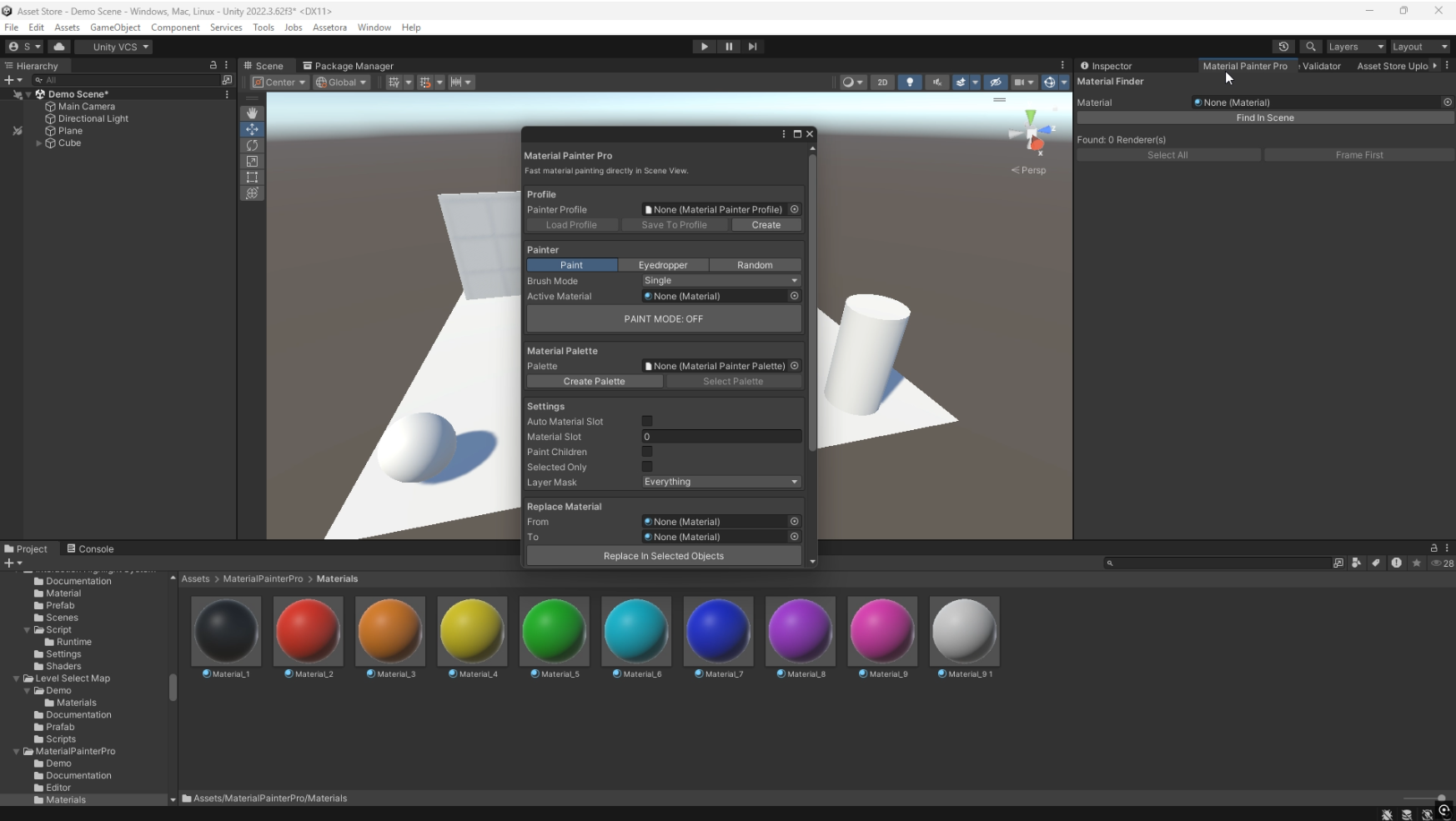
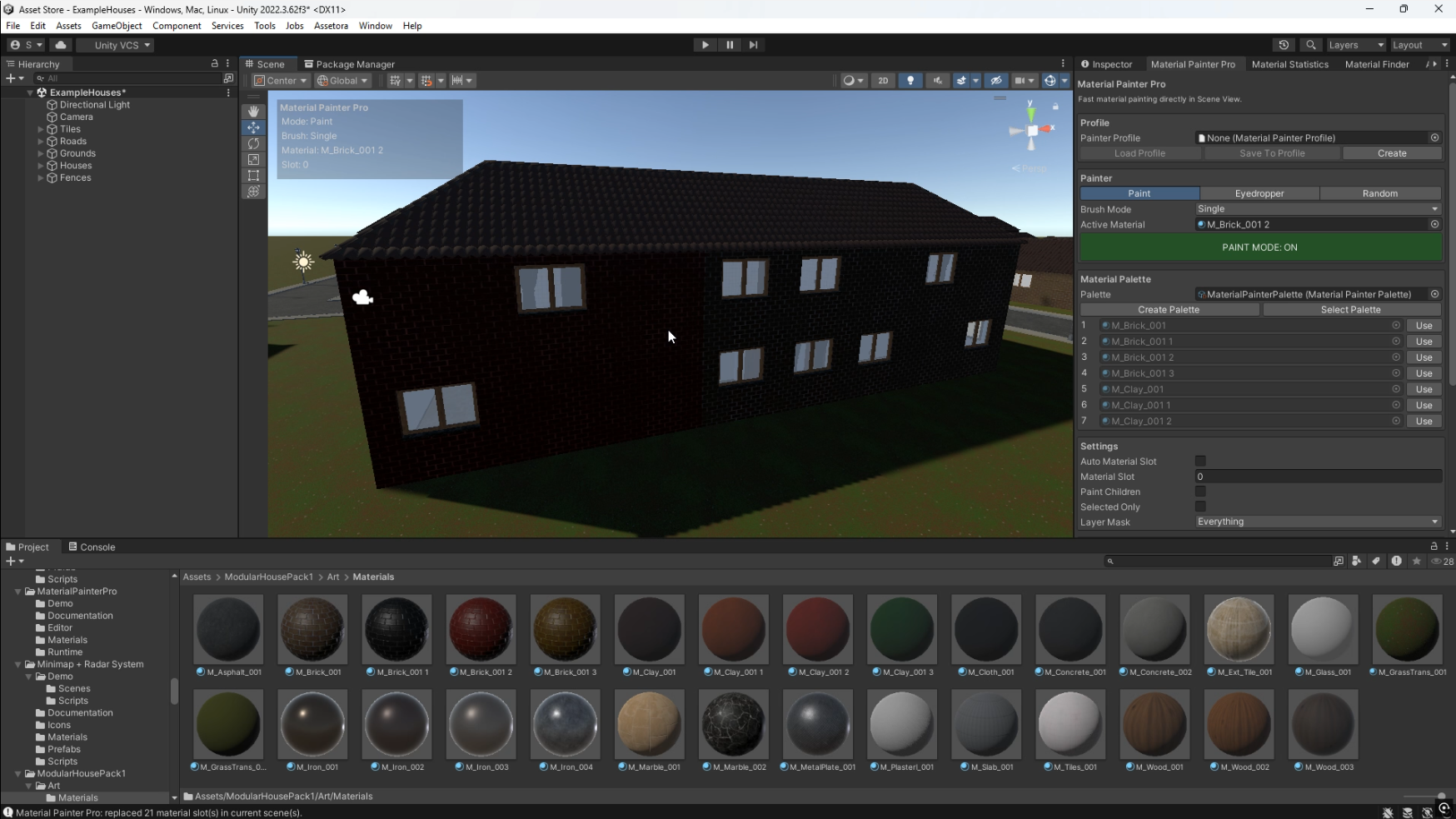
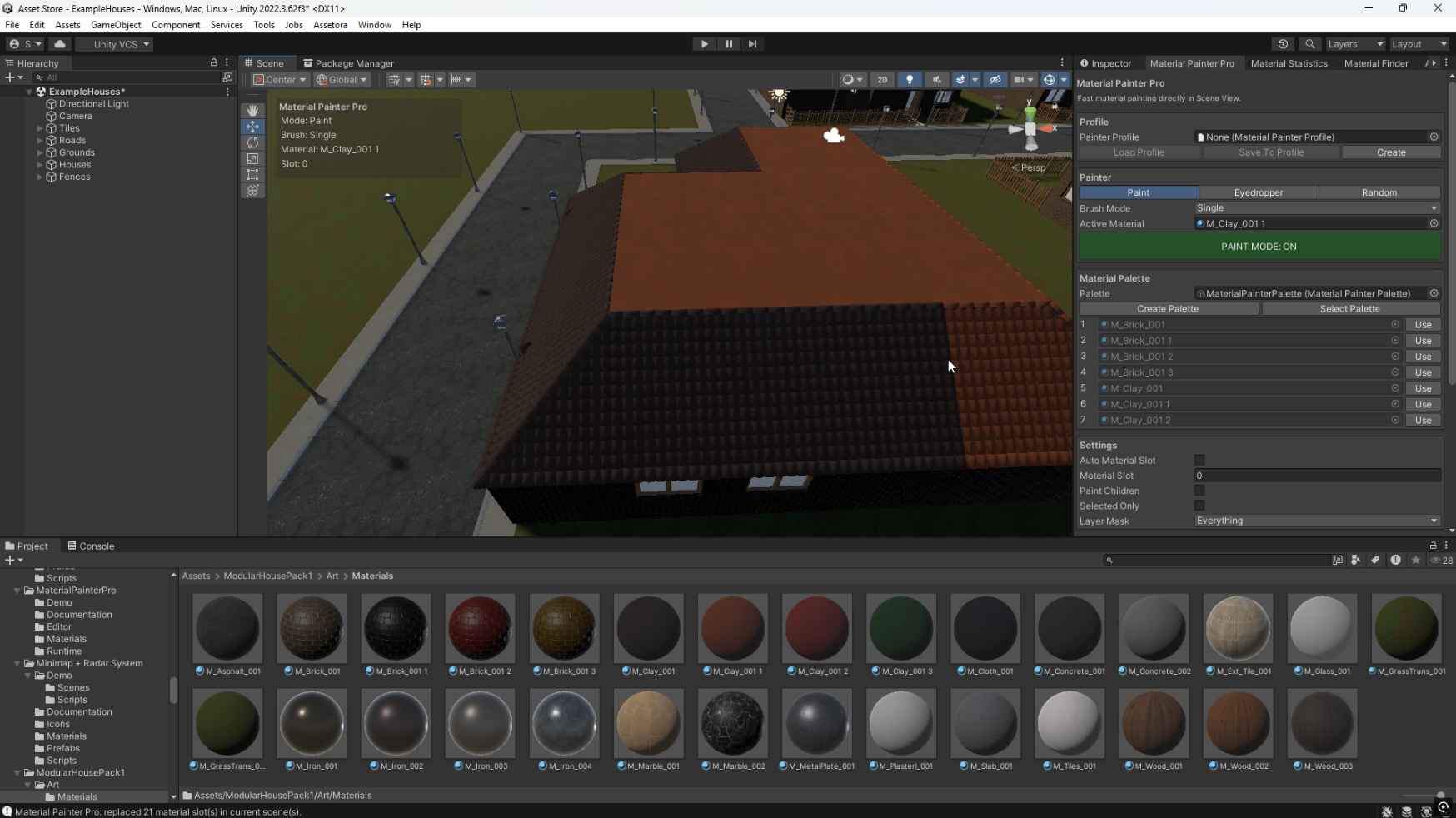
Select your material, enable Paint Mode, and start painting directly in the Scene View.
You can click individual objects for precise control or hold the left mouse button and move across multiple objects for fast continuous painting.
This is especially useful when working with:
- Large environments
- City scenes
- Buildings and architecture
- Modular level design
- Repeated props
- Environment variations
- Open world scenes
Material Palettes
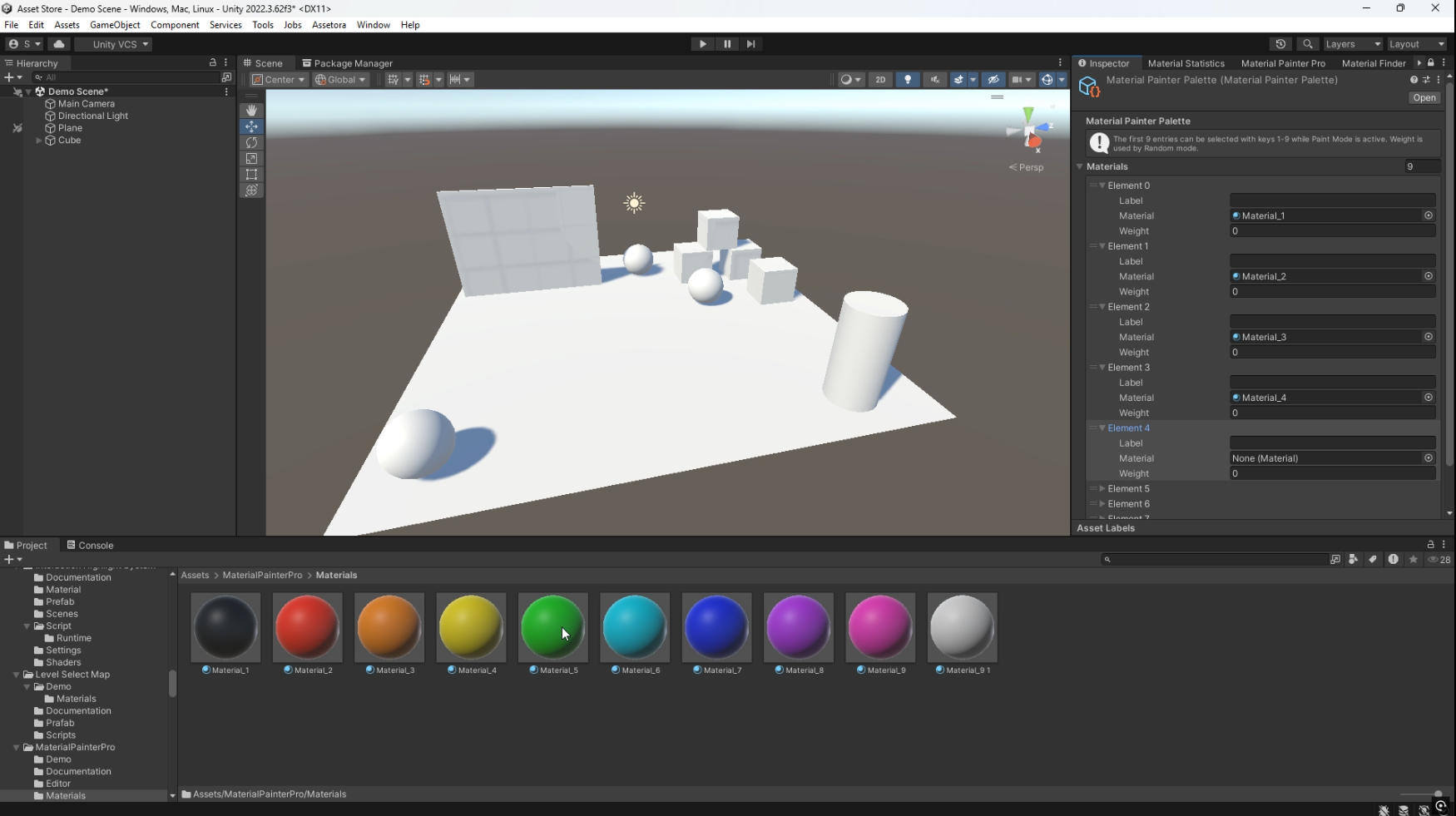
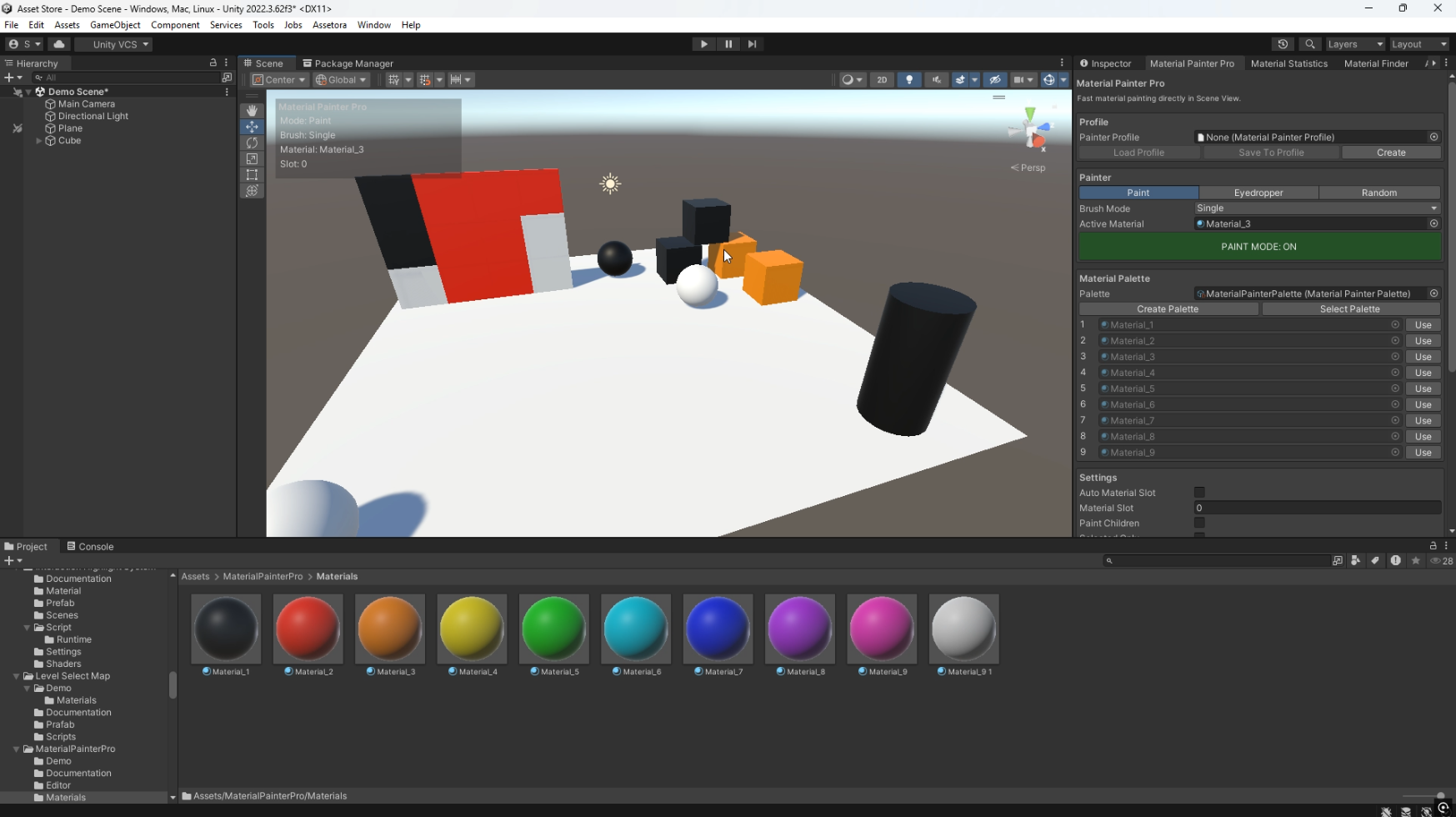
Create reusable Material Palettes containing your most frequently used materials.
The first nine materials can be selected instantly with keyboard shortcuts 1-9 while Paint Mode is active.
Each palette entry can also contain a custom weight for use with Random Mode.
Weighted Random Painting
Random Mode allows Material Painter Pro to automatically select materials from your active palette while painting.
You can control how frequently each material appears using weight values, making it easy to create natural variation across repeated buildings, walls, roofs, props, and environment objects.
Eyedropper
Quickly sample a material from an existing object directly in the Scene View.
After sampling, the selected material becomes your active paint material so you can immediately continue painting.
Material Replacement
Replace one material with another across selected GameObjects or the entire current scene.
This is useful for:
- Replacing placeholder materials
- Updating old materials
- Changing environment themes
- Testing different visual styles
- Managing large modular scenes
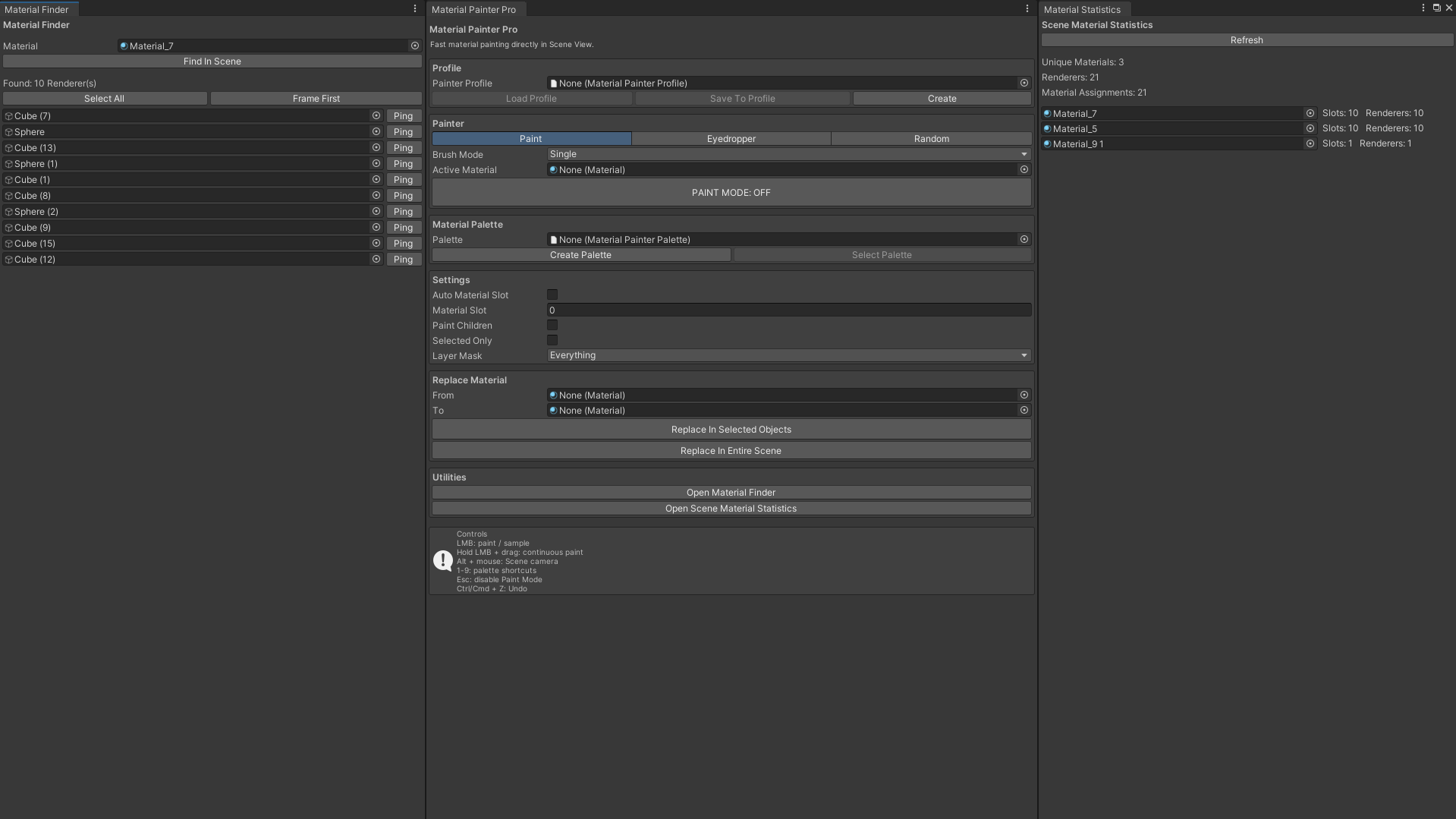
Material Finder
Search your scene for every Renderer using a specific material.
Quickly select or locate objects using that material without manually searching through the Hierarchy.
Scene Material Statistics
Analyze material usage in your scene and view useful information such as:
- Total unique materials
- Total Renderers
- Material assignment count
- Number of Renderers using each material
Painter Profiles
Save your most commonly used Material Painter Pro settings into reusable profiles.
Profiles can store:
- Material Palette
- Material Slot
- Auto Material Slot
- Paint Children
- Selected Only
- Layer Mask
- Brush Radius
- Random repeat protection
Undo Support
Material Painter Pro integrates with Unity's Undo system.
A continuous paint stroke is grouped into a single Undo operation, making large painting actions easy to revert.
Fully Customizable
Material Painter Pro works with your own:
- Materials
- Shaders
- Prefabs
- GameObjects
- Layers
- Palettes
- Profiles
The package does not paint textures, modify UVs, or require custom shaders. It focuses on making material assignment and material management faster inside the Unity Editor.
Quick Start
- Import Material Painter Pro into your Unity project.
- Open Tools → Material Painter Pro → Open Painter.
- Select an Active Material.
- Enable Paint Mode.
- Click objects or hold LMB and drag across the Scene View.
- Use Alt + Mouse to control the normal Scene camera.
- Press Esc to disable Paint Mode.
Perfect For
Material Painter Pro can be used in almost any type of Unity project, including:
- Horror
- FPS
- Open World
- City Builder
- Medieval
- Sci-Fi
- Stylized Games
- Simulation
- Architectural Visualization
- Environment Art
Unity Asset Store


Material Painter Pro helps reduce repetitive material assignment and keeps more of your workflow directly inside the Scene View.
Purchase
In order to download this asset pack you must purchase it at or above the minimum price of $24.49 USD. You will get access to the following files:
Leave a comment
Log in with itch.io to leave a comment.