
Level Select Map + Progress For Unity
A downloadable asset pack for Windows, macOS, Linux, and Android


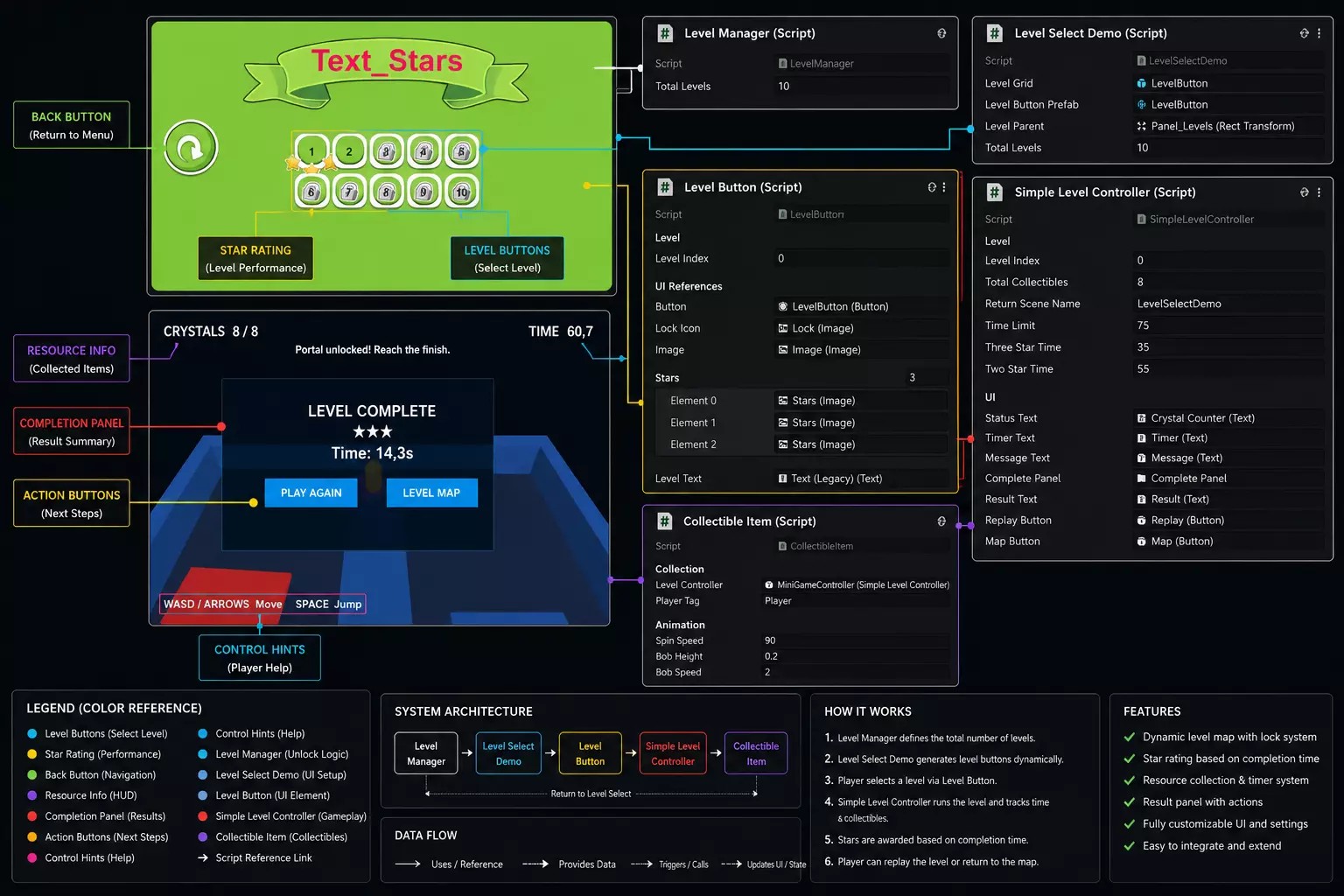
Level Select Map & Progress System is a complete level selection framework for Unity, designed for 2D, mobile, casual, puzzle, and platformer games.
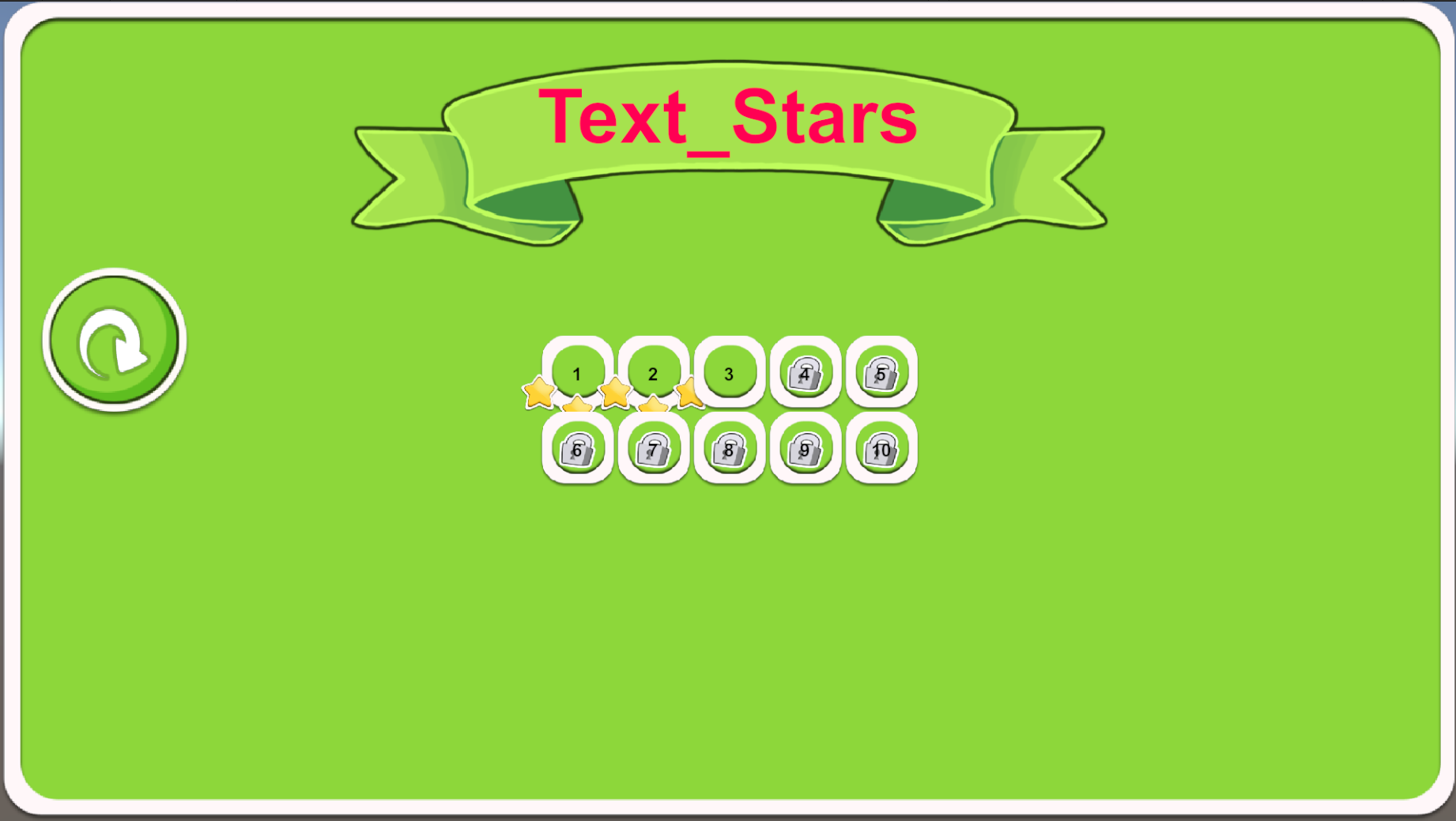
Create a world map–style level selector with locked levels, progress tracking, star ratings, and smooth transitions, all without complex setup or custom backend logic.
Perfect for games inspired by Candy Crush, Angry Birds, Cut the Rope, and other level-based experiences.
✨ Key Features
✔ World Map Level Selection
-
Clickable level buttons
-
Smooth camera movement
-
Scrollable or fixed maps
✔ Progress & Unlock System
-
Sequential level unlocking
-
Manual unlock control
-
Save & load player progress
✔ Star Rating System
-
1–3 stars per level
-
Custom star conditions
-
Visual star indicators
✔ Level States
-
Locked / Unlocked / Completed
-
Replay completed levels
-
Optional score tracking
✔ Animations & Feedback
-
Button animations
-
Unlock effects
-
Smooth UI transitions
✔ Save System
-
PlayerPrefs or custom save support
-
Persistent progress data
-
Reset progress option
✔ Modular & Extendable
-
Clean C# code
-
Easy to add more levels or maps
-
No hard-coded level limits
✔ Mobile & PC Friendly
-
Touch & mouse input
-
Scales to all resolutions
-
Optimized performance
🕹️ Perfect For
-
Mobile & casual games
-
Puzzle & platformer games
-
2D & stylized 3D projects
-
Indie & solo developers
-
Game jams & prototypes
🛠️ Technical Details
-
Render Pipeline: Built-in / URP / HDRP
-
Platforms: PC, Mobile, Console
-
Code: C#
-
UI: Unity UI (UGUI)
-
Dependencies: None
📦 Package Includes
-
Level Select Map system scripts
-
World map UI prefabs
-
Star & progress system
-
Demo scene with example levels
-
Documentation (PDF / TXT)
Purchase
In order to download this asset pack you must purchase it at or above the minimum price of $3.04 USD. You will get access to the following files:
Development log
- Level Select Map + Progress System51 days ago

Comments
Log in with itch.io to leave a comment.
Demoların içi boş gerekli şeylerin bazıları da eksik
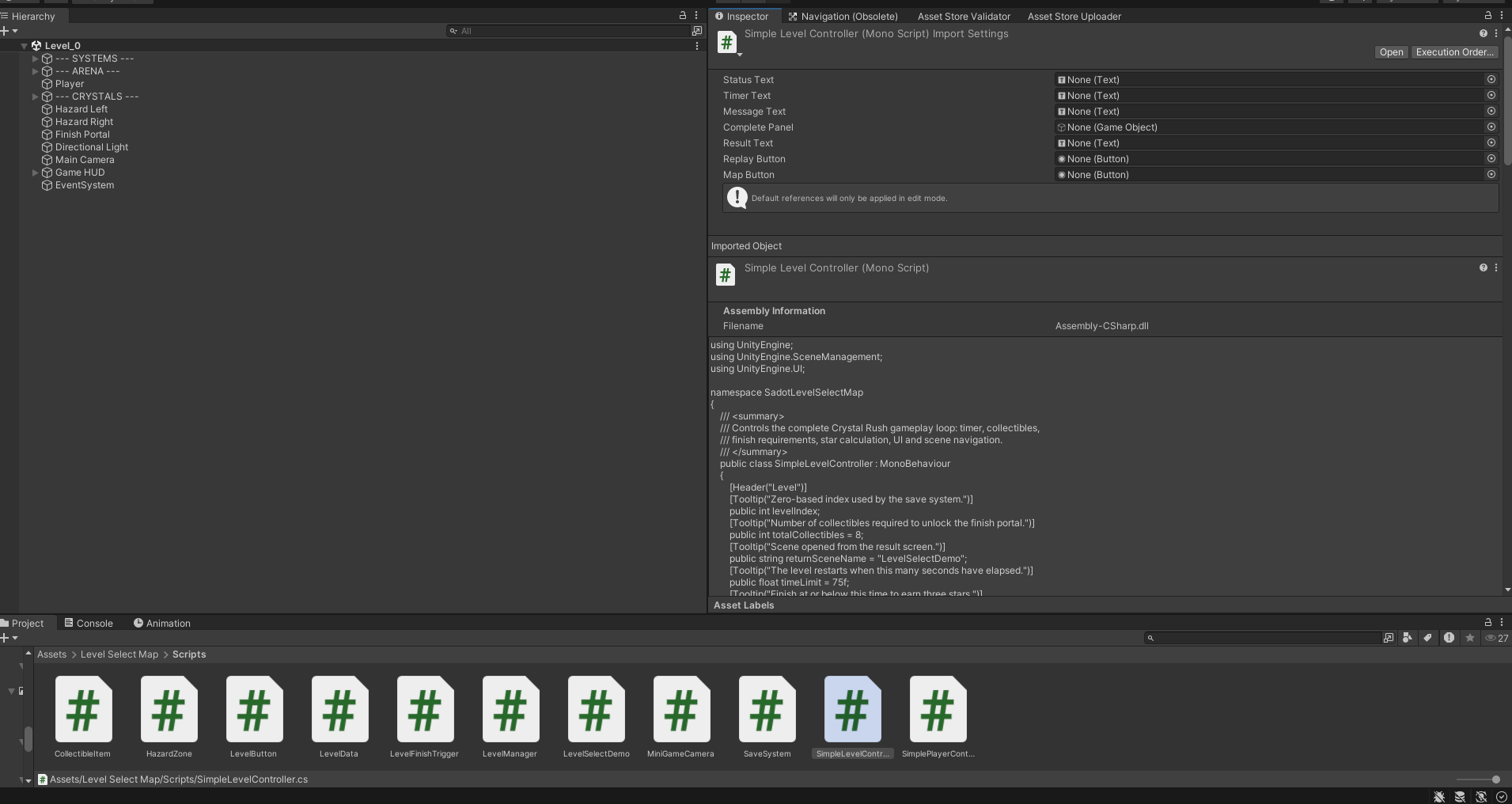
There are 2 empty scenes included in the asset. These scenes are intended for custom setup, so you can configure and build the systems/features you need for your own project.
There is also 1 main chapter scene included, which contains the level selection menu and all core settings/setup examples.