
Interaction Highlight System
A downloadable asset pack for Windows, macOS, Linux, and Android

✨ Interaction Highlight System
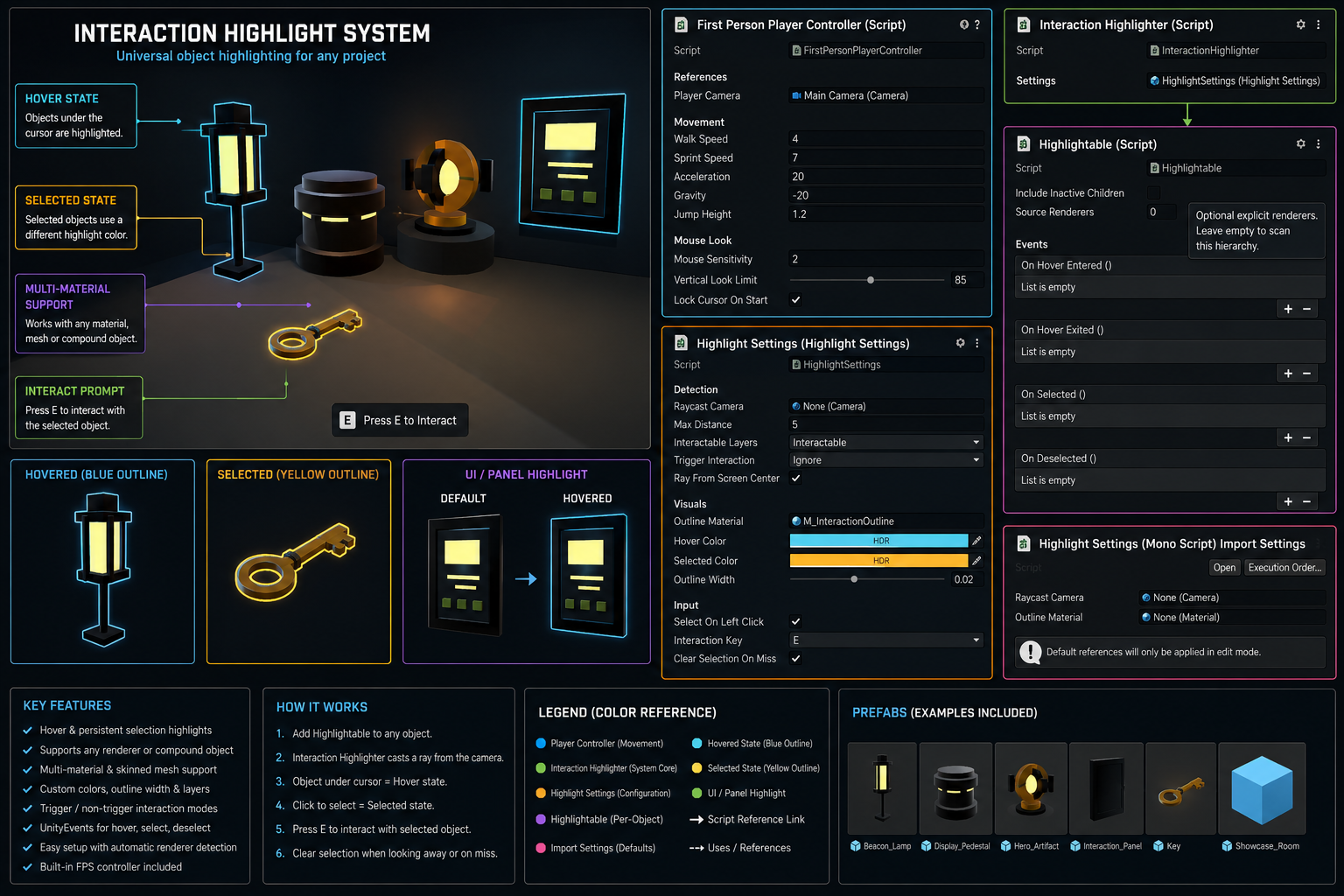
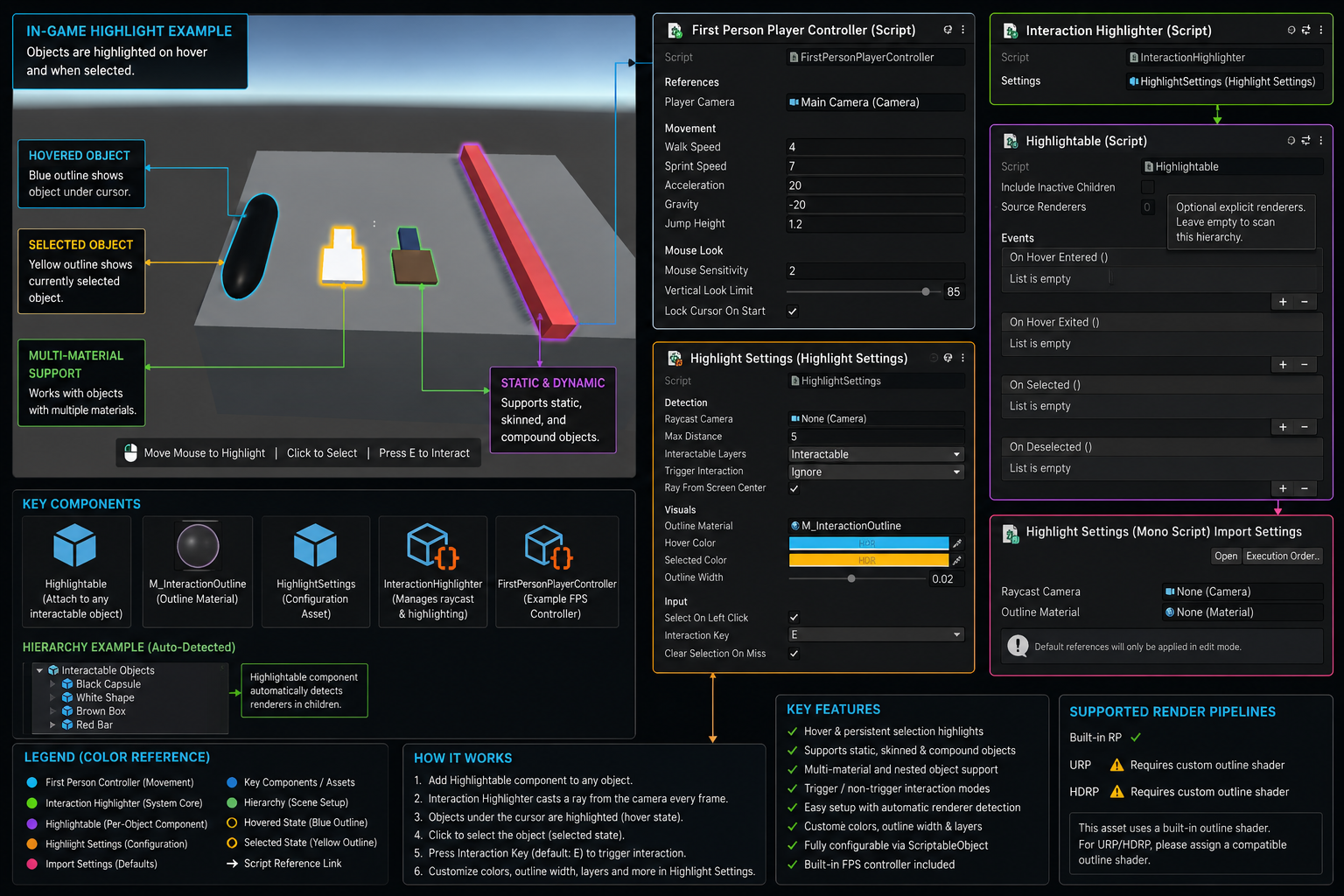
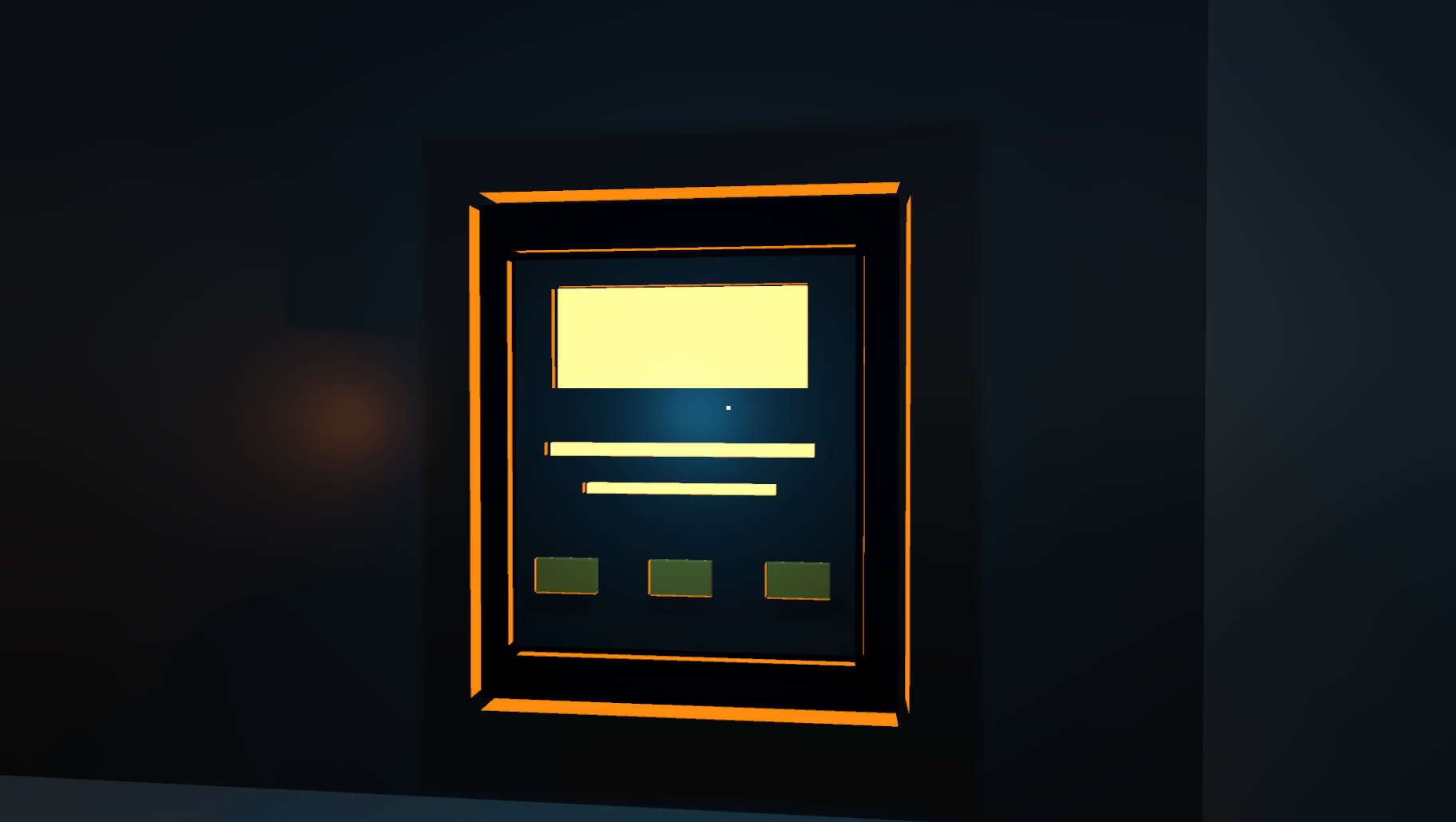
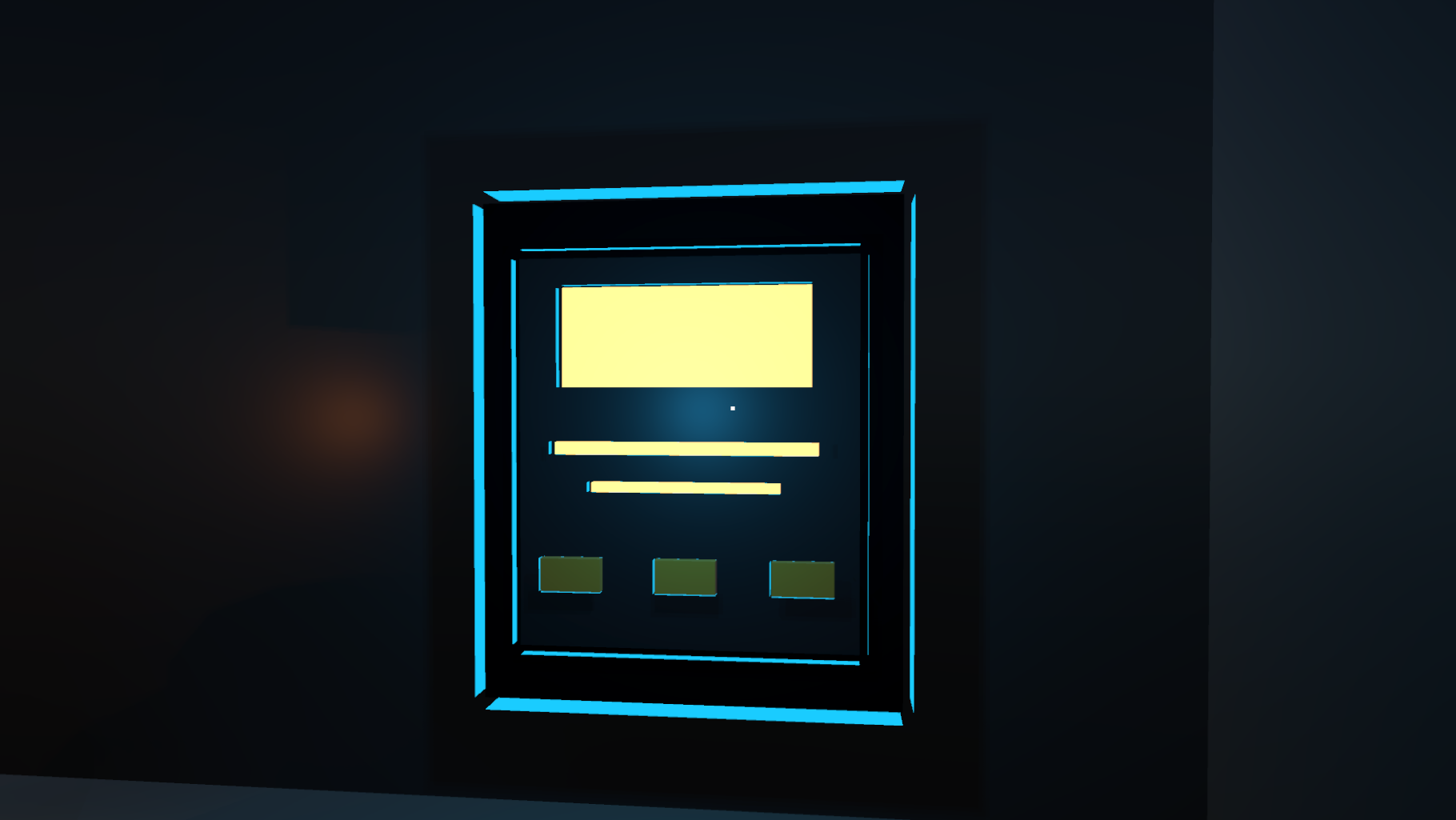
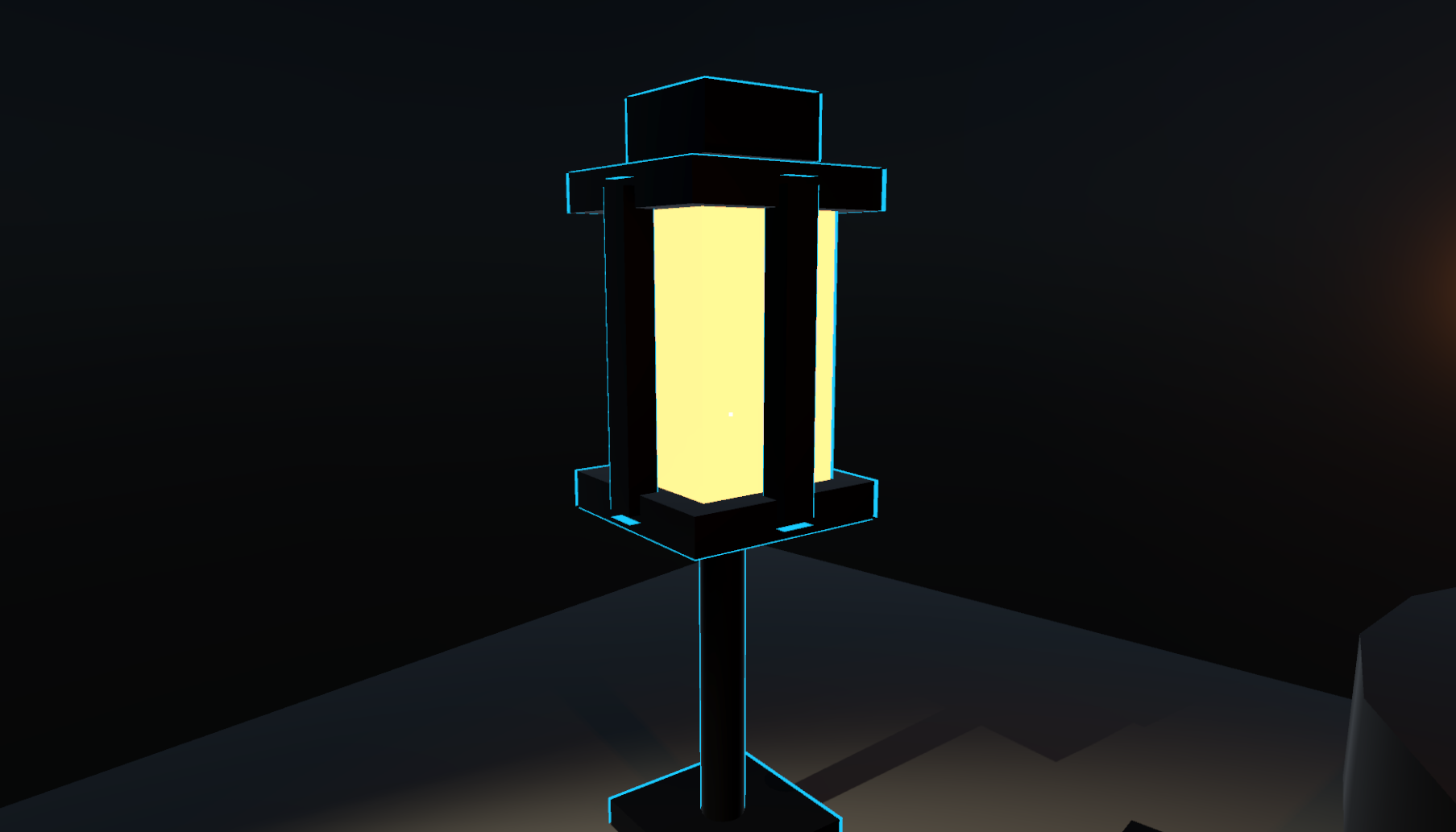
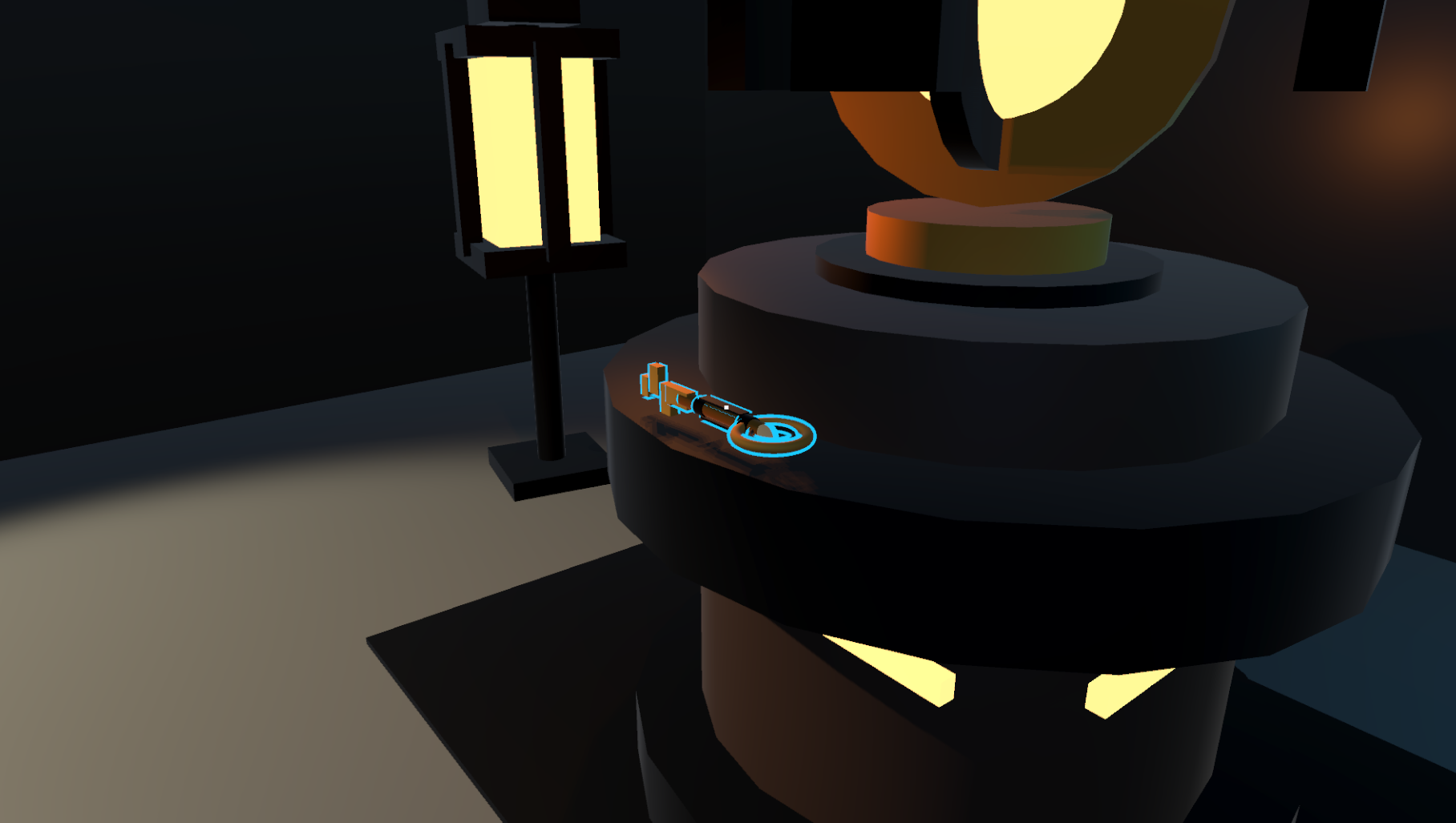
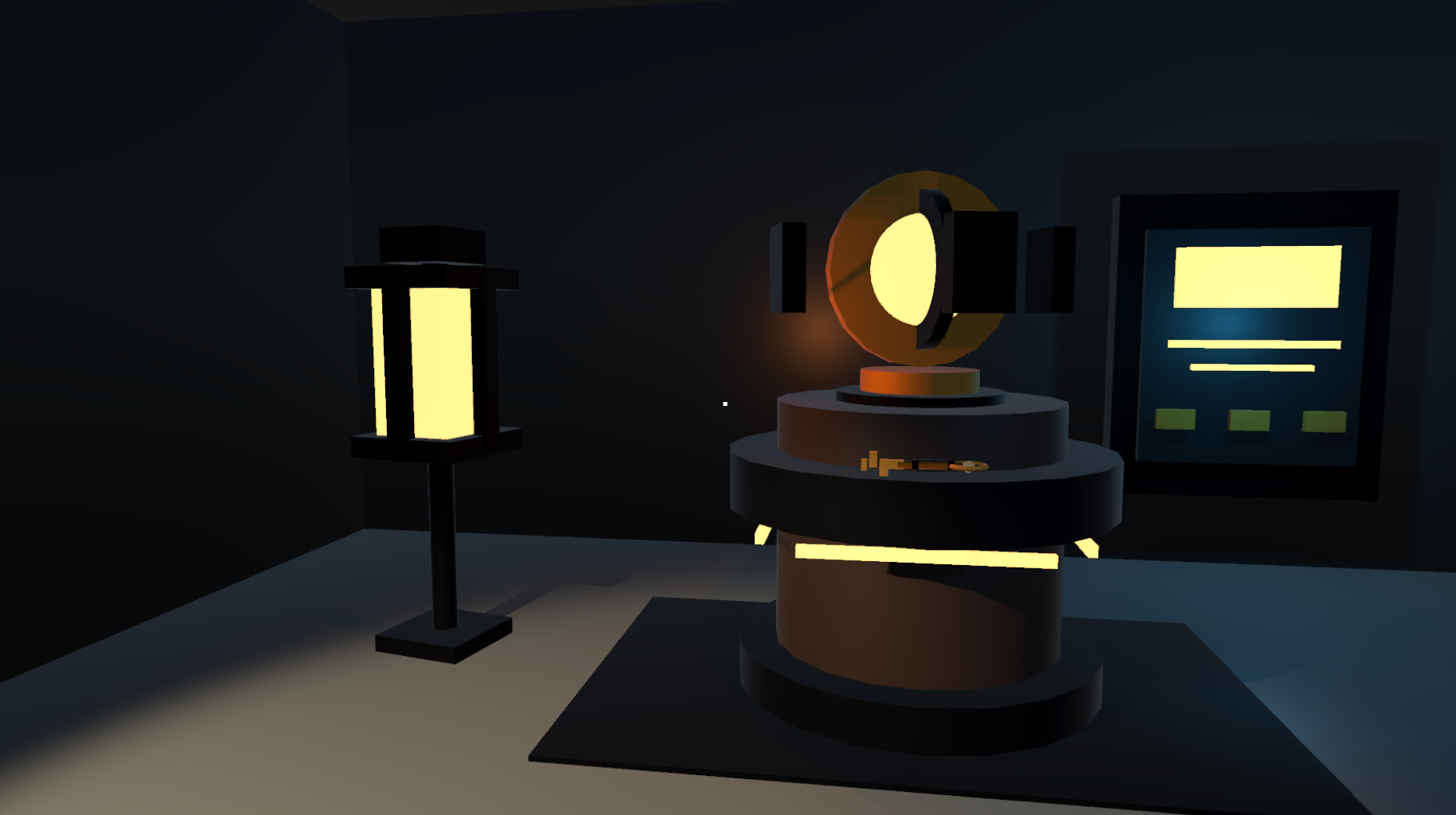
Interaction Highlight System is a customizable Unity solution for highlighting interactive 3D objects when they are hovered over or selected.
The system supports temporary hover outlines, persistent selection states, multiple interaction modes, complex mesh setups, UnityEvents, and a public runtime API for integration with other gameplay systems.
Add clear visual feedback to interactive objects and connect highlighting
with inspection, inventory, quest, pickup, dialogue, or custom interaction mechanics.
⚡ Main Features
-
Hover Highlighting
Show an outline automatically when the player points at an interactive object. -
Persistent Selection
Keep selected objects highlighted until they are deselected or replaced. -
Multiple Mesh Types
Supports static meshes, skinned meshes, compound objects, and multi-material objects. -
Customizable Visuals
Configure hover color, selection color, outline width, HDR color values, and interaction settings. -
Two Interaction Modes
Use mouse-pointer interaction or first-person screen-center raycasting. -
UnityEvents Support
Connect custom actions to hover, exit, selection, and deselection events. -
Public Runtime API
Control object selection through code and integrate the system with other gameplay mechanics. -
Included FPS Controller
Test the system using a ready CharacterController-based first-person controller. -
Setup Wizard
Automatically prepare materials and settings for faster setup. -
No External Dependencies
Uses Unity components and included scripts without third-party runtime packages.
👁️ Hover Highlighting
Interactive objects can automatically display an outline when detected by the interaction raycast.
Hover feedback helps players immediately understand which objects can be inspected, selected, picked up, activated, or used.
Hover Configuration
- Custom hover color
- HDR color support
- Adjustable outline width
- Configurable interaction distance
- LayerMask filtering
- Hover enter event
- Hover exit event
🎯 Persistent Selection
Objects can remain highlighted after interaction using the persistent selection system.
This is useful for inventory previews, object inspection, building systems, quest objects, selected units, or any mechanic where the current target should remain visible.
Selection Features
- Persistent selected state
- Separate selection color
- Select and deselect events
- Public runtime control
- Custom input support
- Automatic visual state switching
🧩 Advanced Mesh Support
Interaction Highlight System is designed to work with different object structures, from simple props to more complex animated or compound GameObjects.
Supported Object Types
- Static Mesh Renderer objects
- Skinned Mesh Renderer objects
- Compound objects
- Multi-material meshes
- Child renderer detection
- Child collider detection
- Objects with multiple renderers
🖱️ Interaction Modes
The system supports different interaction styles for different types of projects.
Mouse Pointer Mode
Detect interactive objects directly under the mouse cursor. This mode is useful for simulation games, strategy interfaces, inventory scenes, object viewers, and desktop applications.
Screen-Center Mode
Use a raycast from the center of the camera for first-person interaction. This mode is suitable for exploration, horror, adventure, and simulation games.
- Mouse-pointer raycasting
- Screen-center raycasting
- Adjustable interaction range
- LayerMask filtering
- UI pointer blocking
🔗 UnityEvents Integration
Interaction Highlight System includes UnityEvents for connecting object interaction with other systems without requiring additional hard-coded references.
Available Events
-
Hover
Trigger actions when the player starts hovering over an object. -
Exit
Trigger actions when the interaction focus leaves the object. -
Select
Trigger actions when the object becomes selected. -
Deselect
Trigger actions when the object is deselected.
💻 Public Runtime API
Developers can control object selection through code, making the system easy to connect with custom gameplay mechanics.
Possible Integrations
- Inventory systems
- Quest systems
- Object inspection systems
- Pickup systems
- Dialogue interactions
- Building systems
- Unit selection systems
- Custom interaction frameworks
Use the included interaction logic directly or control selection states from your own gameplay scripts.
🎮 Included FPS Controller
A simple CharacterController-based first-person controller is included for testing and demonstration.
Controller Features
- WASD movement
- Mouse look
- Sprinting
- Jumping
- Cursor locking
- Cursor visibility control
- First-person interaction support
The included controller can be used for testing or replaced with your own player controller.
⚙️ Customizable Settings
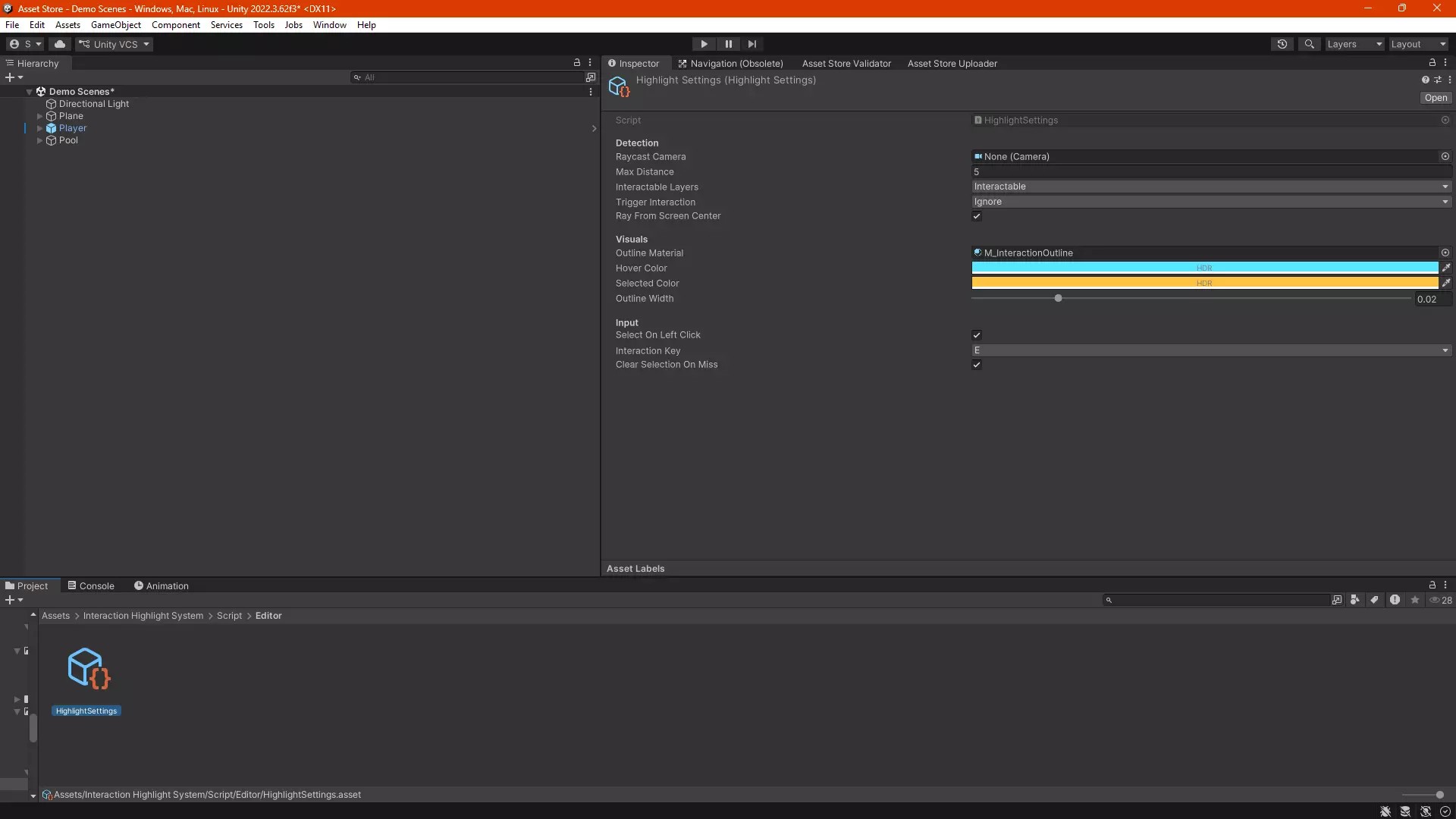
Important interaction and visual settings can be configured directly through the Unity Inspector.
You Can Configure
- Hover color
- Selection color
- HDR color intensity
- Outline width
- Interaction distance
- Interaction layers
- Input keys
- Interaction mode
- Raycast behavior
- Selection behavior
🛠️ Automatic Setup Wizard
The included Setup Wizard helps prepare the required materials and settings for the highlight system.
Setup Support
- Automatic material setup
- Settings preparation
- Reduced manual configuration
- Faster first-time integration
🎮 Suitable For
-
🔦 First-Person Games
Highlight doors, items, tools, puzzles, switches, and interactive props. -
🗺️ Adventure Games
Give clear feedback for objects that can be inspected or activated. -
🏭 Simulation Games
Highlight machines, tools, controls, vehicles, and workstation objects. -
🔍 Object Inspection Systems
Select 3D objects and connect them to rotation, zoom, information, or inventory interfaces. -
🎒 Inventory Scenes
Highlight selectable items and persistent current selections. -
🧪 Prototypes
Quickly add interaction feedback while testing gameplay ideas.
🎨 Render Pipeline Compatibility
The included outline shader is designed for Unity's Built-in Render Pipeline.
Pipeline Support
-
Built-in Render Pipeline
Supported by the included outline shader. -
URP
Requires a compatible replacement outline shader. -
HDRP
Requires a compatible replacement outline shader.
📋 Technical Details
Unity Version
- Unity 2022.3 or newer
Interaction System
- Hover highlighting
- Persistent selection state
- Screen-center raycasting
- Mouse-pointer raycasting
- Configurable interaction distance
- LayerMask filtering
- E key interaction support
- Left mouse button interaction support
- UI pointer blocking through Unity EventSystem
Renderer Support
- Static Mesh Renderer
- Skinned Mesh Renderer
- Compound objects
- Multi-material objects
- Child collider detection
- Child renderer detection
Visual System
- Adjustable HDR hover colors
- Adjustable HDR selection colors
- Adjustable object-space outline width
- MaterialPropertyBlock customization
- ScriptableObject-based configuration
Events & API
- Hover UnityEvent
- Exit UnityEvent
- Select UnityEvent
- Deselect UnityEvent
- Public runtime selection API
FPS Controller
- CharacterController-based movement
- WASD controls
- Mouse look
- Sprint support
- Jump support
- Cursor control
Input & Dependencies
- Legacy Input Manager compatible
- No external dependencies
📖 Documentation & Source Code
The package includes complete offline documentation and clean C# source code designed for customization and learning.
- Complete offline PDF documentation
- Setup instructions
- Usage information
- Configuration notes
- Clean C# source code
- English source-code comments
✨ Make Interactive Objects Clear
Add responsive hover feedback, persistent selection, configurable outlines, interaction events, and runtime integration to your Unity project.
Interaction Highlight System provides a flexible visual interaction foundation for games and applications featuring interactive 3D objects.
Purchase
In order to download this asset pack you must purchase it at or above the minimum price of $3.04 USD. You will get access to the following files:
Development log
- Interaction Highlight System 1.1.0 Update15 hours ago
Leave a comment
Log in with itch.io to leave a comment.